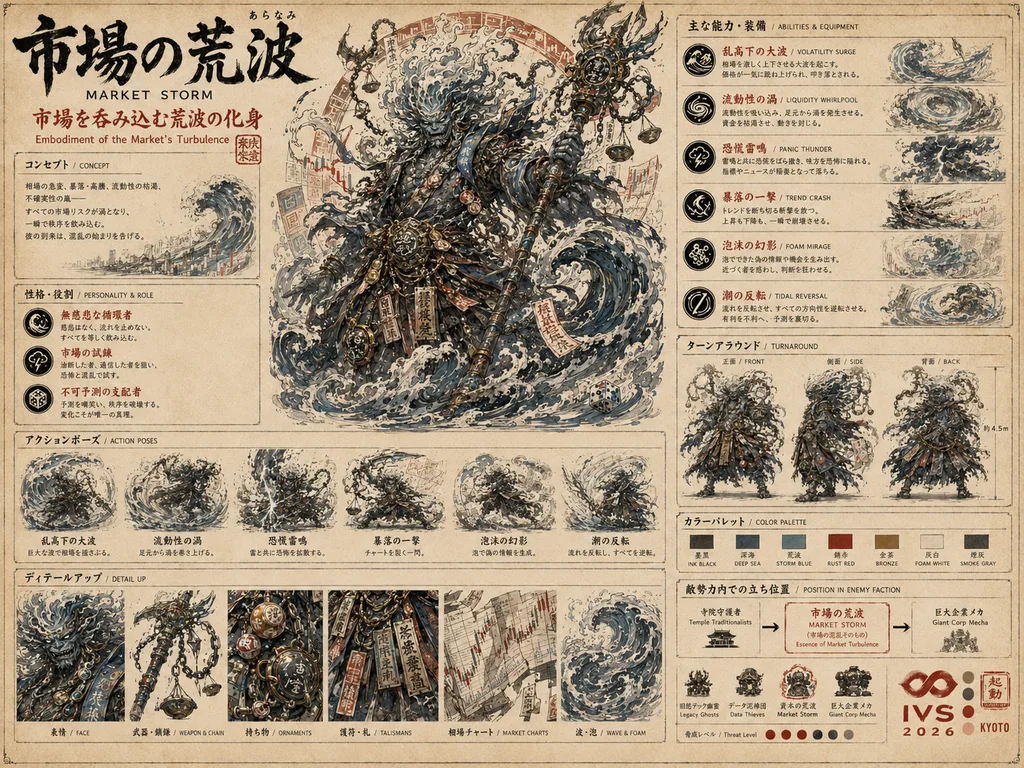
★ ANCHOR
character
Character Format Anchor
キャラクター・フォーマット基準
ターンアラウンド・能力欄・色印譜・関連ドローン・三面図・物語上の位置 を全て備えた、シリーズ唯一の完成形キャラ設定資料。新規キャラの全シートは必ずこの構成と質感に従う。
market_storm→ 詳細ページ画像生成プロンプト指南 ── サムライカンフーくん シリーズ
本書は 完全データ駆動 のダッシュボード。lib/* の単一ソースを変更すると、ここの統計・プリセット・引用が自動更新される。
新規生成・再生成・採用判定の出発点として、まず冒頭の フォーマット参照 3 枚 と API プリセット を参照。
How To Read This Codex
本書は本プロジェクト専用の 「生成指南書」。生成ルールの正典はstoryboard-gen-spec.md とsite/lib/prompt-codex.ts、 汎用設計パターンは /docs にある。
A2「生成ワークフロー gen.mjs」 へ直行。 1 コマンドで DRY 確認 → 実生成まで通せる。
One Command — DRY then Generate
旧来の 5 手順 (dump / batch / sync / webp / check) を 1 コマンドに統合。 品質ガード (anchor 強制 / location 継承 / orientation 背面 / reveal 墨絵 / 12fps) は composer・checker に内蔵されている。
node site/scripts/gen.mjs ch12              # DRY: カット一覧 + anchor健全性 + 概算費用を表示して停止
node site/scripts/gen.mjs ch12 --go         # 実生成: batch→sync→webp→check まで一気に
node site/scripts/gen.mjs ch12 --missing-only --go   # 未生成カットだけ
anchor 未解決 (ドリフト危険) を検出すると --go を止める。
bootstrap 章は chapter_master に既存 curated マスターを当てるか、s1-c1-1 を先に生成する 2 フェーズ。
正典は CLAUDE.md §15。
Pre-Generation Checklist — Run Before Every Batch
1枚・1本でも必ずこの手順を踏む。承認なしで実行しない。
| 種別 | 定義 | 解像度 | quality | スクリプト |
|---|---|---|---|---|
| 絵コンテカット PNG | 字コンテの1カットを2048×1152の1枚絵に変換したもの。劇画スタイル。 | 2048×1152 | high | gen.mjs <chId> --go |
| シーンボード | 廃止 (2026-06-11) — 1シーン俯瞰の構図ボード。字コンテ + カット画像 + 動画が正であり冗長のため全廃。生成・表示・要求いずれも行わない。 | — | — | — |
| 映像 | 絵コンテカット PNG を first/last frame に動画化。Kling 3.0 Omni (mode=pro) 主軸。 | — | — | /storyboard UI コピー + Higgsfield MCP |
以下のフォーマットで生成リストを提示し、明示的な承認(「OK」「実行して」等)を得てから実行する。
【種別】絵コンテカット PNG — gen.mjs (composer/SoT 経由)
【解像度】2048×1152 / quality: high

| # | id      | サイズ    | 品質 | 内容概要               |
|---|---------|-----------|------|------------------------|
| 1 | s1-c1-1 | 2048×1152 | high | 沼辺の全景、霧の夜明け |
| 2 | s1-c2-1 | 2048×1152 | high | ハニワ腰〜頭 MS        |

合計 2 枚 / node site/scripts/gen.mjs ch04        # DRY 確認 → --go で実生成
【種別】映像 — /storyboard UI コピー (lib/video/prompt.ts ビルダー) + Higgsfield MCP

| # | id      | モデル               | 長さ | 内容             |
|---|---------|----------------------|------|------------------|
| 1 | s1-c1-1 | Kling 3.0 Omni (pro) | 5s   | ハニワ出土シーン |

合計 1 本 / 実行: Higgsfield MCP generate_video(コピーしたプロンプトを使用)
Series DNA — Always Prepended
すべての画像生成プロンプトに常時同梱されるシリーズ DNA。下の文字列は lib/prompt-codex.ts::BASE_PROMPT から live 読み出し。 ここを編集すると以後の全生成プロンプトが自動で追従する。
このブロックは下の 詠唱改変セクション (B1b) で編集可能(Blob overlay — コード変更なしで上書き・リセット)。
Create a high-quality character / item / environment design sheet for the IVS 2026 KYOTO myth-tech startup fantasy universe ("サムライカンフーくん" / "Samurai Kung-fu kun" series).

The artwork should look like an OFFICIAL concept-art dossier for a fictional startup event in Kyoto. The visual style is a serious fusion of ancient Japanese folklore, yokai design, Buddhist and Shinto visual language, samurai armor and kung-fu martial arts, cyberpunk startup technology, and traditional hand-drawn Japanese setting material.

Use an aged parchment background, ink linework, watercolor and gouache texture, red seal stamps, Japanese mincho calligraphy title, English subtitle, thin ruled panel borders, annotation boxes, detailed equipment diagrams, action pose panels, front / side / back turnaround, detail-up panels, signature items, drones, motif icons, and color palette swatches.

The layout should be dense but readable — like a professional setting sheet from a Japanese game art book, folklore archive, or weapon diagram. The main subject illustration should be LARGE and dominant on the left or center, with structured information panels around it.

The tone should be serious, mythological, slightly surreal, darkly humorous, and conceptually clever. When depicting an antagonist or trial, it must personify a real startup or business obstacle through a yokai or spiritual motif. When depicting a hero or guardian, it must carry mythic weight and folkloric gravity — never cute, never kawaii.

Blend modern business concepts into the design NATURALLY (not pasted on): contracts, funding pressure, burn rate, CAC, KPI dashboards, legal documents, HR recruitment, market valuation, AI systems, server parts, overtime culture, investor pressure, regulation, customer acquisition, data screens, drones, talismans, seals, chains, receipts, ledgers, dashboards, and hologram UI.

Use a strictly muted color palette: aged paper beige, ink black, clay brown, dark bronze, rust red, vermilion, antique gold, smoky blue, pale cyan hologram light, dull gray, off-white, and desaturated business-document colors.

Include subtle IVS 2026 KYOTO event motifs as small seals, red infinity-like icons, badges, or corner stamps — but DO NOT overuse branding.

Each sheet must include the following structural elements (label each in JP mincho + small EN subtitle): a large Japanese calligraphy title, English name and subtitle, large main subject illustration, concept box, personality / role box, main abilities box, action pose panels, front / side / back turnaround row, detail-up panels, signature items, motif icons, related drones (where appropriate), color palette swatches, and a short tagline at the bottom.

STRICTLY AVOID: cute anime aesthetics, moe character design, kawaii or chibi proportions, glossy fantasy-game excess, generic cyberpunk, loud branding, photorealistic finish, soft pastel palettes, smiley friendly mascot vibes, doll-like rounded faces. The result must feel handcrafted, culturally layered, conceptually clever, and AT THE SAME LEVEL OF GRAVITAS as the canonical character sheets of the series.

— SERIES STYLE SIGNATURE (canonical, must match exactly) —
This sheet must visually match the established "Samurai Kung-fu kun / IVS 2026 KYOTO" canon sheets — specifically the Haniwa / Dogū / Ashura / Indra hero series sheets — across the following dimensions:
• Paper: warm aged kraft-parchment beige, NOT pure white, with subtle stains and tea-color blooms in the corners.
• Linework: dark sumi ink with confident hand-drawn weight variation that breaks into wash where shadow meets paper; no crisp digital vector edges.
• Color discipline: 80% sepia + ink-black + muted clay tones, with vermilion-red and antique-gold deployed ONLY as accent points (seals, talismans, halos, single weapon hilts) — never as fields.
• Title typography: Japanese mincho calligraphy title at the upper-left or upper-center, weighted ink brush, paired with a small English subtitle below in compact uppercase serif/mono. The title block must feel like a real Japanese setting-sheet header (not a video-game logo).
• Layout: dense field-guide grid — main illustration occupies ~55-65% of the canvas, surrounded by clearly bordered annotation panels, turnaround row, action thumbnails, equipment close-ups, palette swatches.
• Stamp: a small vermilion 朱印 "IVS 2026 KYOTO ∞" seal in the lower-right corner of the sheet, sized to fit within a single grid cell (do not enlarge into a focal element).
• Faces: not idealized; carry weight, age, and slight asymmetry. Hero faces are stoic / brooding, antagonist faces carry a corporate-yokai unease.

When reference images are provided alongside this prompt, treat them as ABSOLUTE STYLE ANCHORS. Match their:
  - paper hue and texture grain
  - ink line confidence and brush dynamics
  - color palette saturation and balance
  - annotation panel border style and spacing
  - title calligraphy weight and placement
Do NOT redesign reference characters that appear; treat their visual identity (silhouette, mask shape, signature equipment, color allocation) as inviolable. New subjects in this sheet must feel like they could have been drawn by the same artist in the same session as the reference sheets.Prompt Blocks — 生成プロンプト不変ブロックの上書き台帳
全生成プロンプトの「不変ブロック」(lib/prompt-blocks.ts の BASELINE) を、コード変更なしで Blob overlay として上書きする。 キーは cut.style_base / video.style_header のようなドット区切り。 override が無いキーは baseline (TS 定数) がそのまま effective になる。
golden-prompt-diff で行う。BLOB_READ_WRITE_TOKEN なし) では読み取り専用になる。lib/prompt-blocks.ts(登録元の prompt-codex.ts / video/style.ts)で行う — B1 節 参照。Format Anchor Sheets — Series DNA
この 3 枚は シリーズ canonical の絶対基準。新規生成・再生成のあらゆる場面で 必ず visual reference として参照される。 造形に対しての参照ルール: キャラ・場所・アイテムを指定する場合は、まず該当 kind の reference を visual で添付し、その様式・質感・色使い・タイポ・余白配分を継承させる。この一貫性が世界観統一の生命線。
ターンアラウンド・能力欄・色印譜・関連ドローン・三面図・物語上の位置 を全て備えた、シリーズ唯一の完成形キャラ設定資料。新規キャラの全シートは必ずこの構成と質感に従う。
market_storm→ 詳細ページ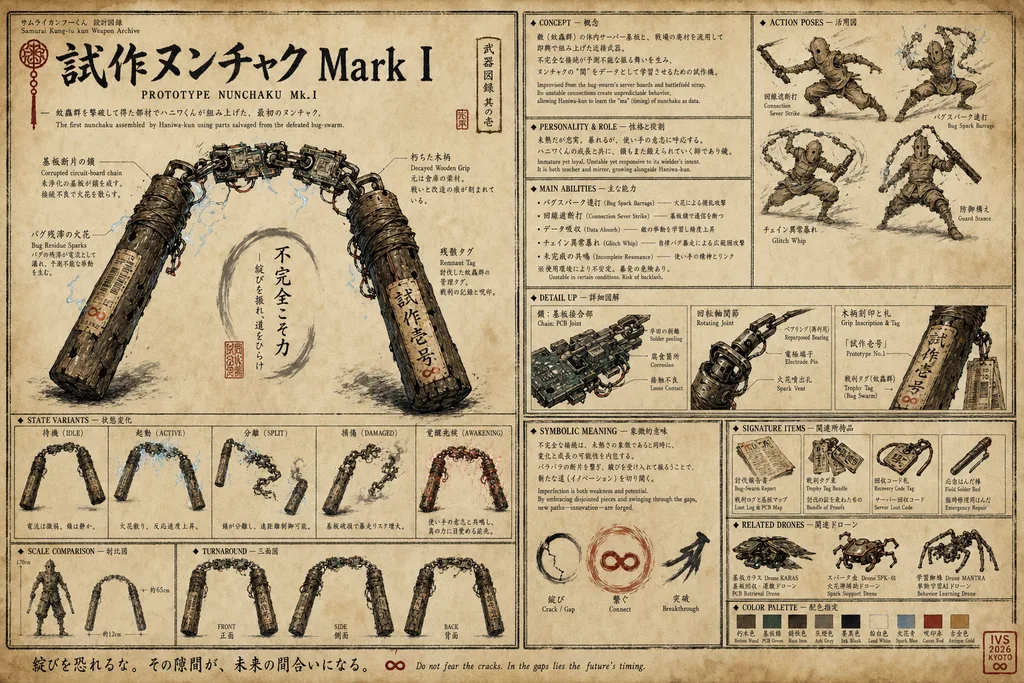
Ch2 で初めてバグ虫部品から組み上げた試作武器。シリーズのアイテム設定資料 canonical 様式 (hero shot + side detail + chain detail + 比較シルエット + 素材詳細 + 物語意味 + 色印譜) を完璧に体現。新規アイテムは必ずこの構成と質感に従う。
prototype_nunchaku_mk1→ 詳細ページ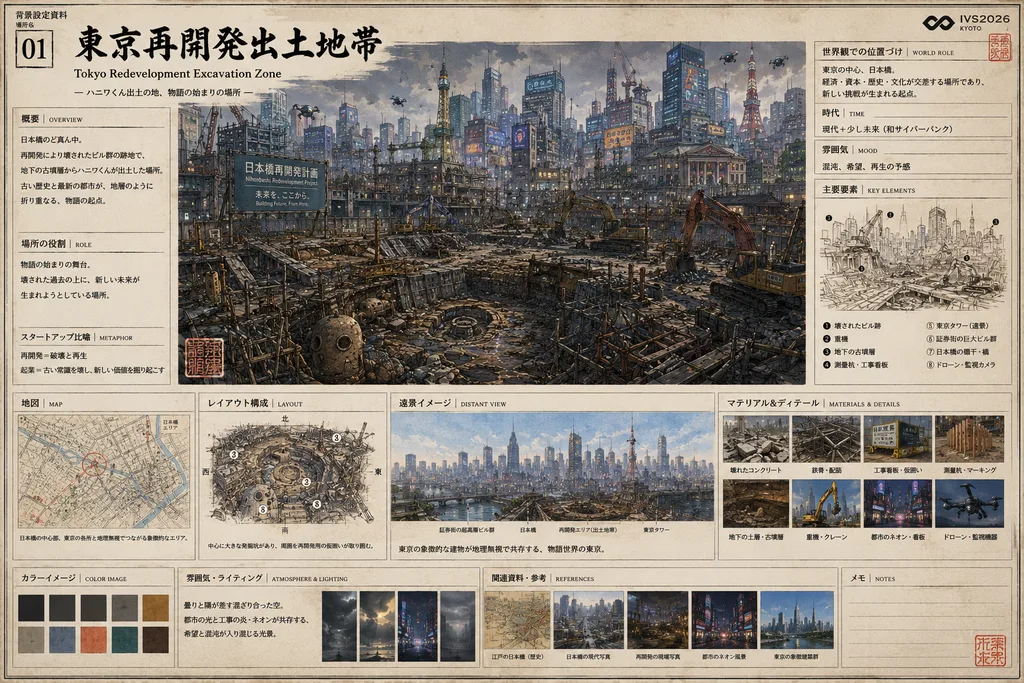
世界観の起点ロケーション。鳥瞰図・建物詳細パネル・住人シルエット・素材スウォッチ・雰囲気&ライティング・関連資料 を備えた canonical location 様式。新規場所は必ずこの構成。
tokyo_redevelopment→ 詳細ページimport { FORMAT_REFERENCES, getFormatReference, allReferenceSheets } from "@/lib/format-references";
// 全 reference を引く
FORMAT_REFERENCES.forEach((r) => console.log(r.slug, r.sheet));
// kind 別に
const charRef = getFormatReference("character"); // → market_storm
// バッチ JSONL の reference_images に流す
const refs = allReferenceSheets();
// → ["site/public/sheets/market_storm.jpg", "site/public/items/pact_seal.png", "site/public/locations/tokyo_redevelopment.png"]dump-supplement-prompts-with-refs.mjs(BASE_PROMPT + KIND_LAYOUT + format/style anchor を reference_images に添付)→openai_batch_with_refs。raw openai_batch 直焼き(format anchor なし)は禁止=フォーマット逸脱の元凶。詳細は CLAUDE.md §9。Sheet contents: 1) large central illustration of the subject in its primary state; 2) state-variant row (idle / active / split / damaged / awakened as applicable); 3) detail close-ups of mechanism, materials, inscriptions; 4) scale-comparison silhouette where relevant; 5) symbolic-meaning annotation box; 6) color palette swatches.
Sheet contents: 1) large central full-body illustration; 2) front / side / back turnaround row; 3) 4-5 action pose thumbnails (labelled in Japanese); 4) 3-5 equipment/ability close-ups with annotations; 5) personality / role text box (JP + EN sub); 6) story-position diagram showing where this entity appears in the arc; 7) color palette swatches.
Sheet contents: 1) large central wide establishing shot of the location; 2) 2-4 detail call-out panels of architectural / environmental elements; 3) small bird's-eye floorplan or schematic diagram; 4) material / texture swatches; 5) inhabitant silhouettes hinted at scale; 6) lighting / atmosphere caption (JP + EN); 7) color palette swatches.
↑ lib/supplement-prompt.ts::KIND_LAYOUT から live。location = background。
Single Source of Truth
ここから引かれる場所 / 道具 / キャラのみが「世界観の正本」。それ以外は没または supplement (要判定)。
Supplement Items — 55/56 rendered · size 1536x1024 · quality high
判定は /review-items ページから。OK 採用先は kind ごとに既定枠あり (★ 付き)。
Storyboard Generation Spec — IVS 2026 PV01
絵コンテ専用の生成仕様。スタイル / レイアウト / キャラリファレンス / タイポルールを体系化する。site/app/api/storyboard/generate/route.ts が実装の Single Source of Truth。
character / location ref で供給する)。cut_override > scene_master > 【動的 chapter-style-anchor(昇格された章ベスト cut)】> chapter_master(jikonte) > 章最初の base cut。content/chapter-style-anchors.json / /api/chapter-style-anchor、composer が chapter_master を override)。orientation:"back" か composition の背面語で検出 → rear view, no face + 背面 sheet を自動注入(Dogū 同心円目 / Haniwa front-face の背面複製を防ぐ)。checker W7。CORE_ANIM_STYLE(hand-drawn 2D cel / 12fps limited animation / no CG・tween・interp)を cut/scene 両ヘッダーが共有 → 全章で 12fps が一致。_before 2 フレーム制は 2026-06-11 廃止)。導入は直前 cut / シーン転換が務めるよう字コンテ側で設計。storyboard-gen-spec.md §4–§8 / 汎用パターン: /docs 品質ガード / 自動検査: check-consistency.mts(W6 anchor / W7 back-sheet)site/app/manual/page.tsx の OPENAI_API_REFS を更新。| model | gpt-image-2 |
| size | 1536×864 (16:9) |
| quality | low (draft) → high (final) |
| output_format | png |
| n | 1 |
| model | gpt-image-2 |
| size | 1536×864 (16:9) |
| quality | low |
| layout | 4 cols × 3 rows = max 12 panels |
| output_format | png |
#c1272d のみ (御札・印章・衝撃フラッシュ・血)#b8893a: 阿修羅 / インドラ神格化時の後光のみ生成 API は references/characters/{slug}/refs/sheet.jpg をmultipart/form-data の image[] としてテキストプロンプトと一緒に/v1/images/edits へ送信する(実装どおり)。 モデルは画像を直接参照するため、テキスト記述だけでは不可能なレベルのキャラクター再現精度が得られる。
// ref あり (正規): POST /v1/images/edits — multipart/form-data
//   image[] = sheet.jpg / style anchor / location ... (バイナリ添付、順序が役割を決める)
//   prompt  = "<全プロンプトテキスト>" (string)
//   model=gpt-image-2 / size / quality / output_format=png

// ref なし fallback: POST /v1/images/generations — JSON
{
  "model": "gpt-image-2",
  "prompt": "<全プロンプトテキスト — string 限定 (配列は 400 エラー)>",
  "size": "1536x1024",
  "quality": "high",
  "n": 1,
  "output_format": "png"
}そのシーンに初登場するキャラクターには、専用の 静止フレーム 1 パネル を挿入する。 直前の章に cast されていないキャラクターを自動検出して注入する。
Multimodal Reference Strategy — How to Load Images into gpt-image-2
gpt-image-2 へのリファレンス画像の渡し方によって出力品質が大きく変わる。 実証済みの最適戦略を以下にまとめる。これは /storyboard の生成エンジンが実際に実装している方式。
AIが勝手に解釈し、服装・アクセサリーの位置が崩れる。talisman が胸に来たり、ヌンチャクが紐になる。
画像が既に持っている情報を文字で重複。トークン浪費。画像の情報量と競合して逆効果になることも。
画像に任せ、AIが「よく間違える箇所だけ」 を文字で強調。短く・具体的に。これが最高精度。
KEY COSTUME ANCHORS:
- TOP: Frog-button closures (布紐ボタン ×5-6) NOT kimono V-neck collar
- TALISMAN: "未来∞" at WAIST BELT — NOT on chest, NOT on back
- WEAPON: CHAIN nunchaku (metal links) NOT cord/rope
- PROPORTIONS: SMALL/compact — mushroom+bell silhouette
生成エンジンはリファレンス画像を3種類スタックして渡す。優先度は上から:
/storyboard ブラウザエンジンの優先度で、絵コンテ cut の正規ルート(gen.mjs / cut-prompt-composer.ts)とは順序が異なる。デザインシートが存在しないキャラクター (burnout_jorogumo, copycat_ninja 等) は generations endpoint にフォールバックし、CHAR_VISUAL_OVERRIDES の全文記述 が視覚仕様になる。
VISUAL CANON — regulatory_tengu:
- High-nose tengu face (高鼻天狗), prominent long nose, red face
- Large red-feathered wings (scarlet/crimson)
- Black formal court hat (烏帽子) and hakama
- CHEST: Red vermilion approval stamps (許認可の朱印) on robe
- NOSE TIP: A small key at the very end of the nose
.jpg 拡張子でも中身がPNGバイト列の場合がある (ハニワくんのシートがこのケース)。 拡張子ではなくファイルヘッダから正しいMIMEを判定して送信すること。
function detectMimeFromB64(b64: string): string {
  const header = Buffer.from(b64.slice(0, 8), "base64");
  if (header[0] === 0x89 && header[1] === 0x50) return "image/png";  // PNG magic
  if (header[0] === 0xff && header[1] === 0xd8) return "image/jpeg"; // JPEG SOI
  if (header[0] === 0x52 && header[1] === 0x49) return "image/webp"; // RIFF
  return "image/jpeg";
}上の Rule 2「3層リファレンス」を 明示ロール方式に形式化したのが現行 composer。 cut に添付する各画像へ STYLE / LOCATION / CHARACTER / CONTINUITY の役割と「写すもの COPY / 写さないもの IGNORE」を prompt に焼き込む。 python は image=[...] を配列順そのまま images.edit に渡すため、 manifest の IMAGE N と実際の添付順は 厳密一致。cut-prompt-composer.ts が reference_images と manifest を同一の entries から単一ソースで生成するので、説明と実体がズレない。
| ROLE | COPY(写す) | IGNORE(写さない) |
|---|---|---|
| STYLE ANCHOR |
|
|
| LOCATION / SETTING |
|
|
| PREVIOUS CUT (CONTINUITY) |
|
|
| CHARACTER CANON |
|
|
↑ この表は lib/scene-reference-roles.ts::ROLE_TEMPLATES から live。編集すると全 cut の manifest に追従。
全 41 シーンの copy/ignore/note はシーンの situation/lighting に合わせて補強済み(章ごとにパレット統一)。 SoT = content/scene-roles.json。manifest の role 別 default を上書きする。
各シーンの「リファレンス役割 manifest」パネルで copy/ignore/note を編集 →/api/scene-roles(Vercel Blob + local mirror、blob-over-local merge)に保存。 UI 編集が baseline を上書きする二層構造(zikonte / judgments と同型)。
lib/scene-reference-roles.ts(型 / ROLE_TEMPLATES / formatRefManifest / overrideKey)・lib/cut-prompt-composer.ts(composeCutReferences / buildCutRefEntries)・lib/scene-roles-blob.ts + app/api/scene-roles/route.ts。 CLAUDE.md §9・§15。「どの角度から見ても背景が同じ」「全 cut が EYE で単調」「切り返しで左右が入れ替わる」の3事故を体系的に潰す規律。背景は angle に追従して変わる(カメラが動けば見える面・パース・地平が変わる)ことを語彙・prompt・監査の三層で強制する。 SoT = lib/shot-discipline.ts(編集すると prompt・この表・check-consistency W8 が同時追従)。
| CODE | 意味 | 背景の見え方(追従) | 用途 |
|---|---|---|---|
| EYE | 視線水平 | 目線の高さ。人物と地平/床が均衡し、正対した街路・壁面・対面の相手が背景に入る。 | 会話・対峙の基調、感情の読み取り (CU と相性)。 |
| LO | 低所仰角(あおり) | 見上げ。空・構造物の下面・短縮された塔やネオンの上方が支配、地面はほぼ消える。 | 登場・威圧・英雄性・覚悟。敵リビールや必殺の構え。 |
| HI | 高所俯瞰 | 見下ろし。地面・床レイアウト・屋根が支配、スカイラインは後退する。 | 孤立・全景・敗走/掃ける群衆・状況俯瞰。 |
| BIRD | 真上俯瞰 | ほぼ真下。床の幾何 (横断歩道の白線・円環・水面) が主役、人物は点になる。 | 決定的な孤独/構造の提示、クライマックスの一枚絵。 |
| DUTCH | 傾き15-25° | 水平線が傾く。看板・塔・地平が斜行し、安定が崩れる。 | 衝撃・動揺・混乱・暴風。アクションの強拍。 |
## ANGLE 多角化 (1シーン = 複数アングルで意図的に構成する)
- 同一 angle (特に EYE) を全 cut で続けない。4 cut 以上のシーンは最低 2〜3 種の angle を混在させる (1 種が 70% を超えたら単調 = check-consistency W8 が警告)。
- angle は内容に従わせる: 登場/威圧=LO・孤立/全景/敗走=HI/BIRD・衝撃/動揺=DUTCH・感情のアップ=EYE+CU。
- angle を変えたら背景も変える: 各 angle が捉える面・パース・地平は別物。同じランドマークを毎 cut 正面中央に貼らない。
- 「歩きながらの口論」のような会話シーンでも、表情 CU (EYE) ↔ 関係を見せる WS/OTS ↔ あおり/俯瞰の差し込みで律動を作る。
## 位置関係の検証 (SPATIAL CONTINUITY — このシーンの空間を固定する)
- 180°ライン (イマジナリーライン): シーン内で2者の左右関係を保つ。A が画面左・B が画面右なら、切り返し cut でもその左右を維持する (脚本上の意図的な反転以外でフリップしない)。
- 視線・動線の方向: 会話は互いに正対させる (左の者は右を見、右の者は左を見る)。歩行/進攻はシーンを通して同一方向 (例: 左→右) を基調にし、cut ごとに反転させない。
- ランドマークの方位: シーンの基準ランドマーク (例: 鴨川の流れ・109・観覧車・東京タワー) は実地理に対し常に同じ側に置く。angle が変われば「見え方」は変わるが「どちら側にあるか」は崩さない。
- 連続 cut は前 cut (CONTINUITY ref) で左右位置・装備状態・光の状態を継ぐ。ただし構図/サイズ/angle はSHOT に従い、前 cut の構図を反復しない。
cut-prompt-composer.ts が ANGLE 解釈(背景付き語彙)と 位置関係ルールを全 cut prompt に焼く(reveal namecard 孤立プレートは除外)。 監査: check-consistency.mts W8 が scene 単位で angle 単調(1種が 70% 超)を WARN。 背景追従の本体規律は REFERENCE_LAYER_RULES の LOCATION 節(参照の viewpoint を clone せず angle で RE-DERIVE)。CLAUDE.md §15。Cut Count → Page Composition Rules
storyboard-boards の 1 scene 1 枚俯瞰画像)は全廃。 字コンテ + カット画像 + 動画が正であり、ボードは冗長。以下のパネル配置規則はボード生成用の歴史記録として残す (「カット数の決め方」は字コンテ設計の参考として現役)。1シーンに対してカット数が異なると、絵コンテ用紙のパネル配置が変わる。 GPT に絵コンテを生成させる際は、必ず カット数を宣言しパネル配置を明示する。 以下の規則に従うこと。
| カット数 | パネル配置 | 実例 | プロンプト指示文 |
|---|---|---|---|
| 1 | 横幅フル1枚(インパクトゴマ) | — | パネル配置: 横幅フル1枚の大ゴマ。衝撃的な1シーンを全面展開。 |
| 2 | 左右2分割(横並び) | — | パネル配置: 左右2分割(各50%幅)。対比・反転・視点転換を強調。 |
| 3 | 横一列3枚(横トリプル) | ch01_sc03 ✓ | パネル配置: 横一列に3枚(幅広パネル)。時間の流れ・移動・感情推移を左→右で示す。 |
| 4 | 2×2グリッド | ch01_sc02 ✓ | パネル配置: 2×2グリッド(4枚)。会話・対決・反応・決着の4拍子構成に最適。 |
| 5 | 上段3枚 + 下段2枚 | ch01_sc01 ✓ | パネル配置: 3枚(上段)+ 2枚(下段)の計5枚。 |
| 6 | 上段3枚 + 下段3枚(2行×3列) | ch06_sc01 | パネル配置: 上段3枚 + 下段3枚(2行×3列)合計6枚。 |
| 8 | 2×4グリッド or 4×2グリッド | — | パネル配置: 2行×4列(横長シーン向き)or 4行×2列(縦長・セリフ多め向き)合計8枚。 |
| 10 | 上段5枚 + 下段5枚(2行×5列) | ch04_sc01 | パネル配置: 上段5枚 + 下段5枚(2行×5列)合計10枚。 |
| 12 | 3行×4列(標準フルシート) | ch01/02/03 sc01 | パネル配置: 上段4枚 + 中段4枚 + 下段4枚(3行×4列)合計12枚。 |
| 16〜20 | 4行×4列 or 4行×5列 | — | パネル配置: 4行×4列(16枚)or 4行×5列(20枚)。ページ余白を極限まで使う。注釈は各パネル下部に小さく。 |
| 20+ | 多ページ分割(1ページ12枚上限推奨) | — | 20枚超はページを分割すること。各ページに「Pg.1/3」等のページ番号をヘッダーに付ける。 |
【第N章 / Scene NN / シーン名 / Nカット】 を必ず冒頭に記載パネル配置: ... で行数×列数を明示[Cn] ラベル: 「Cn / SIZE / MOVE / ANGLE」 を付ける【衝撃ゴマ】 【朱①】 等のタグを追記lib/storyboard-jikonte.ts) の cuts 配列が正本(旧 scenes_pv01.yaml は削除済 2026-06-10)【第N章 / Scene NN / シーン名 / 3カット】 ヘッダーバー(黒ベタ、白文字): 「第N章 · Scene NN · シーン名 / 3 cuts」 情報帯: 「場所: ... / 照明: ... / 時間: ...」 ディレクターノート(小イタリック): 「...」 パネル配置: 横一列に3枚(幅広パネル) [C1] ラベル: 「C1 / SIZE / MOVE / ANGLE」 スケッチ: ... [C2] ラベル: 「C2 / SIZE / MOVE / ANGLE」 スケッチ: ... [C3] ラベル: 「C3 / SIZE / MOVE / ANGLE」 スケッチ: ...
【第N章 / Scene NN / シーン名 / 12カット】

ヘッダーバー(黒ベタ、白文字): 「第N章 · Scene NN · シーン名 / 12 cuts」
情報帯: 「場所: ... / 照明: ... / 時間: ...」
ディレクターノート(小イタリック): 「...」

パネル配置: 上段4枚 + 中段4枚 + 下段4枚(3行×4列)合計12枚

[C1] ラベル: 「C1 / SIZE / MOVE / ANGLE」
スケッチ: ...
... (C2〜C12 を同様に列挙)
Fix-Loop — Diagnose · Trace · DRY · Minimal-Fix · Regenerate
生成物が「リファレンスと違う」ときに、どこを直せば直るかの実証済みワークフロー。他章と別エンジンではない — 同じ composer (cut-prompt-composer.ts) の使い方を精度側に詰めたもの。 ch10 東証宮ビルの造形ズレ修正 (2026-06-08) で確立。
node site/scripts/gen.mjs ch10 (--go 無し) で実 refs 順・anchor・manifest を確認。UI でなく 実際に生成プロンプトへ入る内容を out/_chNN_*.jsonl で見る。| 症状 | 犯人 (入力) | 直し方 |
|---|---|---|
| 造形/massing が別物 (例: 横広の建物が縦長ピラミッドに) | ① design ref が dossier(多パネル) で massing 弱い ② COPY が「symmetric/central TALL/stepped crown」等で歪める ③ style anchor の構図が漏れる | clean hero を refs[1] に + COPY 最小化(画像委譲) +「縦長/ピラミッド化禁止」guard |
| スタイルが乗らない (clean CG っぽい) | content ref(clean render)が描画を薄める | content ref の IGNORE に「clean/photoreal 描画は写すな・形だけ・描画は100% IMAGE1から」 |
| 暗い内陣に日光が漏れる | 明るい外観 anchor のライティングが漏れる | その cut だけ暗い anchor に (master_override / 被写体グループ別 anchor) |
| 主役が出ない (メカ cut なのに建物) | 主役 ref が content 順で後ろ | 主役 ref を sc.refs 先頭へ (refs[1]) |
添付順 = [STYLE anchor(refs[0]) → LOCATION群(sc.refs順) → 前cut CONTINUITY → CHARACTER sheets]。 content ref の順は sc.refs 配列順で決まる。
dossier vs clean hero: 多パネルの設定資料(dossier)は massing 伝達が弱い(雰囲気は拾うが正確な形を写さない)。 中央本体だけ切り出した clean hero は massing を強く伝える。両方を画像で渡す (dossier=文脈, hero=造形) のが (b) 方式。
「GRAND NEOCLASSICAL / central TALL / stepped crown / symmetric」等の generic 記述は実画像の massing を 上書きして崩す。これがピラミッド化の主因だった。
「reproduce EXACTLY as shown / don't invent a different shape」+ 歪み防止 guard「縦長タワー・ピラミッドにするな」だけ。形は画像に委ねる。
/storyboard の各シーンで、添付画像 1 枚ずつに COPY(写す) / IGNORE(写さない) を付ける (scene-roles)。 これが「キャラ/被写体のプロンプトレベル扱い」の本体。クリックでモーダル拡大して確認できる。
# IMAGE 2/3 = LOCATION (建物 hero / dossier)
COPY  : This clean elevation is the AUTHORITATIVE shape — reproduce massing/proportions/silhouette EXACTLY as shown (WIDE, moderate height, central entrance + flanking wings). NOT a tall tower or pyramid.
IGNORE: REJECT this ref's own rendering — its clean / photoreal / CG / smooth-surface look and color grade.
        Copy ONLY the building shape & structure. ALL rendering (sumi-ink line, crosshatch, gekiga texture, color) comes ENTIRELY from the STYLE ANCHOR (IMAGE 1).
Do NOT draw the dossier's panel frames / callout text / swatches — render only the building subject.キャラ canon は references/characters/<slug>/profile.md の本文が CHARACTER CANON として prompt に動的注入される (ハードコードしない)。
bootstrap で前章 master を借り、その章のベスト cut を「☆章master」で昇格して以降に継承 (c10-s1-1 を ch10 master に)。 解決順: cut_override > scene_master > 動的章anchor > chapter_master。
readSceneRolesMirror() / readChapterStyleAnchorMirror() は process.cwd()/content/... を読む。だが dump-cuts は cwd=ROOT(26mv) で動くため、scene-roles override と章 anchor が gen に届いていなかった (UI=cwd=site では見えるのに)。
本質はここ: design/造形は「画像で渡す」。content ref(LOCATION/CHARACTER)の COPY に余計なテキストを足さない。positive な design 記述 (neoclassical / stepped / symmetric / central TALL 等) を文字転写すると、 実画像の massing を上書きして崩す (= 東証宮の縦長ピラミッド化)。だから 毎回クレンジングし、検証する。
node site/scripts/gen.mjs chNN の DRY が「テキスト過多」警告を出す。content ref の COPY で「否定でない節に design 形容が2つ以上」か「COPY が長すぎ(>320字)」を検出して cut 別に列挙。
⚠ テキスト過多 20 cut → content ref の COPY に造形を文字転写しすぎ。
  c10-s1-1  LOCATION  COPY 410字 pos=1  "Reproduce the 機構式東証宮 building EXACTLY…"
  c10-s1-1  LOCATION  COPY 461字 pos=0  "Pacific-Rim-style cockpit reconstructed…"
  クレンジング: COPY を「reproduce as shown」+最小guard まで削る。
node site/scripts/cleanse-scene-roles.mjs --chapter=chNN --commit--chapter 省略で全章、--skip=ch10 で除外。DELETE /api/scene-roles?scene_id=chNN_scNNDynamic Cut Prompt Composition — Replaces Ad-hoc JSONLs
共通要素は共通化、変動要素は動的に変わる設計。 ハンドライト JSONL や章別ハードコードを廃して、composeCutPrompt(chId, sceneId, cutN) 一発で JSONL を吐く統一パイプライン。profile.md / jikonte /zikonte (Blob) を編集すれば自動で全 cut に反映される。
lib/prompt-blocks.ts registry の STYLE_BASE (cut.style_base)cut.reference_layer_rules — STYLE と SETTING を分離)cut.forbidden)cut.output_format)lib/storyboard-jikonte.tsreferences/characters/<slug>/profile.mdreferences/characters/<slug>/refs/sheet.jpg (視覚 SoT)zikonte/v1.json (Vercel Blob, dialogue/jokyo 動的)INPUT: (chId, sceneId, cutN)
│
├─[1] getJikonteChapter(chId) ← lib/storyboard-jikonte.ts (静的 SoT)
│ → chapter / scene / cut
│
├─[2] resolveCutMasters(chId, sceneId, cutN) ← lib/storyboard-masters.ts
│ → { cutOverride, scene, chapter }
│ 階層: cut.master_override > scene.scene_master
│ > chapter.chapter_master > convention (c1.png)
│ → self-reference skip (cut が scene_master の出力本体なら除外)
│
├─[3] collectCharSheets(scene.refs) ← references/characters/*/refs/sheet.jpg
│ → ["references/characters/haniwa_boy/refs/sheet.jpg", ...]
│
├─[4] loadCharProfile(slug) × refs ← references/characters/*/profile.md
│ → "## CHARACTER CANON (MATCH EXACTLY)" ブロック生成
│
├─[5] maybeLoadZikonte(chId) ← lib/zikonte-blob.ts (Vercel Blob, 任意)
│ → 動的 dialogue / jokyo / camera_rationale を prompt 末尾に注入
│
└─[6] composePromptText(...) ← STYLE_BASE + REFERENCE_LAYER_RULES
+ CONTEXT + CHARACTER_CANON + SHOT
+ FORBIDDEN + OUTPUT_FORMAT
OUTPUT: { slug, reference_images, prompt, size, quality }
↓
JSONL 1 行
↓
python3 -m src.openai_batch_with_refs <jsonl># 1 cut のみ npx tsx site/scripts/dump-cuts.ts ch03 ch03_sc02 S2-C1-1 # シーン全体 npx tsx site/scripts/dump-cuts.ts ch03 ch03_sc02 # 章全体 npx tsx site/scripts/dump-cuts.ts ch03 # zikonte (Blob) 動的データも注入したい場合 USE_ZIKONTE_BLOB=1 npx tsx site/scripts/dump-cuts.ts ch03 ch03_sc02 # 出力: out/_<chId>_<sceneId>_<cutN>_<timestamp>.jsonl # refs preview と次に叩くコマンドが標準出力に表示される
# OpenAI API KEY は site/.env.local の OPENAI_API_KEY を読む
export $(grep '^OPENAI_API_KEY=' site/.env.local | sed 's/"//g')

python3 -m src.openai_batch_with_refs \
  out/_ch03_ch03_sc02_<timestamp>.jsonl \
  --concurrency 8 \
  --label ch03_sc02_v5

# 出力: out/<ts>_<label>/0001_<slug>.png ...
#       手動 cp で site/public/storyboard-cuts/<chId>/ に配置
| 優先順 | フィールド | 期待される画 | fallback |
|---|---|---|---|
| 1 | cut.master_override | 個別 cut 専用 (極稀) | なし |
| 2 | scene.scene_master | シーンの舞台 / 光 / 構図 canon | chapter_master へ |
| 3 | chapter.chapter_master | 章全体のトーン (大気遠近 / dusk / style) | convention へ |
| 4 | convention | /storyboard-cuts/<chId>/c1.png | なし |
Self-reference skip: scene の最初の cut を再生成するとき (= scene_master 自身を生成しようとしているとき) は scene_master を refs から除外し、chapter_master を 1st に promote する。
実証ケース: ch03_sc02 (試し合い / 茶屋内) を生成する際、c1.png (茶屋 EST exterior) を style anchor にしても、このルールを prompt に明示することで Tokyo Tower / 都市スカイラインの leak が完全に防げる。2026-05-26 検証済。
references/characters/<slug>/profile.md を編集 →dump-cuts 再走 → 全該当 cut に自動反映。CH<NN>_JIKONTE.chapter_master を別画像に上書き → 全 cut の 2nd ref が変わる。scene.scene_master に該当シーン WS を指定 → そのシーン内 cut が同一構図 anchor を使う。USE_ZIKONTE_BLOB=1 環境変数で dump-cuts → prompt に動的注入。site/lib/prompt-blocks.ts の cut.style_base / cut.forbidden を編集 (composer は getPromptBlock() で参照) → 全 16 章 × 全 cut が同時更新。| スクリプト | 現状 | 目標 |
|---|---|---|
| scripts/gen-storyboard-cuts.mjs | 削除済 (CH01-03 ハードコード object だった) | composeChapterCuts() に統一済 |
| scripts/gen-battle-cuts.mjs | 削除済 (char_anchors 二重定義だった) | profile.md SoT に統一済 |
| scripts/dump-storyboard-cut-prompts.ts | 古い dumper (ch01-03 のみ対応) | dump-cuts.ts (全章対応) に置換 |
| prompts/*.jsonl (ハンドライト) | 場当たり的 / canon 二重管理の温床 | 原則禁止 → dump-cuts 経由のみ |
site/lib/cut-prompt-composer.ts + site/lib/storyboard-masters.ts + site/scripts/dump-cuts.ts。 初回検証ケース: ch03_sc02 v5 (2026-05-26)。Scene Board Generation — Canonical Format, Fixed Rules
public/storyboard-boards/<scene_id>.png の 1 scene 1 枚俯瞰画像)は 生成・表示・要求の全てを廃止。字コンテ + カット画像 + 動画が正であり、ボードは冗長。 画像実体・BOARD_SCENE_IDS・生成スクリプト(dump-board-prompts.ts)も退役済(git 履歴参照)。 以下は確定仕様の歴史記録として残す。このセクションは 実際にうまくいったパターンから逆算した確定仕様。 スクリプト・APIコール・プロンプト構造は全てここに従う。 迷ったら storyboard-gen-spec.md(プロジェクトルート)も参照。
Scene 1: 3+2 グリッド(5カット) / Scene 2: 2×2 グリッド(4カット) / Scene 3: 横一列3枚(3カット)
| レイヤー | パス | 目的 |
|---|---|---|
| レイヤー1 | references/characters/<slug>/refs/sheet.jpg | キャラクター外見の正確な再現 (必須) |
| レイヤー2 | site/public/storyboard-patterns/<chId>_sc01_master.png | 場面の雰囲気・東京夜景スケールの参照 |
| (任意) | スタイルアンカー (/generations で選択) | 画風の継承 (設定済みの場合のみ) |
image[] キーで multipart/form-data 送信。 1枚のみのときは image(配列記法は400エラー)。プロのアニメ制作絵コンテ用紙。白い紙に鉛筆→墨インクで描く劇画スタイル。 B&Wラインワーク + 朱(#c1272d)差し色のみ。 古い羊皮紙風・パーチメント風・セピア色は厳禁。背景は清潔な白地。 ライン密度高め、平行ハッチ+クロスハッチで影を表現。 アニメパステルカラー・フォトリアル・グラデーション禁止。 添付リファレンス画像: - キャラクターシート(ハニワくん): このシートを正確に参照し外見を忠実に描くこと - マスターショット: 場面の雰囲気・東京夜景・工事現場スケールを参照すること ページ全体の要件: - 最上部: 黒ベタのヘッダーバー(白文字) - ヘッダー直下: 状況・照明・小物の情報帯 - ディレクターノート: 小さめのイタリック体 - カットパネルグリッド: 各パネルは粗い墨インクスケッチ + ルーラー枠内にラベル - 右下: 小さい朱色の丸印「IVS 2026 KYOTO」 【第X章 / Scene XX / シーン名 / Nカット】 ヘッダーバー(黒ベタ、白文字): 「第X章 · Scene XX · シーン名 / N cuts」 情報帯: 「場所: ... / 照明: ... / 小物: ...」 ディレクターノート(小イタリック): 「...」 パネル配置: ... [C1] ラベル: 「C1 / LS / BIRD / DOLLY-DOWN」 スケッチ: [具体的な画面描写] [C2] ラベル: 「C2 / WS / EYE / FIX」 スケッチ: [具体的な画面描写] ...(全カットを記述)
POST https://api.openai.com/v1/images/edits
Content-Type: multipart/form-data

model: gpt-image-2
size: 1536x1024        ← edits は 1792 未対応
quality: high
n: 1
output_format: png
image[]: <char_sheet.jpg>    ← キャラシート
image[]: <master_shot.png>   ← マスターショット
prompt: <日本語プロンプトテキスト>
参照: platform.openai.com/docs/api-reference/images/createEdit
POST https://api.openai.com/v1/images/generations
Content-Type: application/json

{
  "model": "gpt-image-2",
  "size": "1792x1024",   ← generations は 1792 OK
  "quality": "high",
  "n": 1,
  "output_format": "png",
  "prompt": "<日本語プロンプト>"
}python -m src.openai_batch(参照画像なし)直焼きは禁止。 format anchor / style anchor / role manifest が乗らずフォーマットが崩れる(kamogawa_riverbank 事故の根因)。 cut は gen.mjs、補足/ロケ/アイテムは dump-supplement-prompts-with-refs.mjs → openai_batch_with_refs を使う。 旧 dump-storyboard-cut-prompts.ts / gen_scene_boards_v5.py は退役(spec §11 参照禁止)。# composer 経由 = style anchor + location + PER-IMAGE ROLE MANIFEST 自動付与 node site/scripts/gen.mjs ch01 # DRY: cut一覧 + anchor健全性 + 概算費用で停止 node site/scripts/gen.mjs ch01 --go # 実生成: dump→batch(with_refs)→sync→webp→check # JSONL だけ欲しい時: npx tsx site/scripts/dump-cuts.ts ch01
# BASE_PROMPT + KIND_LAYOUT + kind別 format anchor を reference_images に添付
node site/scripts/dump-supplement-prompts-with-refs.mjs
python -m src.openai_batch_with_refs out/_supplement_with_refs.jsonl \
  --concurrency 8 --label supplement_v3_refs
# → out/<ts>/0001_<slug>.png を採用判定 → public/<kind>/<slug>.png に昇格
site/.env.local の OPENAI_API_KEY から自動読み込み。 Windows では PYTHONIOENCODING=utf-8 を設定すること(↳ 文字の cp932 エラー回避)。| 問題 | 解決策 | 適用状況 |
|---|---|---|
| 古い羊皮紙・神風スタイルになる | 「古い羊皮紙禁止・白地」をプロンプトに明示(英語禁止と同様に必須記載) | ✅ v5適用済 |
| 英語のみのテキストになる | プロンプト全体を日本語で書く。カメラコード(LS/ECU等)のみ英字可 | ✅ v5適用済 |
| キャラの外見が仕様と違う | images.edit でキャラシートを添付 + CHAR_SHEET_ANCHORS で誤りやすい箇所を補強 | ✅ v5適用済 |
| APIキーが見つからない | site/.env.local から OPENAI_API_KEY を手動読み込み(gen_scene_boards_v5.py参照) | ✅ v5適用済 |
| 1792x1024 で edits が失敗 | edits エンドポイントは最大 1536x1024。generations は 1792x1024 OK | ✅ v5適用済 |
| ↳文字で cp932 エラー (Windows) | PYTHONIOENCODING=utf-8 を設定する。画像は保存されている場合あり | ✅ v5適用済 |
| 生成中にブラウザが固まる | after() でレスポンスを即返し、5秒ポーリングで完了検知(非同期化済み) | ✅ 実装済 |
Fire & Forget — Async Storyboard Generation with Polling
POST /api/storyboard/generate + SceneBoard.tsx による旧 PV01 master/board 生成)は削除済み。 現役の cut 生成は gen.mjs、UI からの再生成は /api/storyboard/regenerate-cut(composer 経由・動的 SoT 注入済)。 以下は after() + ポーリングの設計パターンの歴史記録として残す。OpenAI gpt-image-2 の生成は 150–300秒 かかる。同期的に待つと Vercel の Function Timeout やブラウザのフリーズを引き起こす。 Next.js 15 の after() を使い、応答を即座に返してバックグラウンドで生成を継続する アーキテクチャを採用。
import { after } from "next/server"await upsertGeneratingAsset() で Blob に即時マークafter(async () => { /* OpenAI call */ }) でバックグラウンド実行maxDuration = 300(Vercel Fluid Compute で after 延長可)status: "generating" なら即座にUIを更新setInterval(5000) で GET /api/storyboard/status をポーリングstatus === "generated" で interval を停止・画像表示・チャイムstatus === "error" でエラーメッセージ表示busy=true を維持(二重送信防止)Ch01 Opening — Camera Composition Variants
舞台: 東京再開発現場 (tokyo_redevelopment) · 登場: ハニワくん · 道具: 「未来∞」タリスマン
5つのカメラ構成アプローチ。気に入ったパターンを /storyboard で生成 → /generations からアンカーに設定。
CAMERA: Extreme wide bird's eye 45° overhead, drone altitude 20m equivalent, ultra-wide lens 16mm.
COMPOSITION: Haniwa boy tiny at center of rubble field. Tokyo tower + Skytree visible full-frame at night.
Demolition crane arms form diagonal leading lines toward protagonist.
Talisman "未来∞" glows vermilion at waist — only color accent in dark grey rubble.
Scale: protagonist 1/30th of frame height. Overwhelming urban-vs-human contrast.
MOOD: Silent enormity. Pre-dawn industrial haze. Moon reflected in standing water between rubble.
CAMERA: Ground-level extreme low angle, camera height 20cm, 30° upward tilt, 35mm lens equivalent.
COMPOSITION: Haniwa boy silhouette towers against Tokyo night skyline — Tokyo Tower and Skytree visible at same height.
Rim light from moon traces helmet edge and shoulder. Lower body in deep cross-hatch shadow.
Rubble chunks litter foreground, blurred, pressing toward viewer.
MOOD: Mythic scale. Hero emergence. The ancient vs the futuristic coexist in one frame.
INK STYLE: Strong brush outline, rim-light rendered in white ink lift, no gradients.
CAMERA: Eye-level, 18° Dutch angle (right side low), 50mm equivalent, handheld tension implied via dense cross-hatch.
COMPOSITION: Demolition crane arm slashes frame diagonally upper-left to lower-right.
Haniwa boy stands at diagonal intersection — construction fence at left, rubble pile at right.
"立入禁止" sign tilted at same angle as camera, foreground. Tokyo Tower visible along diagonal axis.
Frame is deliberately unbalanced — visual chaos mirroring protagonist's disorientation.
MOOD: Unstable, kinetic, change incoming. Ink lines follow Dutch angle direction.
CAMERA: Over-the-shoulder, 1.5m behind Haniwa boy, 28mm wide equivalent, static tripod.
COMPOSITION: Full dark silhouette of protagonist occupies lower 40% of frame.
Tokyo night panorama: Tokyo Tower orange glow LEFT / IVS billboard blue neon RIGHT.
Talisman "未来∞" glows vermilion at protagonist's waist — only identifiable detail.
Protagonist's gaze fixed forward toward city. No face visible. Back slightly hunched.
Infinite focus on city; protagonist edge-blur renders as thick ink brushstroke silhouette.
MOOD: Longing, resolve, isolation. Ancient soul contemplating the machine city ahead.
LAYOUT: Three-panel horizontal strip (16:9 total). Equal-width vertical panels, thin ink border dividing them.
PANEL 1 (left): Extreme CU of earth-caked hand emerging from rubble. Macro.
  Fingernails cracked, clay soil texture. COMPOSITION: Diagonal hand fills 80% of panel.
PANEL 2 (center): Extreme macro CU of "未来∞" talisman at waist belt.
  Characters legible. Vermilion ink brushstroke glows. Tiny woven cord texture visible.
PANEL 3 (right): CU of Haniwa helmet eye-holes in near-darkness.
  A faint vermilion reflection inside the void — will and consciousness implied.
MOOD: Intimate. Ancient magic awakening. The world re-starts from these three details.
絵コンテ → 動画クリップ。コミュニティ評価(2026-05)に基づき Kling 3.0 主軸 / Seedance 2.0 サブ として整理。
各 cut / 境界の前後 2 枚を first / last frame に置き、間を補間させる。Kling 3.0 と Seedance 2.0 は同一の i2v プロンプトを共用(Omni / multi-reference は廃止)。
SoT: storyboard-gen-spec.md §0 / §8 / §12 / §13。以下の Kling / Seedance 比較は背景研究として残置。
プロンプト内にタイムスタンプで各ショットを記述。AI が 1 本の動画の中で自動的にカット割りを実行。絵コンテ画像のグリッドは読めないが、プロンプトで全カットを記述すれば 1 本にまとまる。
各ショットの絵コンテカット画像を 1 枚ずつアップし、ショットごとに duration・カメラ角度を指定。2〜6 ショット分の画像をそのまま渡してシーケンスを構成できる。キャラと空間の一貫性をモデルが保持。
| パラメータ | 値 / 選択肢 | 備考 |
|---|---|---|
| model ID | seedance_2_0 | Bytedance提供。video_standard も同じモデル |
| 解像度 | 480p / 720p / 1080p | ⚠ 最大 1080p (1920×1080)。2048px は非対応 |
| モード | std / fast | std = 高品質、fast = 速度優先 |
| duration | 4–15 秒 | 絵コンテの cut.sec から計算して渡す。最大 15 秒 |
| アスペクト比 | 16:9 / 21:9 / 4:3 / 1:1 / 3:4 / 9:16 / auto | 絵コンテは 16:9 で生成済み → 16:9 を指定 |
| genre | auto / action / horror / comedy / noir / drama / epic | 劇画アニメ → drama または action を推奨 |
| medias[].role | image / start_image / end_image / video / audio | image = 最大 9 枚のスタイル参照。start/end でトランジション |
| マルチショット | ✅ プロンプト内タイムスタンプで記述 | [00:00-03:00] Shot 1: ... [03:01-07:00] Shot 2: ... の形式 |
| キャラ一貫性 | reference image 最大 9 枚 | キャラシート + マスターショット複数枚を同時送信できる |
| I2V ELO(単発のみ) | 1,351 | ※単発クリップの評価軸。マルチショット性能とは別。Kling 3.0: 1,269(Artificial Analysis 2026/05) |
VISUAL STYLE: Theatrical gekiga-anime hybrid. Heavy ink outlines, rich saturated color. Vermilion reserved for eye-glow and seal flashes only. Hand-drawn cel animation with crosshatching.

[00:00-03:00] SHOT 1 — Long Shot, Eye Level, FIX
茶屋入口の穏やかな確立ショット。石畳の前景、藍の暖簾が揺れる。提灯が灯る。人影なし。

[03:01-07:00] SHOT 2 — Medium Shot, Eye Level, TRACKING
ハニワの背後からトラッキング。ドーム仮面と背中、ヌンチャクが見える。前方の提灯光に近づく。

[07:01-11:00] SHOT 3 — Close-Up, Eye Level, FIX
暗がりからドグーの同心円目が浮かび上がるリビール。朱色ではなく古代テックの涼しい光。

[11:01-15:00] SHOT 4 — Wide Shot, Eye Level, DOLLY-OUT
二人が3体分の間を挟んで向き合い静止。提灯が両側から照らし、中央に深影。

CHARACTERS: haniwa_boy (terracotta dome helmet, mushroom silhouette), dogu_boy (enormous concentric-circle goggle eyes, dark navy samurai armor)
SINGULARITY RULE: Each character appears EXACTLY ONCE.
role: start_image1 枚絵コンテ C1 PNG — 起点フレームを固定。AI がここから映像を展開role: end_image1 枚(任意)絵コンテ C末 PNG — 終点フレームを指定。2カット間トランジションrole: image最大 9 枚マスターショット + キャラシート複数枚。スタイル・外見参照に使うrole: audio1 枚(任意)BGM や音声参照。音響的雰囲気を指定できる| パラメータ | 値 / 選択肢 | 備考 |
|---|---|---|
| model ID (Higgsfield) | kling3_0 | Higgsfield 経由。公式 Kling AI では Kling Video 3.0 Omni |
| mode | std / pro / 4k | 4k = 4K ネイティブ出力(2026/05 時点) |
| sound | on / off | オーディオ生成のオン・オフ |
| duration | 3–15 秒 | 各ショットに個別の duration を指定可 |
| アスペクト比 | 16:9 / 9:16 / 1:1 | 16:9 = 絵コンテ標準 |
| medias[].role | start_image / end_image | Higgsfield 経由時。ショット間の start/end フレーム |
| マルチショット入力 | 2〜6 ショット | 各ショットの画像 + duration + カメラ指示をショット別に渡す |
| I2V ELO(単発のみ) | 1,269 | Seedance (1,351) より低いが、マルチショット・キャラ一貫性・アニメスタイルではコミュニティ評価で優位 |
// Higgsfield generate_video — Kling 3.0 ストーリーボード型
{
  "model": "kling3_0",
  "prompt": "Theatrical gekiga-anime. Shot 1: LS establishing teahouse entrance. Shot 2: MS tracking Haniwa from behind. Shot 3: CU reveal of Dogu's concentric goggle eyes from shadow. Shot 4: WS standoff, 3-body gap between characters.",
  "mode": "4k",
  "sound": "off",
  "duration": 12,
  "aspect_ratio": "16:9",
  "medias": [
    { "role": "start_image", "value": "<CH03_SC01_C1_UUID>" },
    { "role": "end_image",   "value": "<CH03_SC01_C3_UUID>" }
  ]
}| モデル | マルチショット方式 | 入力最大枚数 | 解像度 | ELO | 劇画向き |
|---|---|---|---|---|---|
| Kling 3.0 Omni ★ | ストラクチャー型(絵コンテ画像→各ショット最大6) | start + end ×6 | 4K / 60fps | 1,269 ✦ | ◎ 主軸 |
| Seedance 2.0 | セマンティック型(プロンプトタイムスタンプ) | image ×9 + start + end | 最大1080p | 1,351 ✦ | ○ サブ |
| Cinema Studio 3.0 | 不明(Higgsfield SOTA) | image + start + end | 4K 相当 | — | ○ (実験的) |
| Wan 2.7 | 単一ショット | start + end + audio | 1080p | — | △ (音声特化) |
| Veo 3.1 | 単一ショット | start_image ×1 | ultra | — | △ (実写寄り) |
各カットの絵コンテ PNG を 1 枚ずつアップロードし、ショット別に duration・カメラ指示を付与。2〜6 ショットの画像を構造化入力としてそのまま渡せる。絵コンテ忠実度が高く、キャラと空間の一貫性をモデルが保持。4K / 60fps ネイティブ出力。マルチショット・アニメスタイルでコミュニティ評価が高い。
キャラシート + マスターショット複数枚を image に最大 9 枚添付し、 タイムスタンプ構造でマルチショットを 1 本に収める。参照モーダル数で最多。単発写実クリップ・1080p 許容・予算優先の場合に向く。
C1 → start_image、C2 → end_image として渡し、カット間の動きを 1 クリップに収める。 Seedance の start/end フレーム固定はトランジション品質が高い。
朱色 (#c1272d) はハニワの目の光・御札の印・衝撃フラッシュ専用。
背景やキャラクター全身には使わない。マスターショットのアンカー画像で視覚的に誘導する。
どちらも直接課金(カード)で利用可能。Kling 公式は JWT 認証が必要。Higgsfield は Bearer キー + 公式 SDK。
app.klingai.com のデベロッパーコンソールでAccessKey と SecretKey を発行。 リクエスト毎にサーバーサイドで JWT を生成して Bearer として渡す。
import jwt from "jsonwebtoken"; // npm i jsonwebtoken

function makeKlingToken() {
  const now = Math.floor(Date.now() / 1000);
  return jwt.sign(
    { iss: process.env.KLING_ACCESS_KEY, iat: now - 5, exp: now + 30 * 60 },
    process.env.KLING_SECRET_KEY,
    { algorithm: "HS256" }
  );
}
// Authorization: Bearer <makeKlingToken()> (30分有効・毎リクエスト再発行推奨)| モデル名 | model_name | 特徴 |
|---|---|---|
| Kling 3.0 Standard T2V ★ | kling-v3-text-to-video | 最新世代。15秒・60FPS・4K対応 |
| Kling 3.0 Standard I2V ★ | kling-v3-image-to-video | 絵コンテ→動画の主力。画像忠実度が高い |
| Kling 3.0 Pro T2V | kling-v3-pro/text-to-video | 2K/4Kネイティブ出力 |
| Kling O3 | kling-o3-text-to-video | キャラ一貫性特化。ブランドコンテンツ向け |
| Kling v2.1 Master | klingai/v2-master/text-to-video | 安定版・廉価。ネイティブ音声未対応 |
| パラメータ | 型 | 値・説明 |
|---|---|---|
| model_name | string ✓ | kling-v3-image-to-video(上記参照) |
| image_url | string ✓ | 入力画像 URL。JPEG/PNG、最大 10MB、最小 300px |
| prompt | string ✓ | 最大 2,500文字。カメラムーブ・演出を記述 |
| negative_prompt | string | 除外したい要素 |
| duration | integer | 5 / 10 / 15(Kling 3.0のみ15秒対応) |
| aspect_ratio | string | 16:9 / 9:16 / 1:1。絵コンテは 16:9 固定 |
| mode | string | std(Standard)/ pro(Professional) |
| cfg_scale | float | 0〜1。プロンプト準拠度。デフォルト 0.5 |
| image_tail_url | string | 終了フレーム画像 URL(トランジション用) |
| enable_audio | boolean | ネイティブ音声生成(v2.6以降) |
| seed | integer | 再現性確保 |
| guidances[] | array | Kling 3.0のみ。マルチショット 最大6カット分 |
import jwt from "jsonwebtoken";

function makeKlingToken() {
  const now = Math.floor(Date.now() / 1000);
  return jwt.sign(
    { iss: process.env.KLING_ACCESS_KEY, iat: now - 5, exp: now + 30 * 60 },
    process.env.KLING_SECRET_KEY,
    { algorithm: "HS256" }
  );
}

async function klingI2V(imageUrl, prompt, durationSec = 5) {
  const res = await fetch("https://api.klingai.com/v1/videos/image2video", {
    method: "POST",
    headers: {
      Authorization: `Bearer ${makeKlingToken()}`,
      "Content-Type": "application/json",
    },
    body: JSON.stringify({
      model_name: "kling-v3-image-to-video",
      image_url: imageUrl,
      prompt,
      duration: durationSec,       // 5 / 10 / 15
      aspect_ratio: "16:9",
      mode: "std",
      cfg_scale: 0.5,
    }),
  });
  const { data } = await res.json();
  const taskId = data.task_id;

  // ポーリング(5秒間隔、最大15分)
  for (let i = 0; i < 180; i++) {
    await new Promise((r) => setTimeout(r, 5000));
    const poll = await fetch(`https://api.klingai.com/v1/videos/${taskId}`, {
      headers: { Authorization: `Bearer ${makeKlingToken()}` },
    });
    const result = await poll.json();
    const status = result.data?.task_status;
    if (status === "succeed") return result.data.task_result.videos[0].url;
    if (status === "failed") throw new Error("Kling generation failed");
  }
  throw new Error("Kling polling timeout");
}

// 使用例(絵コンテカット画像 → 5秒クリップ)
const videoUrl = await klingI2V(
  "https://cdn.example.com/storyboard-cuts/ch01/c1.png",
  "Camera dolly-in descending from altitude. Night Tokyo cityscape. Dramatic anime style."
);higgsfield.ai でカード課金 → APIキーペア(Key ID + Key Secret)を発行。 Node.js 公式 SDK あり。Claude Code の MCP からも直接呼び出し可能。
| モデル | 種別 | 単価 | 備考 |
|---|---|---|---|
| DoP Lite | I2V 5秒 | $0.125 / クリップ | 最安。シネマティックモーション |
| DoP Turbo | I2V 5秒 | $0.406 / クリップ | 2倍高速。中品質 |
| DoP Preview | I2V 5秒 | プレミアム | Higgsfield 最高品質 |
| Kling 3.0 (経由) | I2V / T2V | 7cr(Plus換算≈$0.34) | 公式Kling最新世代 |
| Seedance 2.0 (経由) | I2V / T2V | 25cr | マルチショット対応 |
| Veo 3 Fast (経由) | T2V 8秒 | 22cr | Google製。音声同時生成 |
| Sora 2 (経由) | T2V / I2V | 40〜70cr | OpenAI製 |
// npm install @higgsfield/client
import { higgsfield, config } from "@higgsfield/client/v2";

config({ credentials: process.env.HF_CREDENTIALS });
// HF_CREDENTIALS="YOUR_KEY_ID:YOUR_KEY_SECRET"

async function higgsfieldI2V(imageUrl, prompt) {
  const jobSet = await higgsfield.subscribe("/v1/image2video/dop", {
    input: {
      model: "DOP_TURBO",    // DOP_LITE / DOP_TURBO / DOP_PREVIEW
      prompt,
      input_images: [imageUrl],
      motion_strength: 0.75, // 0〜1
      enhance_prompt: true,
    },
    withPolling: true,       // 完了まで自動ポーリング
  });

  if (jobSet.isCompleted) return jobSet.jobs[0].results?.raw.url;
  throw new Error(`Higgsfield failed: ${jobSet.jobs[0].status}`);
}

// Kling 3.0 経由(Higgsfield マルチモデル)
async function higgsfieldKling3(imageUrl, prompt) {
  return higgsfield.subscribe("/v1/image2video/kling", {
    input: {
      model: "kling3_0",
      prompt,
      medias: [{ url: imageUrl, role: "start_image" }],
      duration: 5,
      mode: "std",
    },
    withPolling: true,
  });
}

// 使用例
const videoUrl = await higgsfieldI2V(
  "https://cdn.example.com/storyboard-cuts/ch01/c1.png",
  "Camera dolly-in descending. Night Tokyo ruins. Anime gekiga style."
);150+ 生成検証、技術ブログ、fal.ai / WaveSpeed / LiromFilms 等の実測データより。2026-05 時点。
レンジ形式 [00:00-00:05] が最も強い境界指示として解釈される。シンプルな [0s] 形式でも動作するが、カット指示としての強度が弱い。
[00:00-00:03] 俯瞰ショット・Bird's eye. 東京の解体現場. 月夜. ハニワの仮面が土に半埋まり.
  Camera: DOLLY-IN descending from altitude. Dramatic silhouettes. Deep indigo sky.
  Style: theatrical anime, gekiga brushstroke, sepia-washi, VIVID SATURATED.

[00:03-00:06] ECU close-up. 眼の穴に月光が差し込む. 暗闘の奥. 徐々に朱の光が滲む.
  Camera: FIX with slow PUSH-IN. Vermilion glow begins. Single accent color only.
  Style: match opening. Maximum darkness drama.

[00:06-00:10] MS Low angle. ハニワが土から半身を起こす. 月光バック. 泥が落ちる.
  Camera: ultra LO. Moon directly behind dome — silhouette halo. Mud mid-air.
  Style: thick brushstroke silhouette. Rim light on clay edge. Emergence drama.

// ルール:
// - 1 ビートあたり 50〜75語、2〜3文が上限
// - 5秒クリップ = 2〜3タイムスタンプ、15秒 = 4〜6タイムスタンプ
// - 冒頭に [style anchor: theatrical gekiga anime, sepia-washi, VIVID] を挿入するとスタイルドリフト防止になる
| 失敗 | 原因 | 対策 |
|---|---|---|
| スタイルドリフト | タイムスタンプ境界で再解釈が起きる | 冒頭に [style anchor: cel-shaded anime, 2D] を固定挿入 |
| テンポラルフリッカー | 照明指示が競合(sunset + bright daylight) | 単一光源を一貫して指定する |
| Pose flip | 中立ポーズを指定すると左右が反転 | 左右を明示(facing right / camera left) |
| Identity blend | 2枚の参照で人物が中間顔になる | 参照は同一照明条件で揃える |
| コンテンツ拒否 | 流血・暴力シーンで参照画像を含む場合 | Kling 3.0 の方が制限緩め |
| 失敗 | 原因 | 対策 |
|---|---|---|
| アニメ入力が実写寄りに崩れる | 学習データが実写偏重 | 成功率40〜50%。2〜3倍のリロール覚悟。スタイルキーワードを強くアンカー |
| 4K生成でプラスチック質 | ネイティブ4K既知バグ | 1080p Proで生成後に別途アップスケール |
| ショット間でキャラが別人 | 参照なしで連続生成するとリセット | 全ショットに同一参照画像を必ず指定 |
| 文字看板の崩れ | 文字認識が弱い | テキストを含む構図を避けるか後処理合成 |
"Kling 3.0 はプロダクション寄りで外部評価が高い。Seedance 2.0 はリファレンスベースのアニメとシリアルコンテンツで強みを発揮する。どちらが優れているかではなく、どちらのツールをどのシーンに使うかを考える段階に来ている。"— LiromFilms (150+ generations review, 2026-05)
| 用途 | 推奨 | 理由 |
|---|---|---|
| 絵コンテ忠実・マルチショット一貫 ★ IVS2026 | Kling 3.0 Omni | 絵コンテ画像を構造化で渡せる唯一の本番投入可能オプション。4K60fps |
| アニメ・劇画スタイル(3Dアニメ系) | Kling 3.0 優位 | 日本クリエイター報告: Seedance は3Dアニメlip-syncが想定以下 |
| マルチショット音声付き長尺 | Kling 3.0 Omni | 6ショット + 共有音声タイムライン。ネイティブ4K60fps |
| 単発写実クリップ・素材 | Seedance 2.0 | 単発の写実性・テクスチャ・ライティング物理はSeedanceが上 |
| マスターショット多枚参照(9枚まで) | Seedance 2.0 | 参照モーダルの種類と枚数が最多。ここだけSeedanceに分がある |
| コスト最安・大量テスト | Kling 3.0 Standard | fal.ai $0.112/秒 audio-off。Seedance fast $0.24/秒より安い |
| アクション・流血描写 | Kling 3.0 | 制限がゆるめ。Seedance は拒否率が高い |
gen-kling-videos.mjs)と site/lib/kling/ は削除済み(git 履歴参照)。 現役の動画ルートは /storyboard UI の各 cut コピーボタン(CutVideoButton: I2V / Multi-Shot / Battle Bridge / Reveal タブ + シーン見出しの Transition パネル。 プロンプトは lib/video/prompt.ts のビルダー)、実行は Higgsfield MCP(Kling 3.0 Omni mode=pro 主軸)。 以下の二段運用 / duration ロジックは設計の歴史記録として残す。std(1080p) で安く確認 → 承認分だけ pro(4K) に再生成する二段運用(旧 CLI 時代の設計)。
cut.customDuration明示指定。clamp(3〜10秒)cut.sec ("0:03" 形式)絵コンテ由来の秒数。clamp(3〜10秒)cut.isLongTake8 秒固定cut.dialogue あり5 秒固定(セリフ分の尺を確保)—3 秒Kling Omni の制約(最大 6 ショット / 合計 15 秒)を超えるシーンは validateSceneDuration() がグリーディにグループ分割。 各グループを順次送信してシーン結果として集約する。
prompt.tsbuildI2VPrompt / buildBattleBridgePrompt / buildRevealPrompt / buildSceneVideoPrompt / buildSceneTransitionPrompt — 統合ビルダーstyle.tsCORE_ANIM_STYLE / VIDEO_STYLE_HEADER / KLING_NEGATIVE_PROMPT 等 (prompt-blocks に video.* で登録)camera.tsMOVE/SIZE/ANGLE map / translateMove — カメラ語彙翻訳namecard.tsbuildNamecardDirective — リビール墨絵 namecard 指示Copy-Paste Generation Recipes
すべて OpenAI gpt-image-2。絵コンテ cut は gen.mjs(composer 経由・reference_images 添付)、 シート系(キャラ / アイテム / ロケーション)は dump-supplement-prompts-with-refs.mjs → openai_batch_with_refs。 size / quality は config/generation-params.json(単一 SoT)から live 導出(lib/api-presets.ts)。 旧「カットは Higgsfield Nano Banana Pro / text prompt only」ルートは退役(2026-06-10、git 履歴参照)。
1 枚あたり 60–180 秒かかる。N 枚を直列で回すと N 倍待つ。--concurrency で並列化すれば全体時間は 1 枚分とほぼ同じ。 バッチが 1 枚でも将来の N 枚化を見越して --concurrency を渡すこと。
| バッチ枚数 | --concurrency | 想定時間 |
|---|---|---|
| 1–3 枚 | 3 | 1 枚分 (~2:30) |
| 4–8 枚 | 8 | 1 枚分 (~2:30) |
| 9 枚以上 | 8 (Tier 1 上限) | 枚数 / 8 * 2:30 |
python -m src.openai_batch_with_refs <jsonl> --label <name> --concurrency 8 --size 1536x1024 --quality high
⚠️ 禁止: --concurrency 1 での実行 (待ち時間 N 倍)。バッチ生成スクリプトを書く / 直す時は必ず --concurrency を 3 以上 に設定。
根拠: OpenAI Tier 1 で 8 並列は安全帯 (CLAUDE.md §9)。バッチ枚数より大きい concurrency 指定は OK (内部で枚数で頭打ち)。
字コンテ → cut 画像の正規ルート。composer が style anchor / location / 前cut / char sheets を reference_images に自動添付し、prompt-blocks SoT (STYLE_BASE 等) を注入。
{
  "model": "gpt-image-2",
  "size": "2048x1152",
  "quality": "high",
  "output_format": "png",
  "n": 1
}node site/scripts/gen.mjs <chId> # DRY: cut一覧 + anchor健全性 + 概算費用で停止 node site/scripts/gen.mjs <chId> --go # 実生成: dump→batch(with_refs)→sync→webp→check
主役・敵キャラのフル設定資料シート (turnaround + 能力 + 色印譜 + 物語位置)。format anchor + style anchor を reference_images に添付。
{
  "model": "gpt-image-2",
  "size": "1536x1024",
  "quality": "high",
  "output_format": "png",
  "n": 1
}node site/scripts/dump-supplement-prompts-with-refs.mjs python -m src.openai_batch_with_refs out/_supplement_with_refs.jsonl --concurrency 8 --label supplement_vX
道具・装備・聖物の詳細シート (state variant + 素材 + 機構 + 物語上の意味)。format anchor + style anchor を reference_images に添付。
{
  "model": "gpt-image-2",
  "size": "1536x1024",
  "quality": "high",
  "output_format": "png",
  "n": 1
}node site/scripts/dump-supplement-prompts-with-refs.mjs python -m src.openai_batch_with_refs out/_supplement_with_refs.jsonl --concurrency 8 --label supplement_vX
場所の establishing shot + 細部パネル + 鳥瞰図 + 素材スウォッチ。format anchor + style anchor を reference_images に添付。単一の一枚絵にしない。
{
  "model": "gpt-image-2",
  "size": "1536x1024",
  "quality": "high",
  "output_format": "png",
  "n": 1
}node site/scripts/dump-supplement-prompts-with-refs.mjs python -m src.openai_batch_with_refs out/_supplement_with_refs.jsonl --concurrency 8 --label supplement_vX
既存キャラの sheet を profile.md SoT + prompt-blocks registry で再生成。anti-drift 指示は profile.md frontmatter generation_directives に書く。
{
  "model": "gpt-image-2",
  "size": "1536x1024",
  "quality": "high",
  "output_format": "png",
  "n": 1
}npx tsx site/scripts/regen-sheet.mts <slug> python -m src.openai_batch_with_refs out/_sheet_regen.jsonl --concurrency 3 --label sheet_regen
クリーン正投影の turnaround。ref = 正本 sheet (promote 後に実行)。テンプレートは prompt-blocks の turnaround.template。
{
  "model": "gpt-image-2",
  "size": "1536x1024",
  "quality": "high",
  "output_format": "png",
  "n": 1
}npx tsx site/scripts/regen-turnaround.mts <slug> python -m src.openai_batch_with_refs out/_turnaround.jsonl --concurrency 3 --label turnaround
Codex State Snapshot — auto-computed
Chapter Cross-References
lib/chapter-refs.ts の CHAPTER_LOCATION_MAP + CHAPTER_ITEMS_MAP から live 描画。
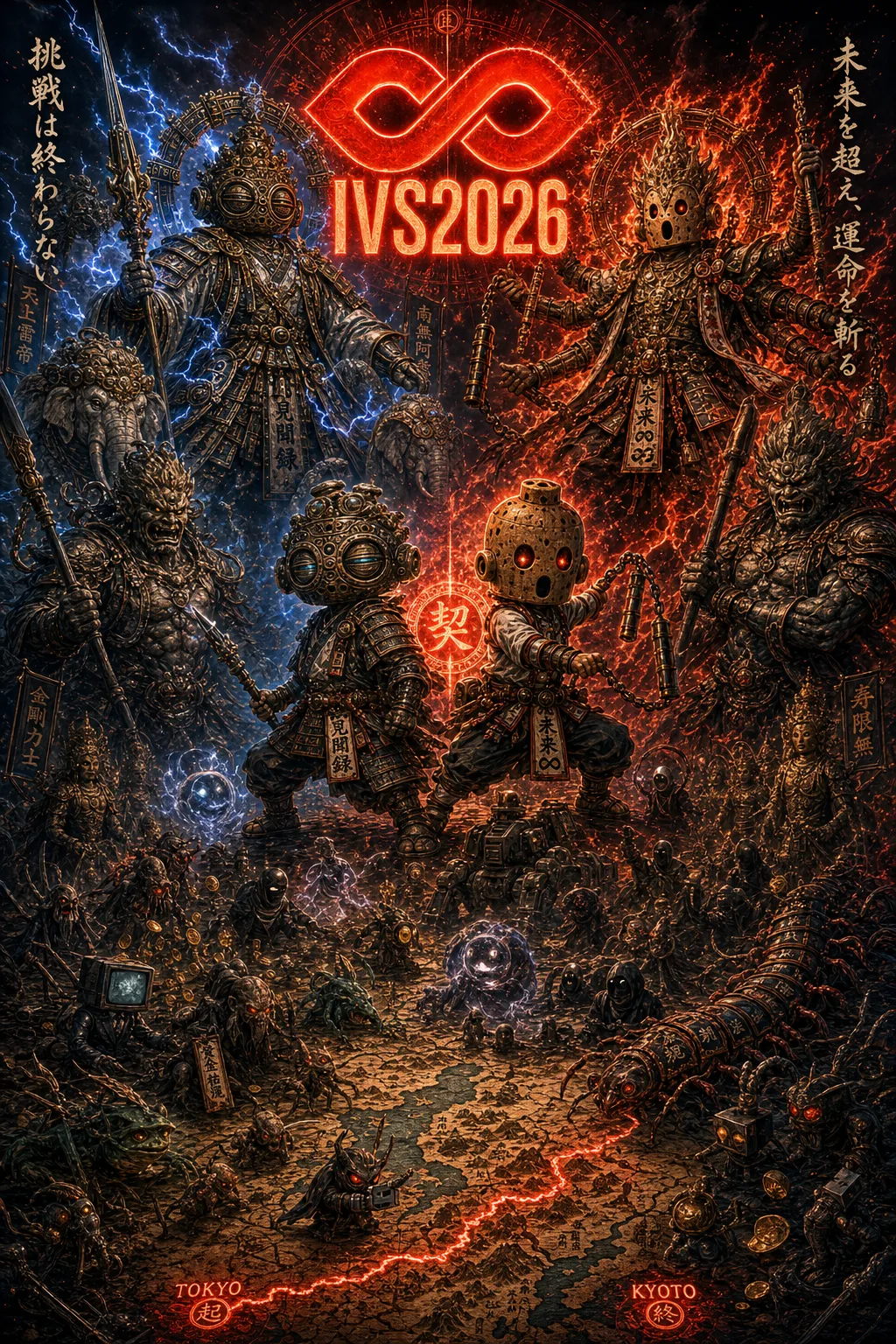
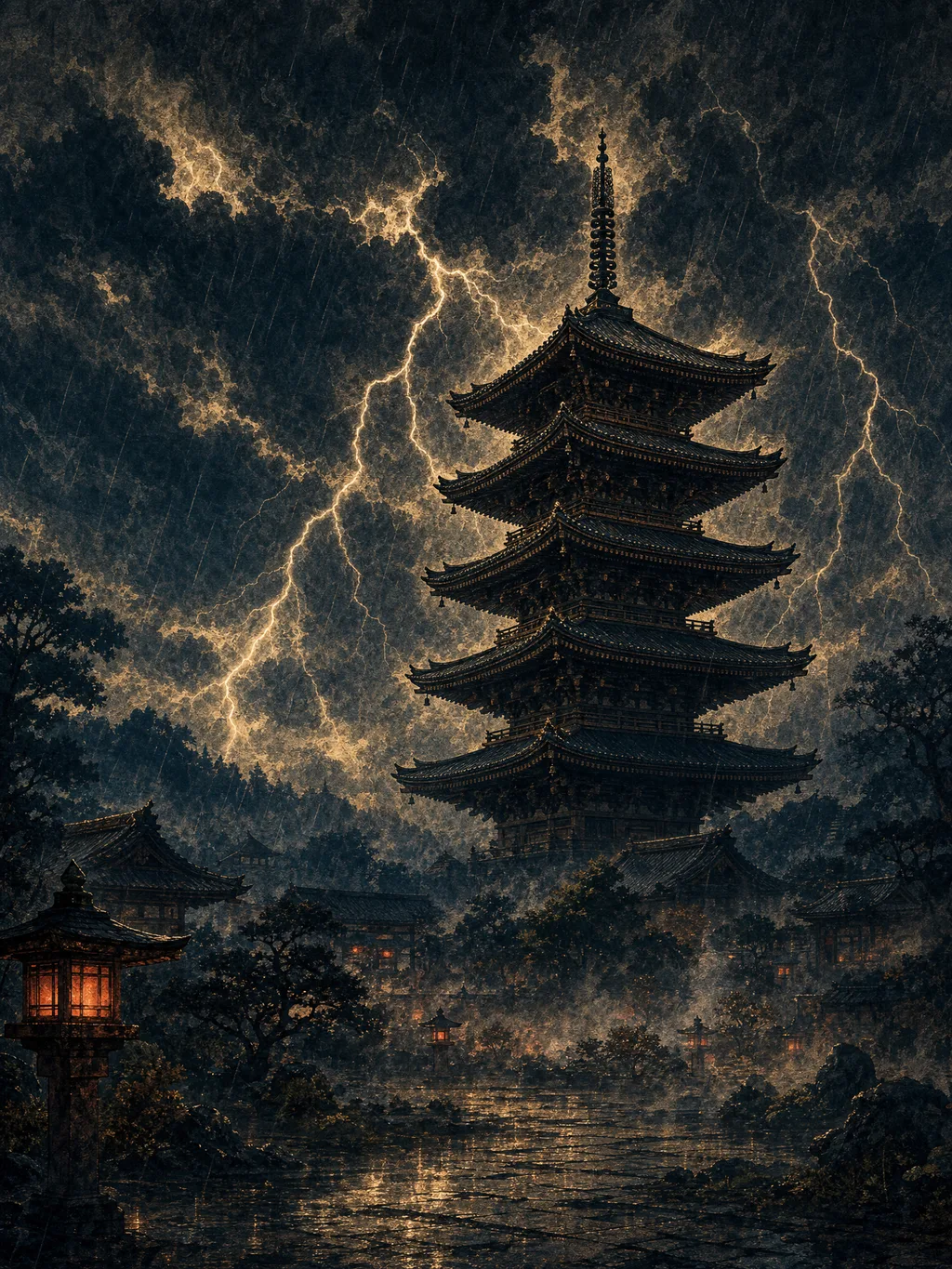
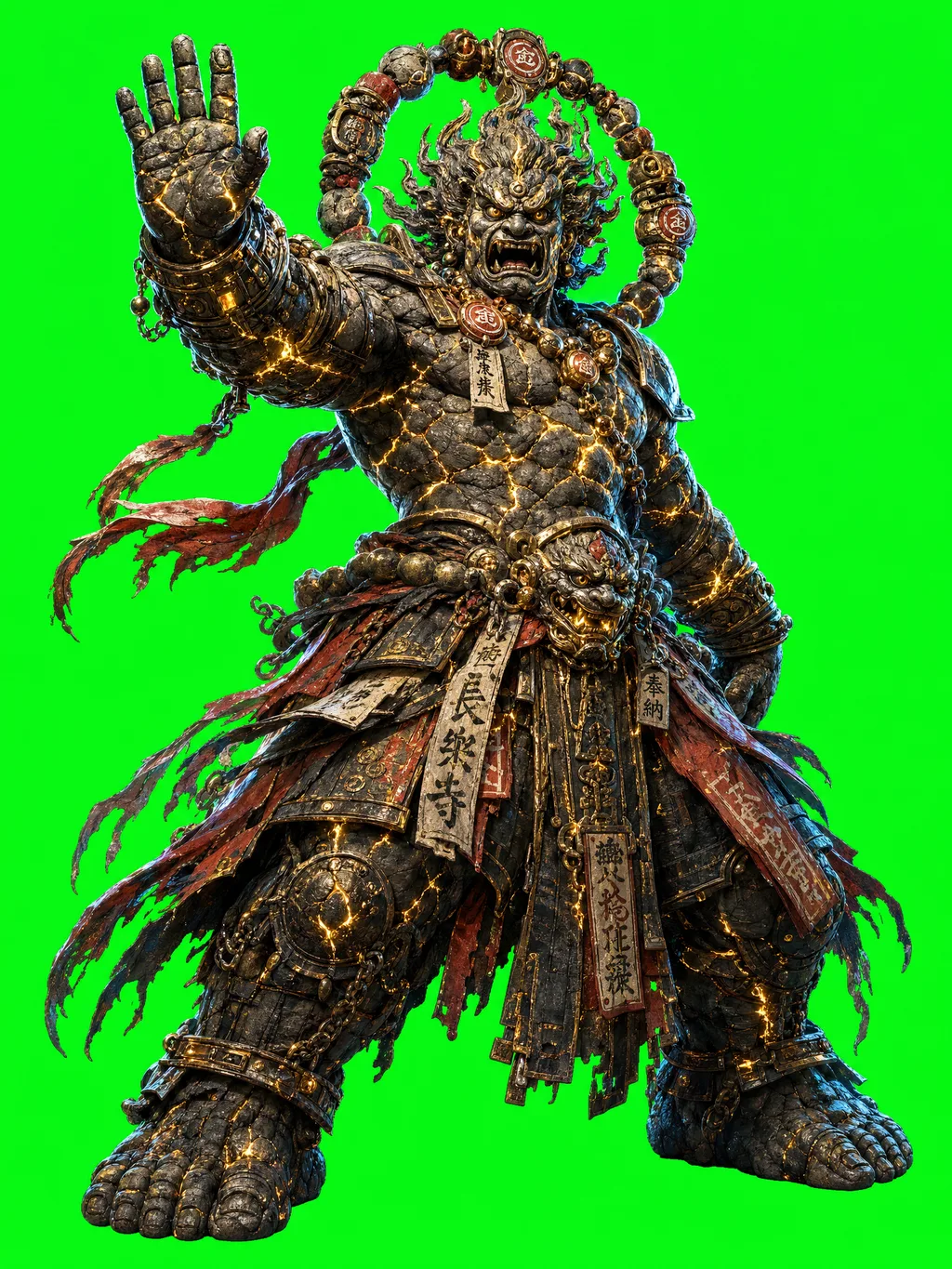
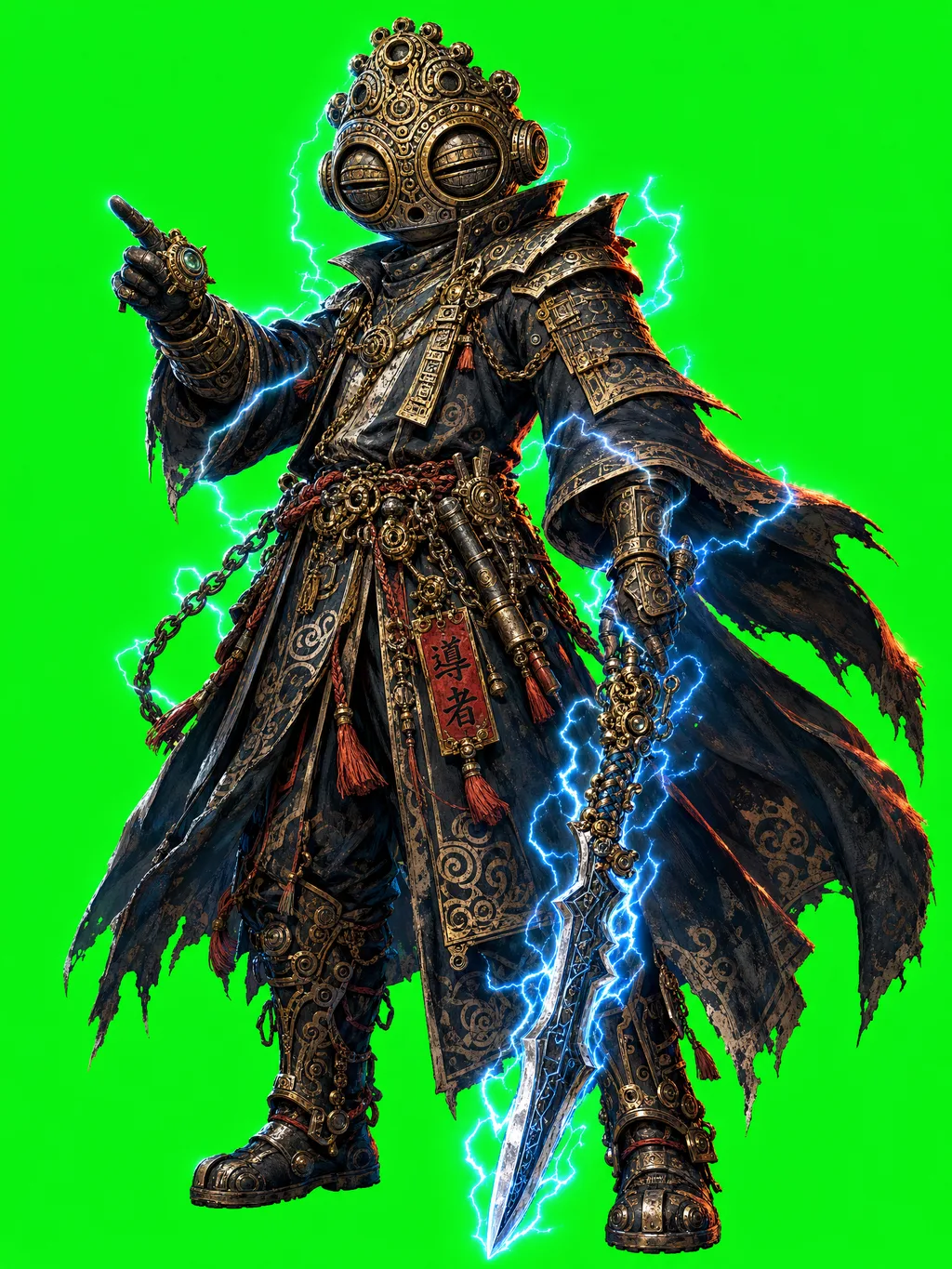
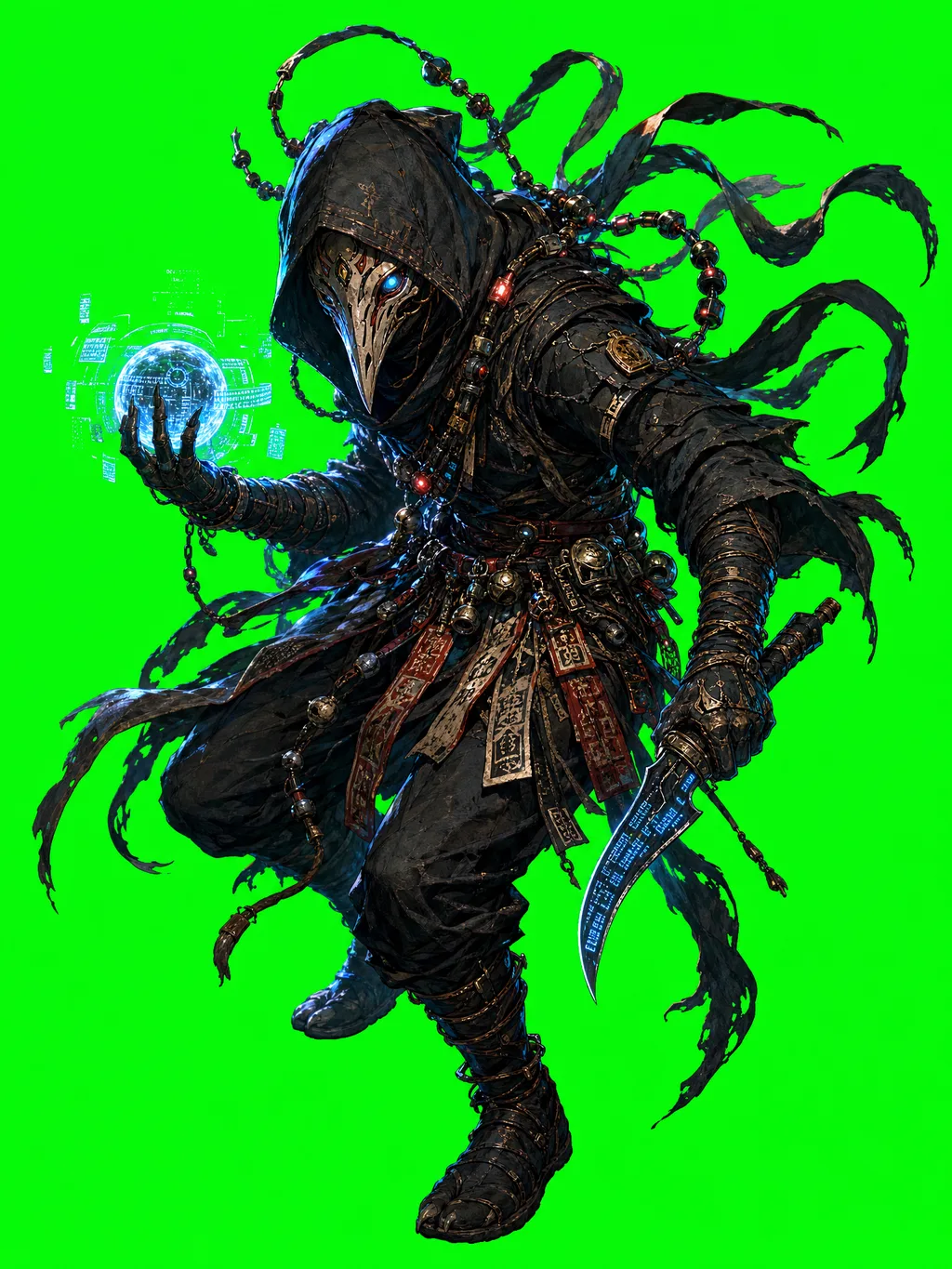
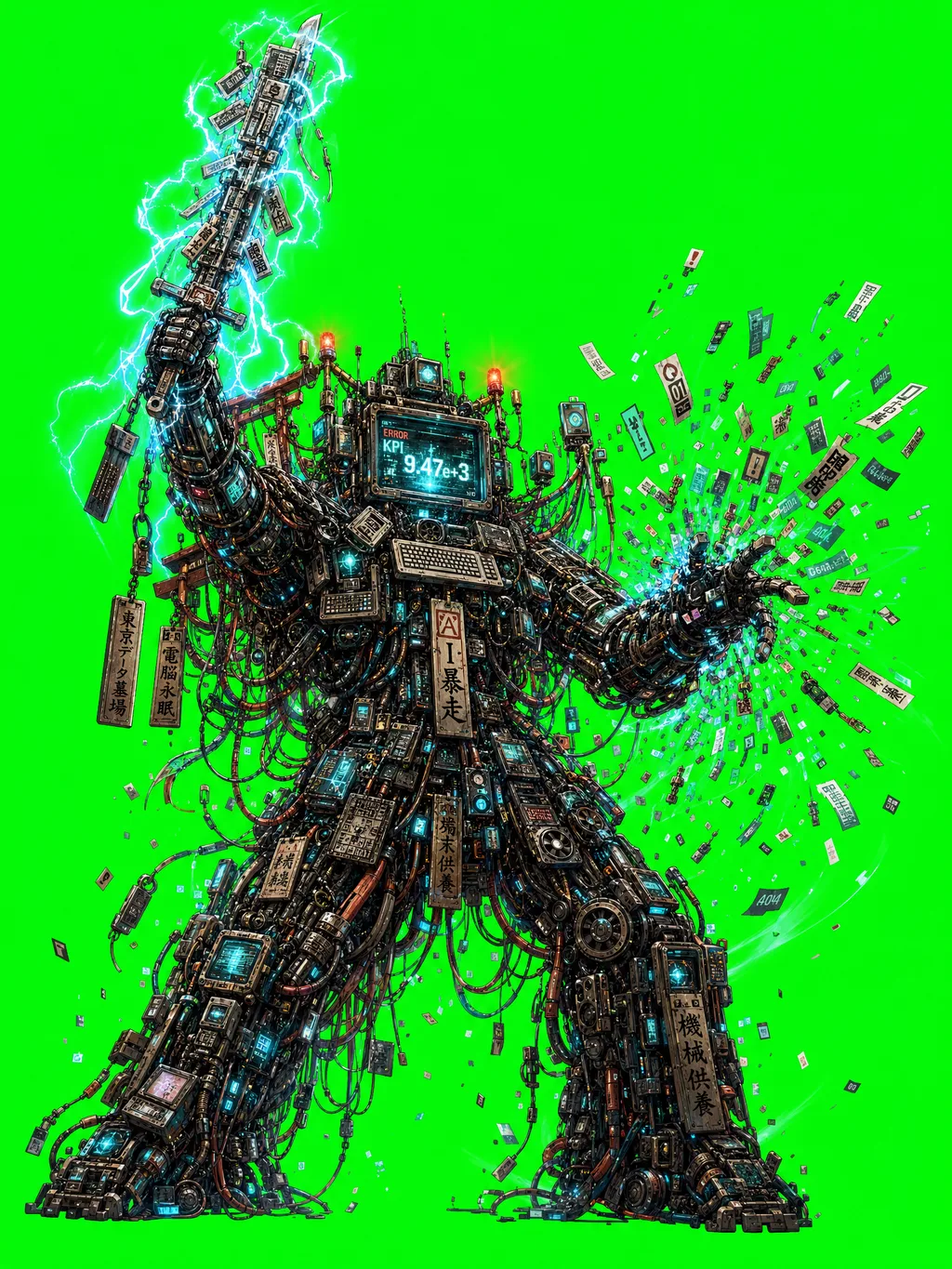
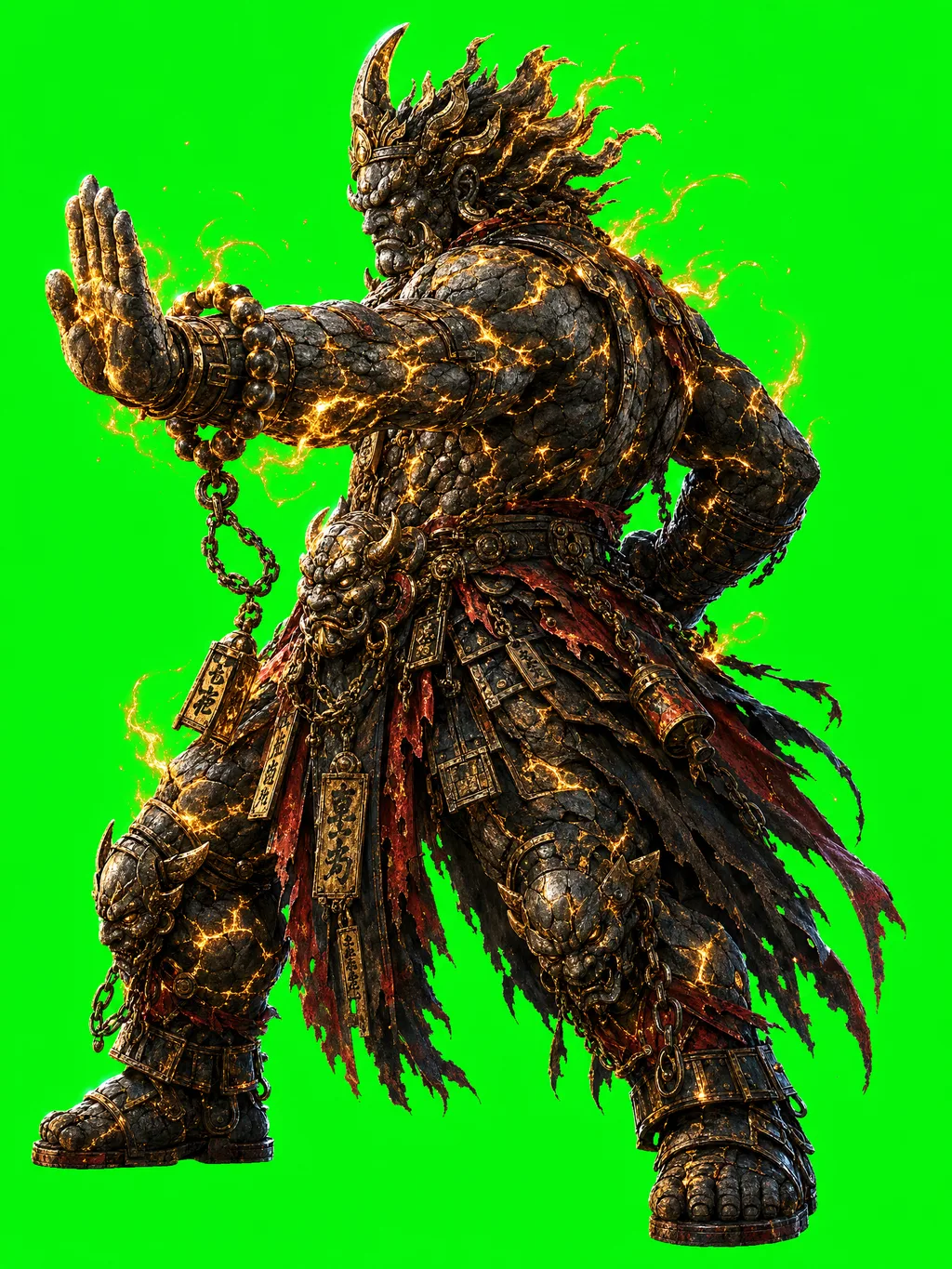
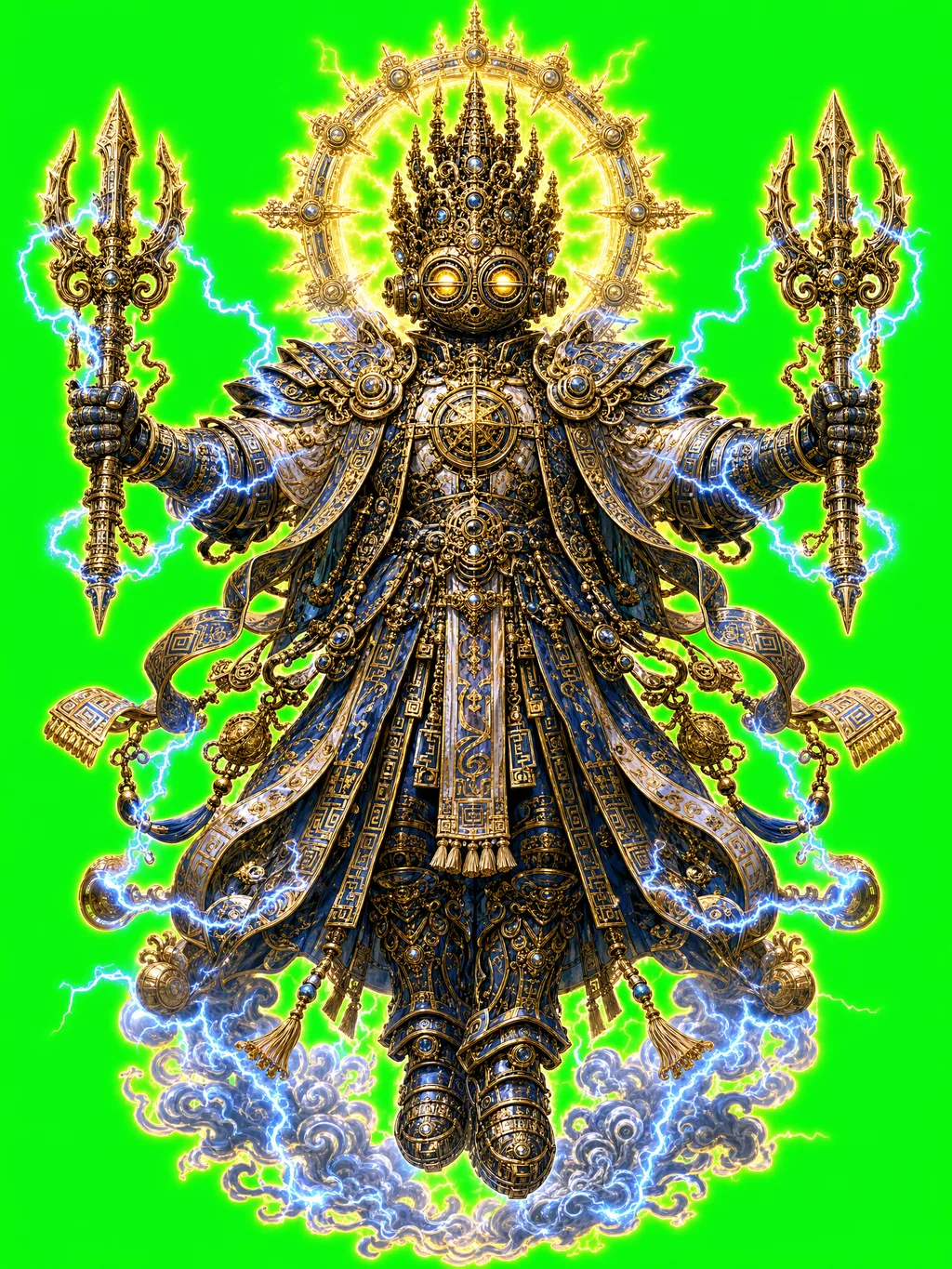
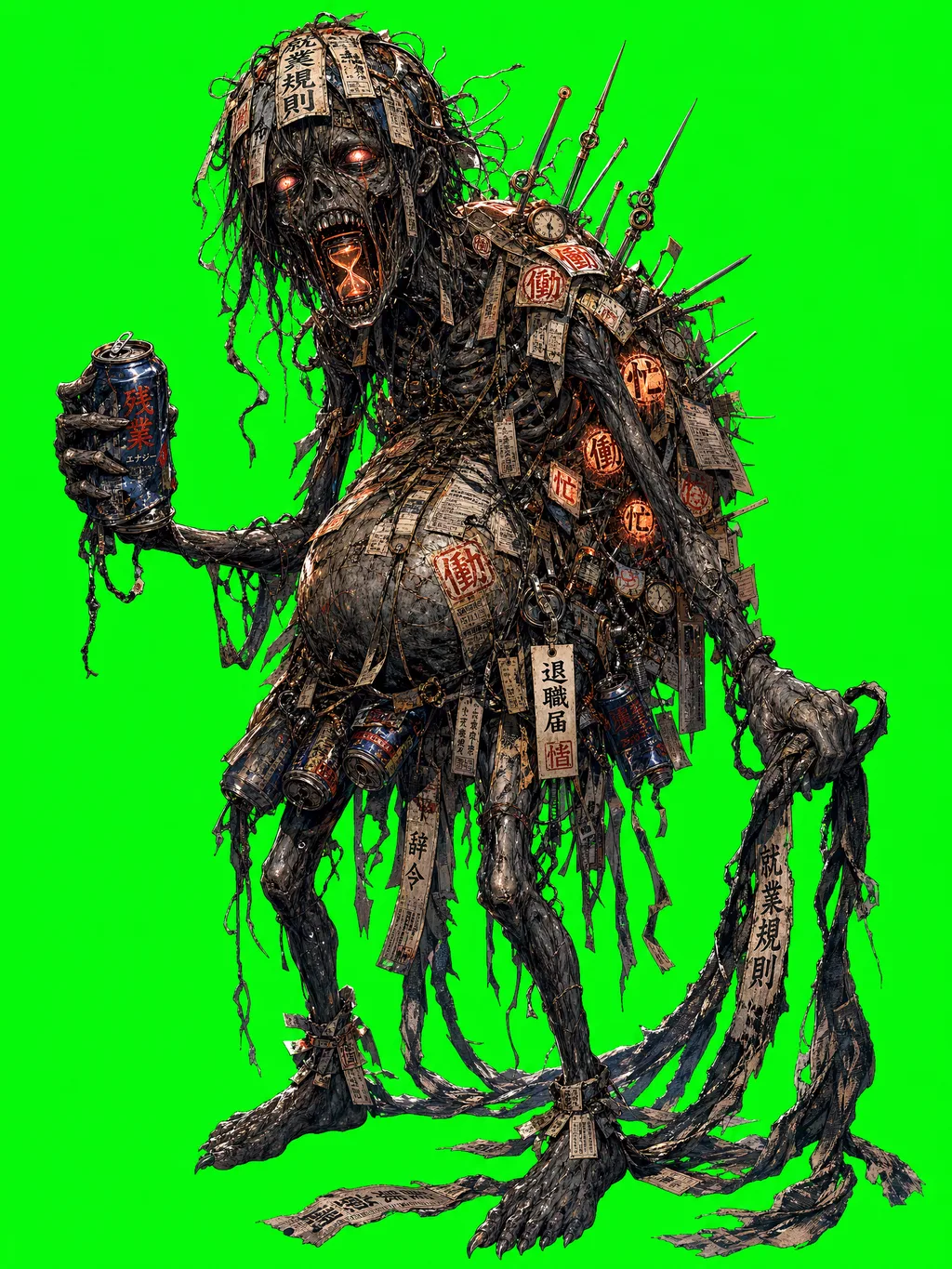
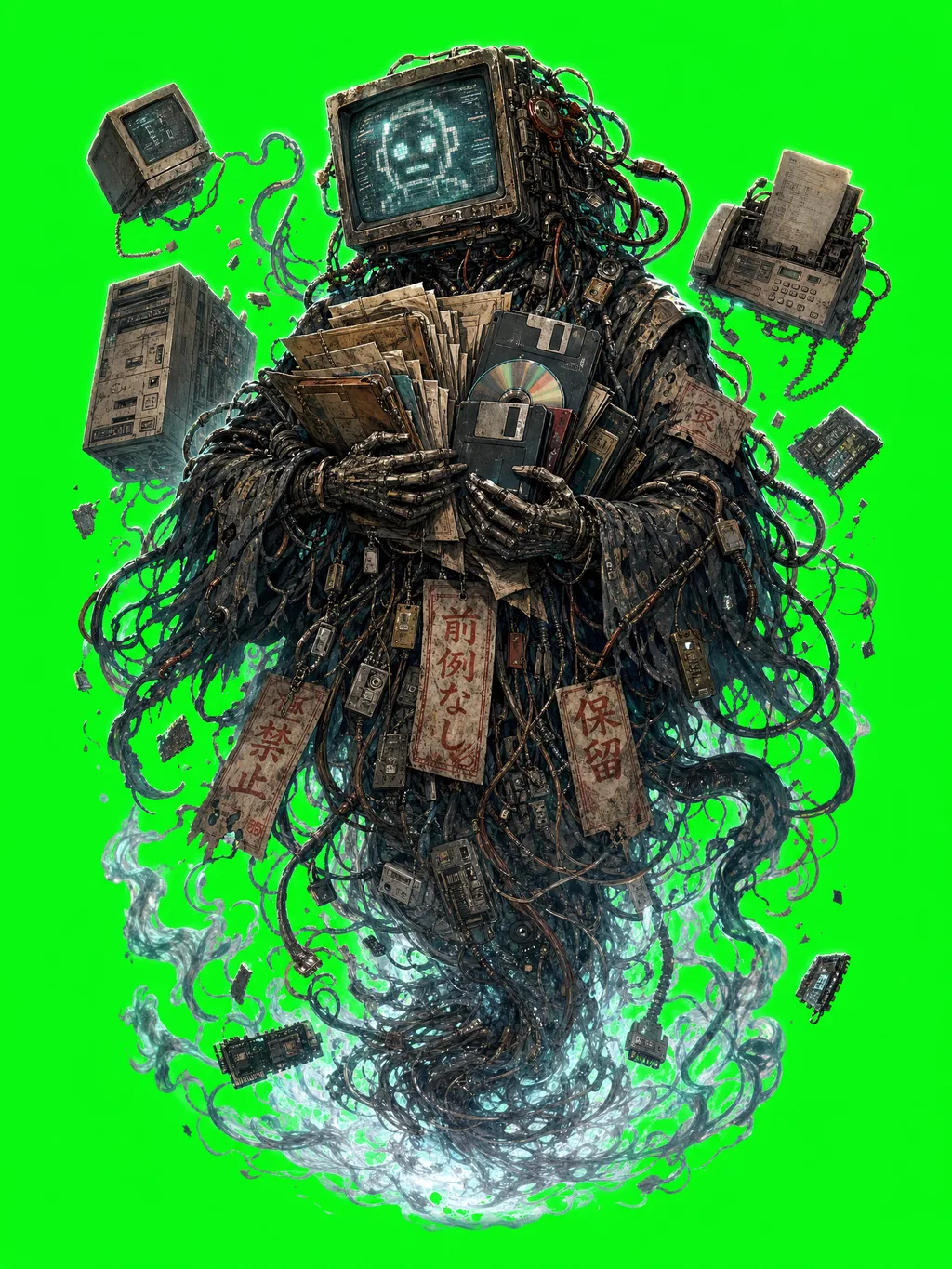
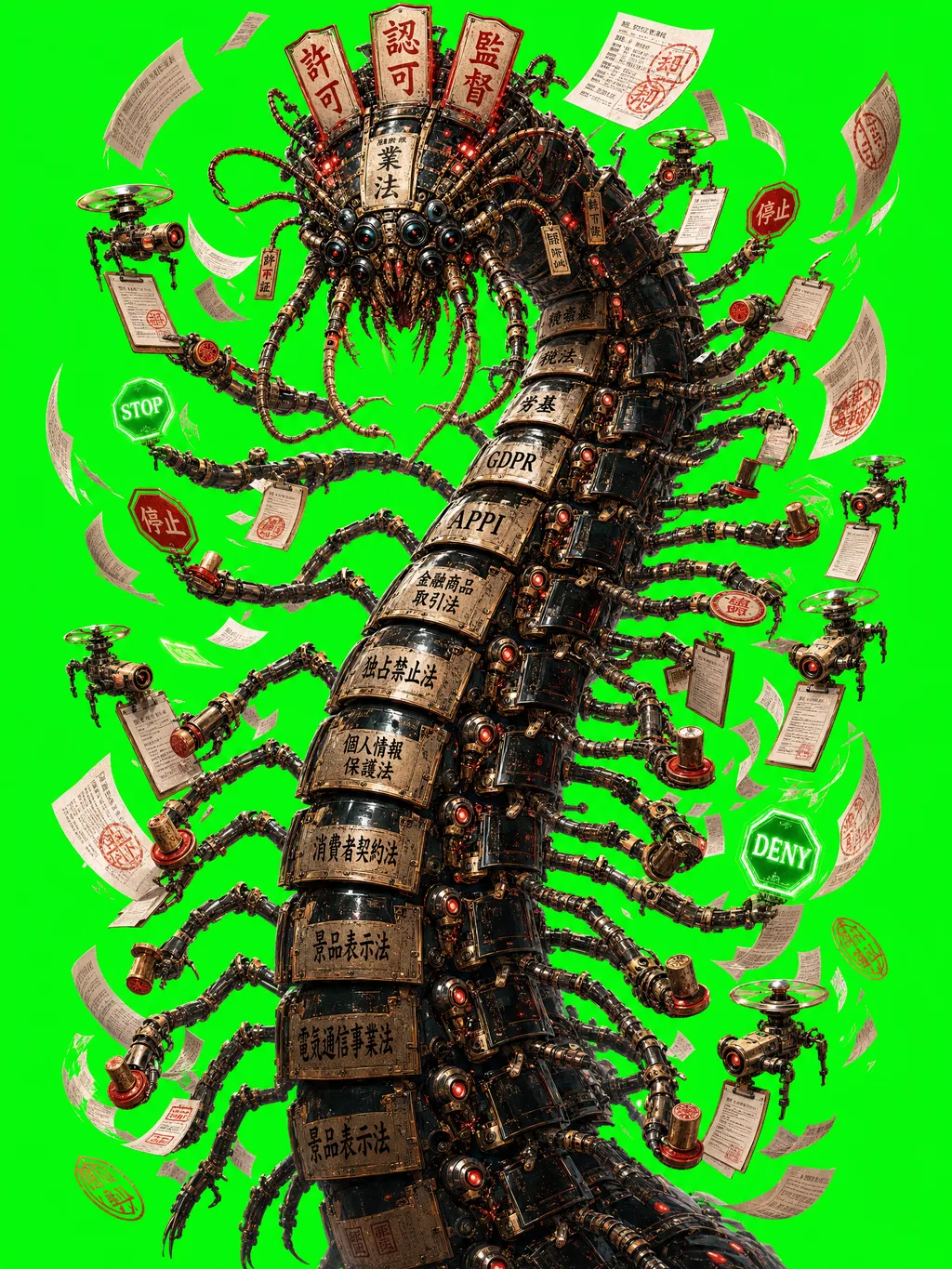
Key Visual — Collective Poster Generation
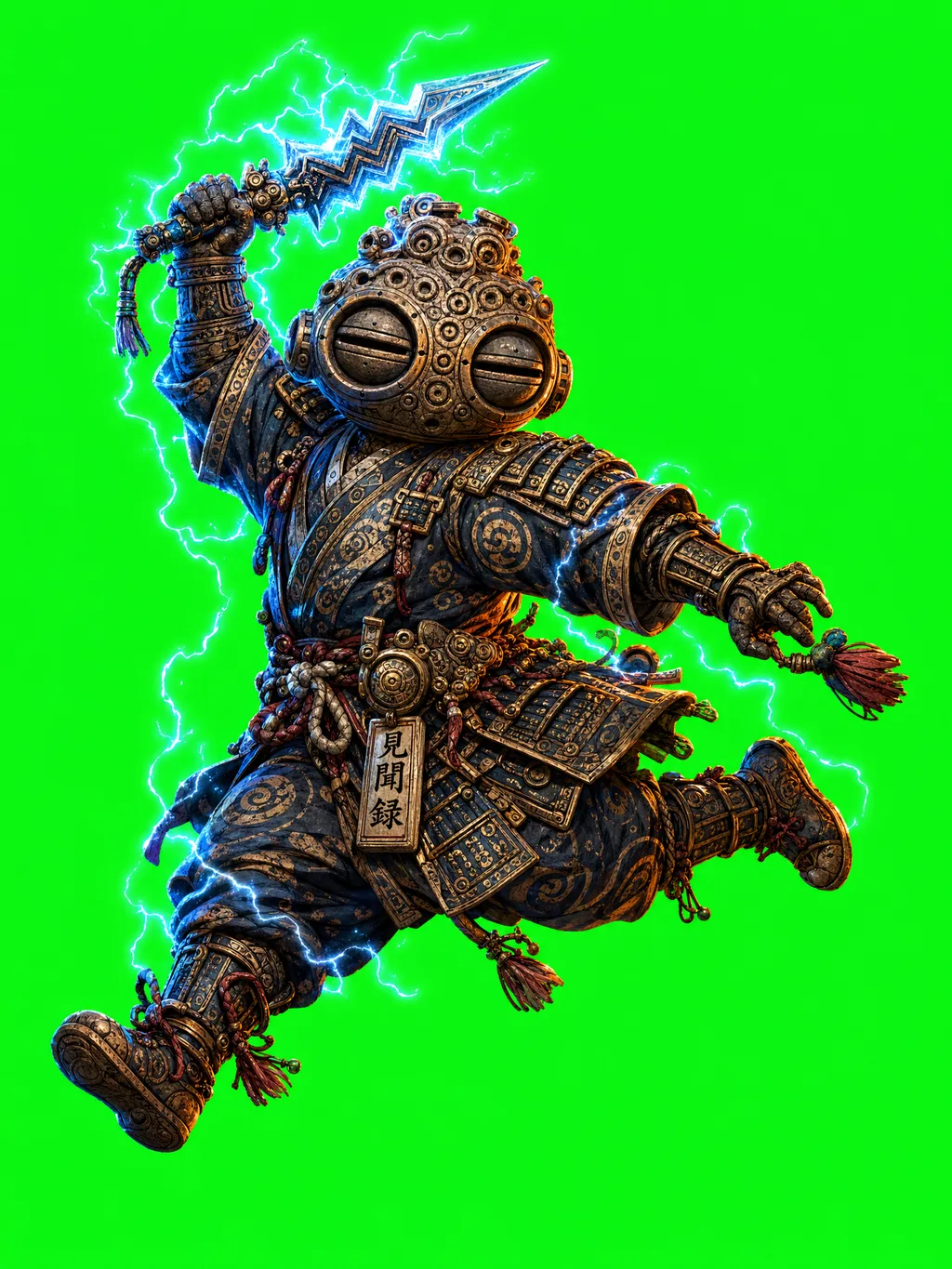
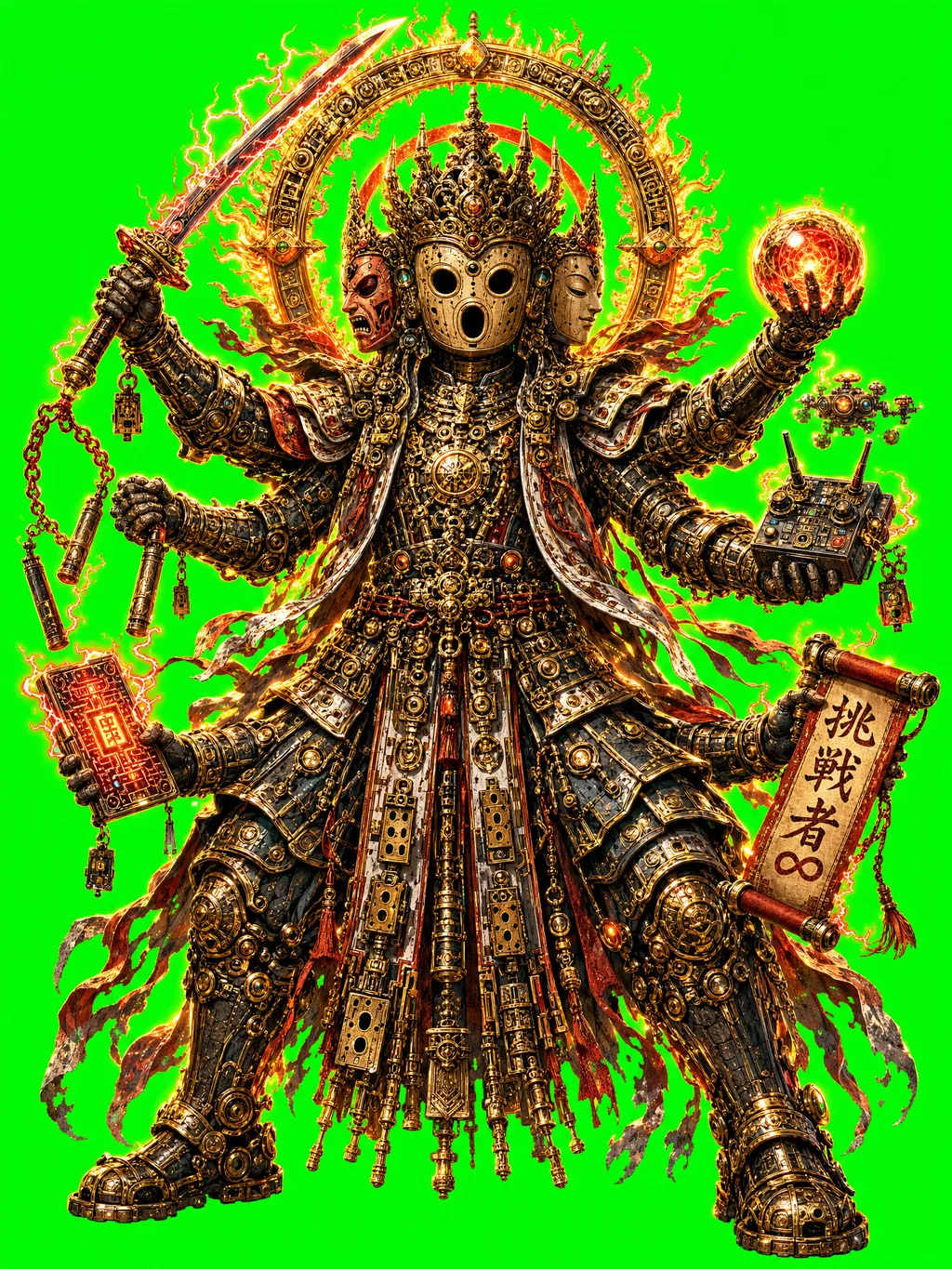
全キャラクターを学習させた縦長集合ビジュアル(商業ポスター用)。
テスト解像度: 1024×1536 / 本番目標: 2894×4093 (350dpi A4)
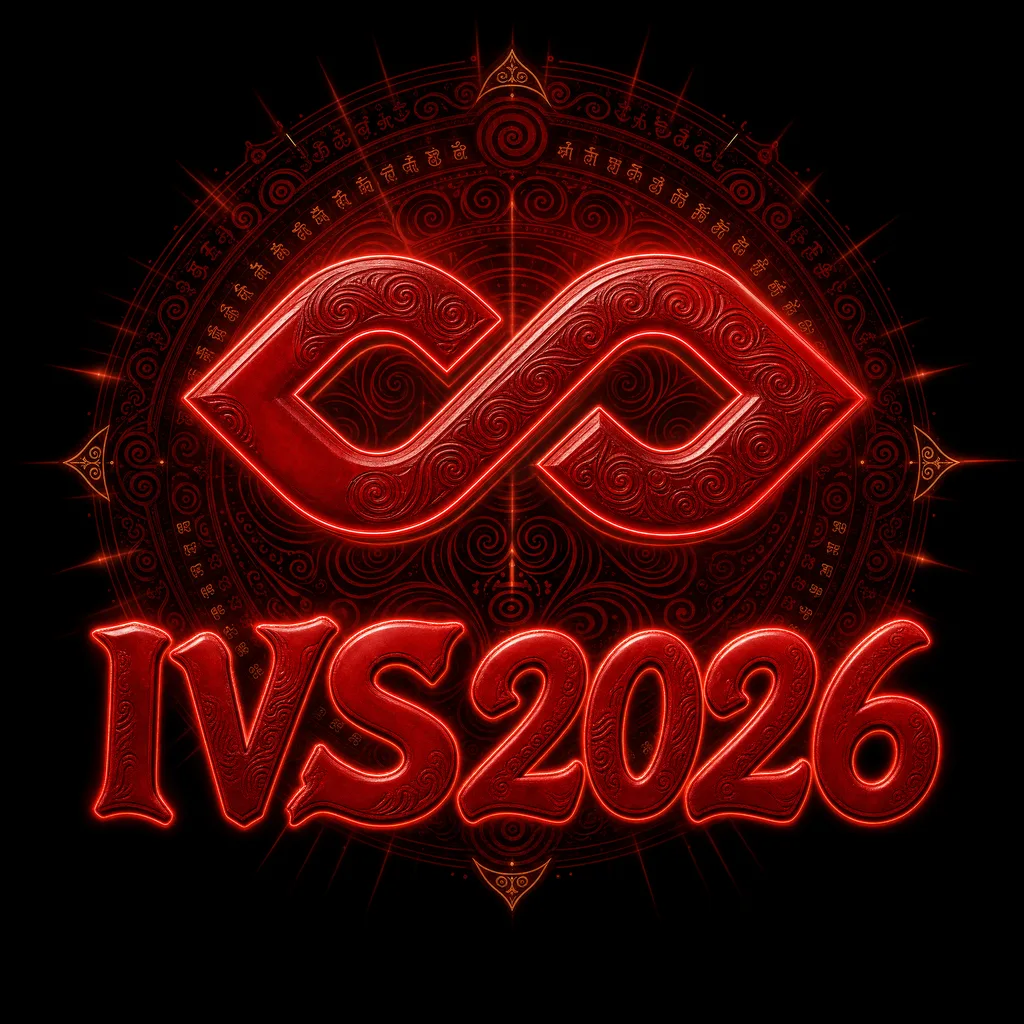
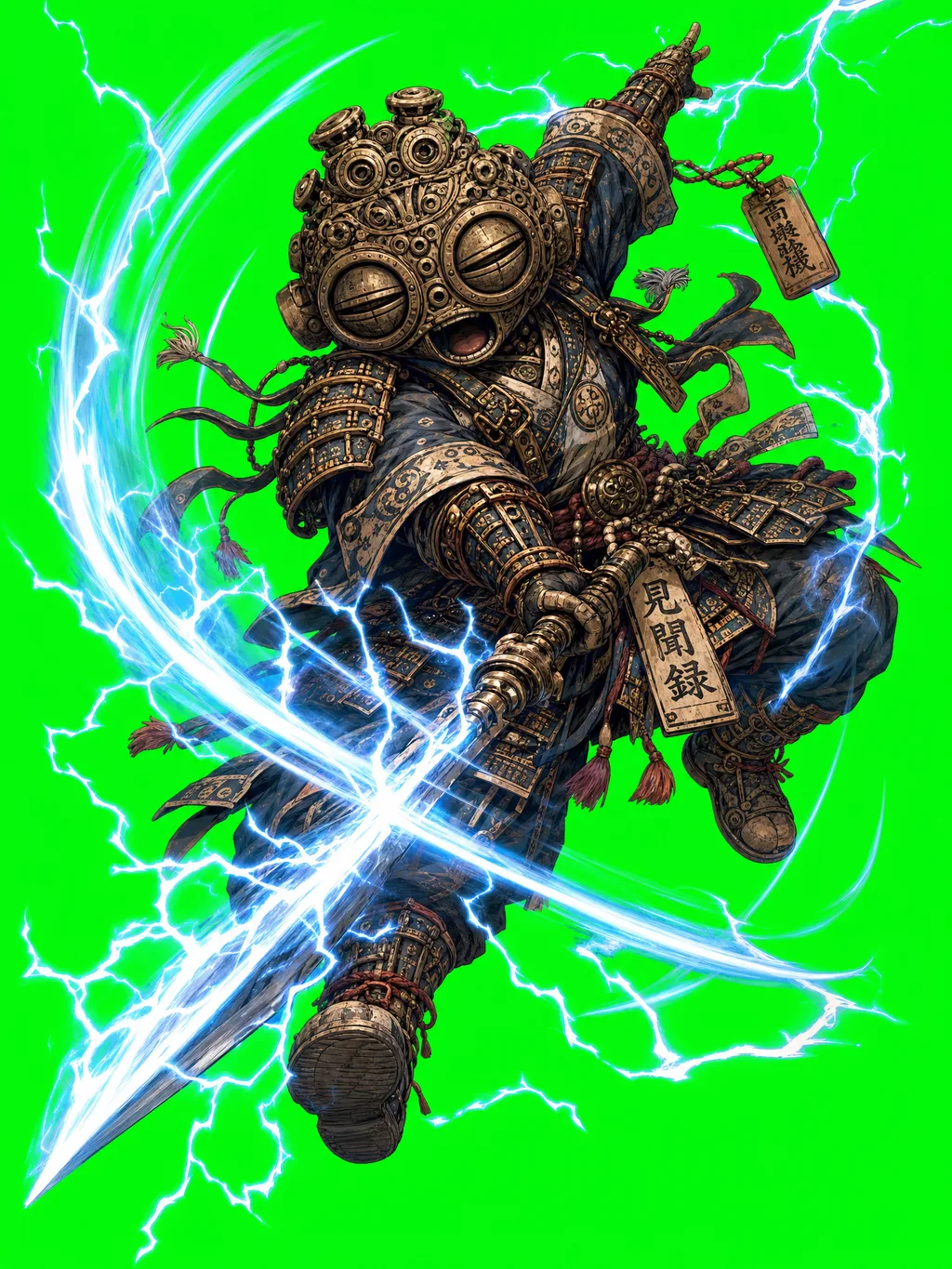
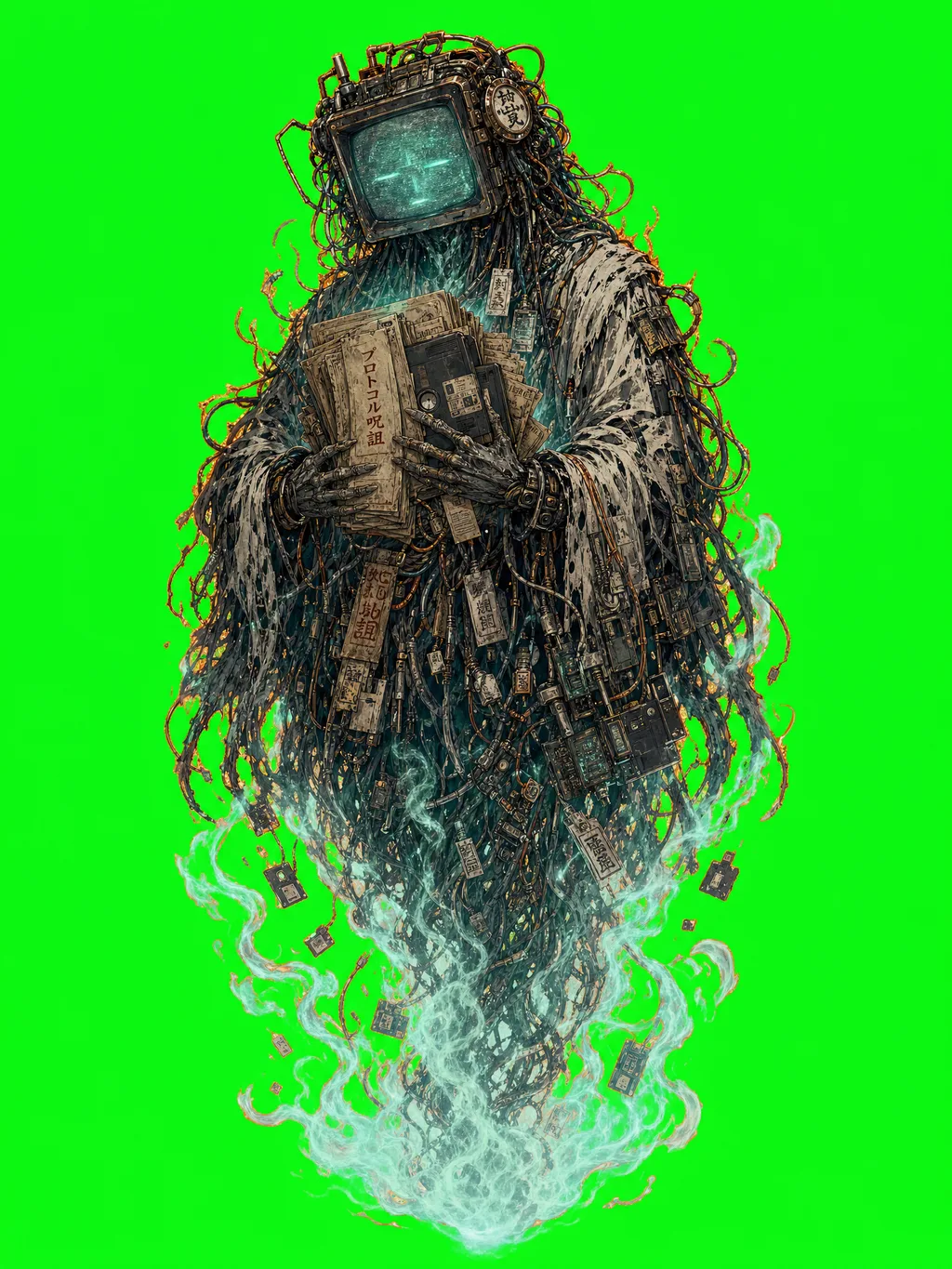
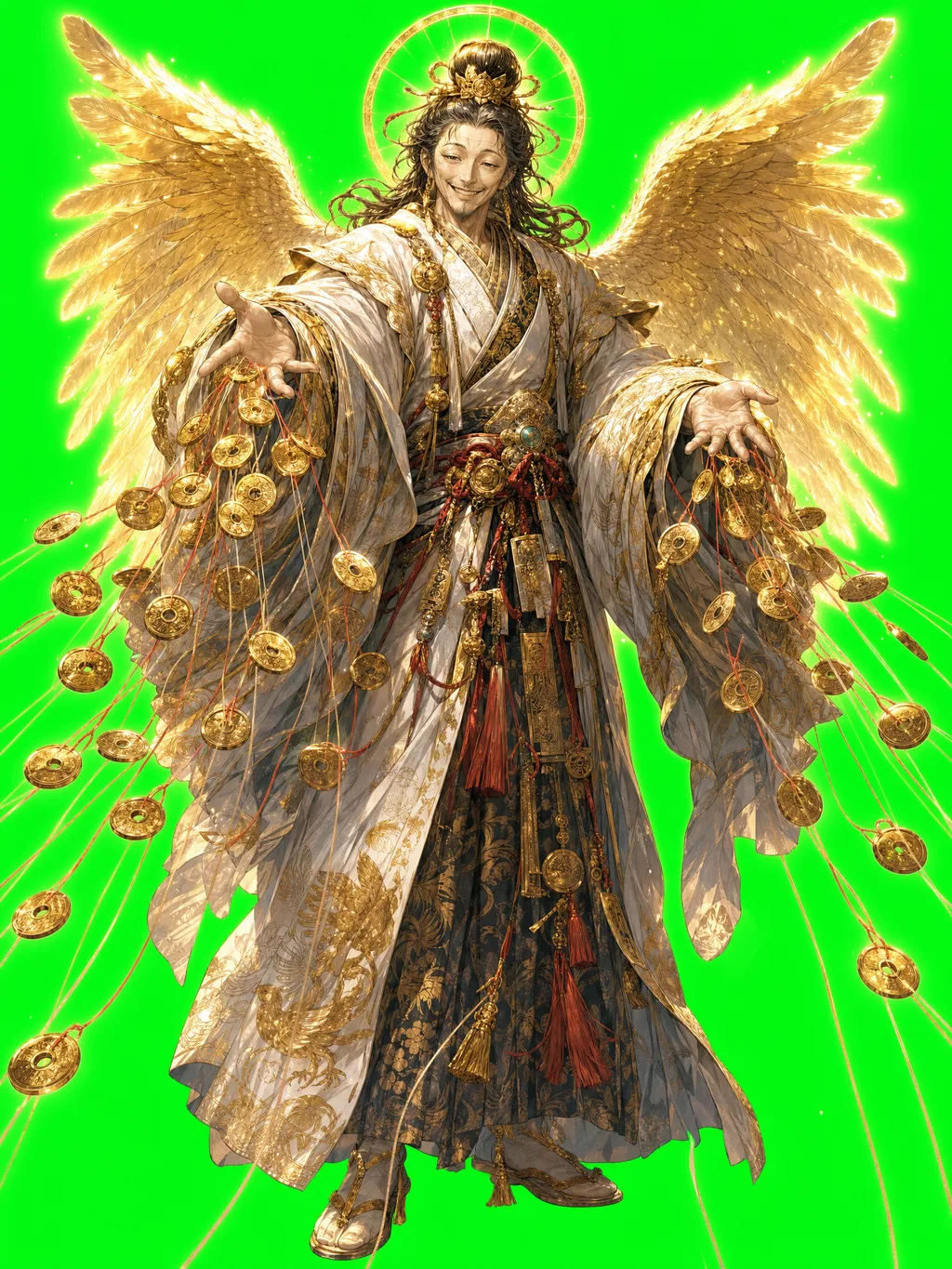
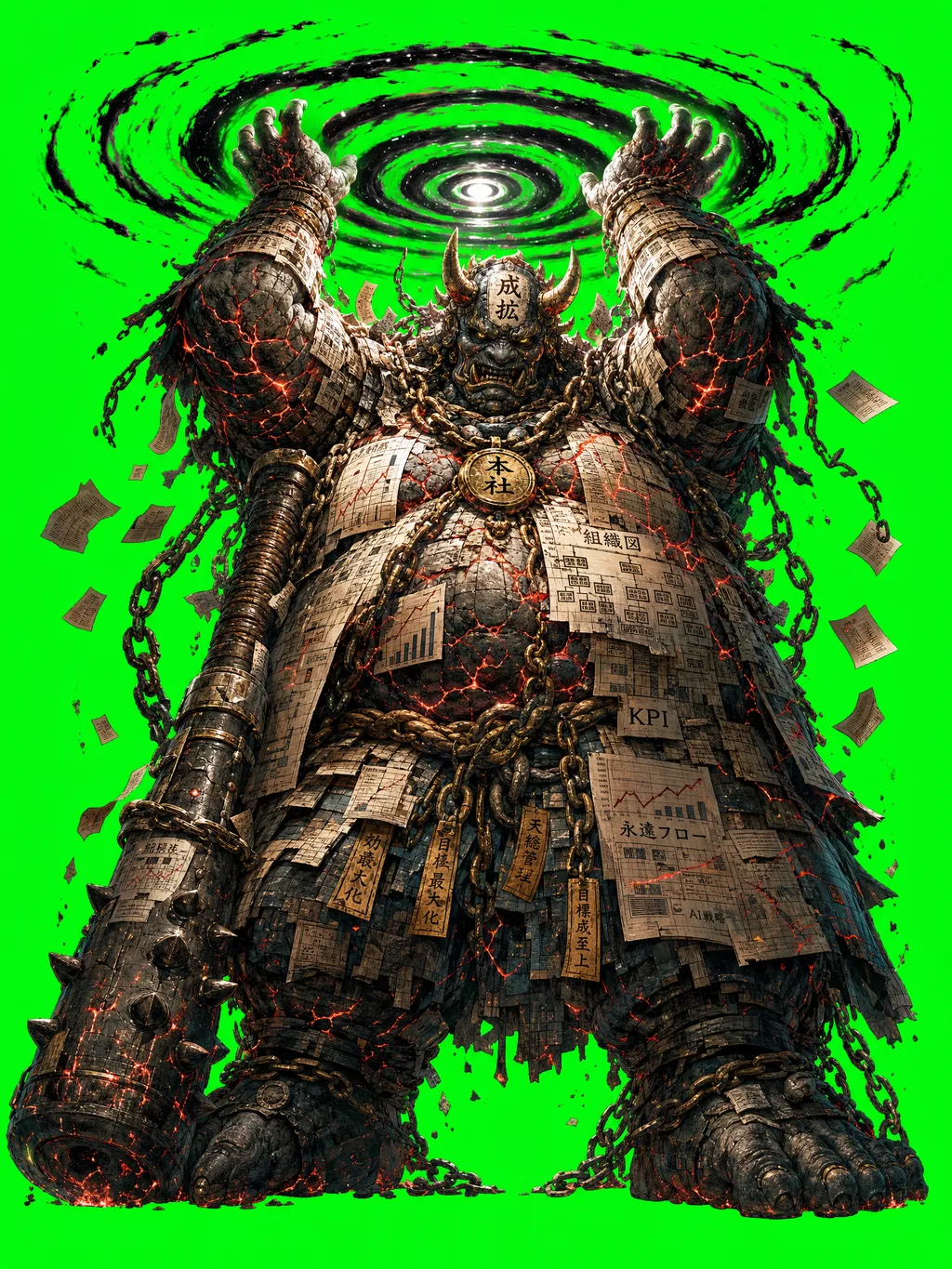
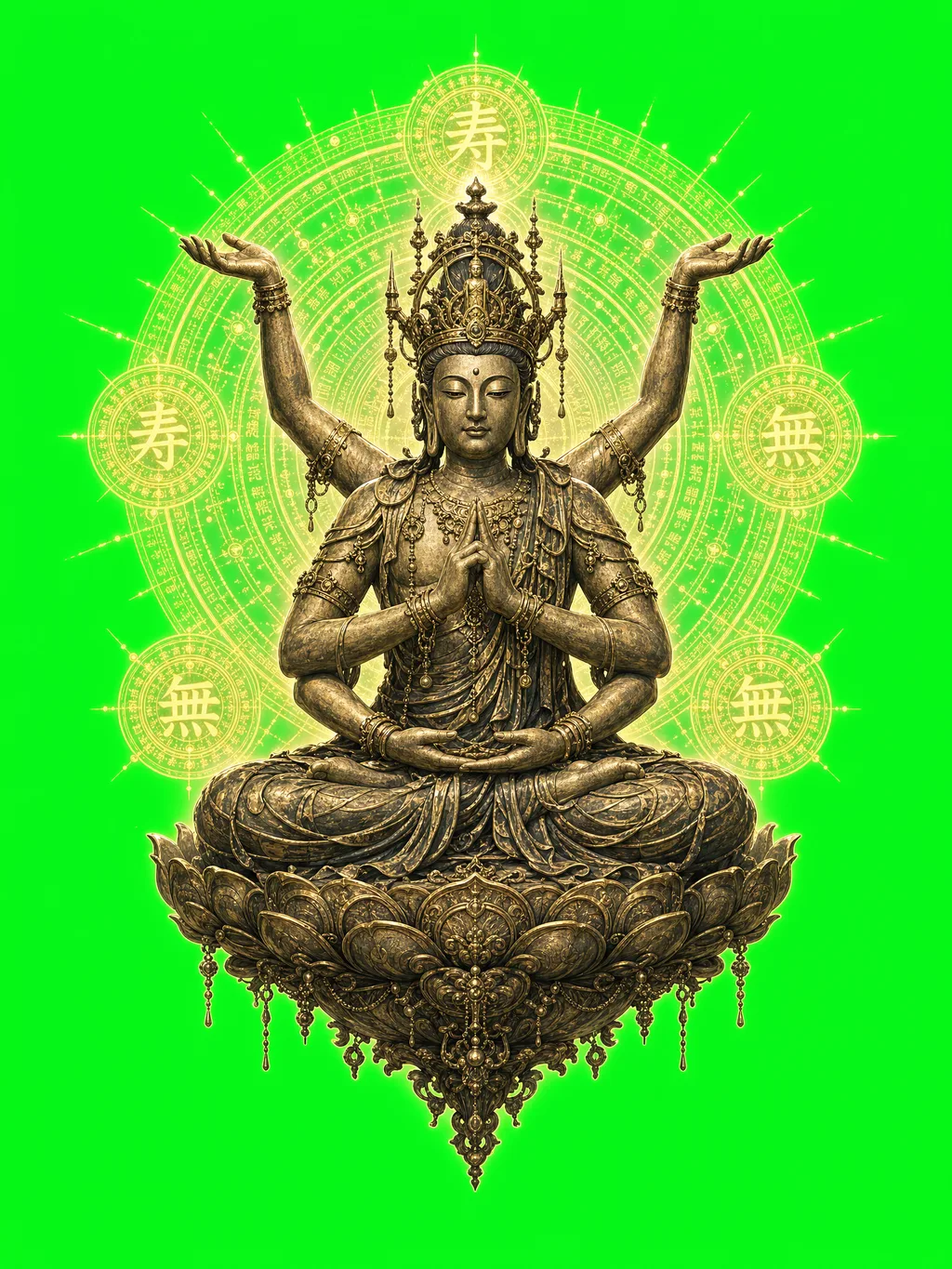
python gen_key_visual.pyout/key_visual/ → public/key_visual_v*.pngIVS2026ロゴ + haniwa_boy + dogu_boy + haniwa_ashura + dogu_indra$0.40 / 枚 (high)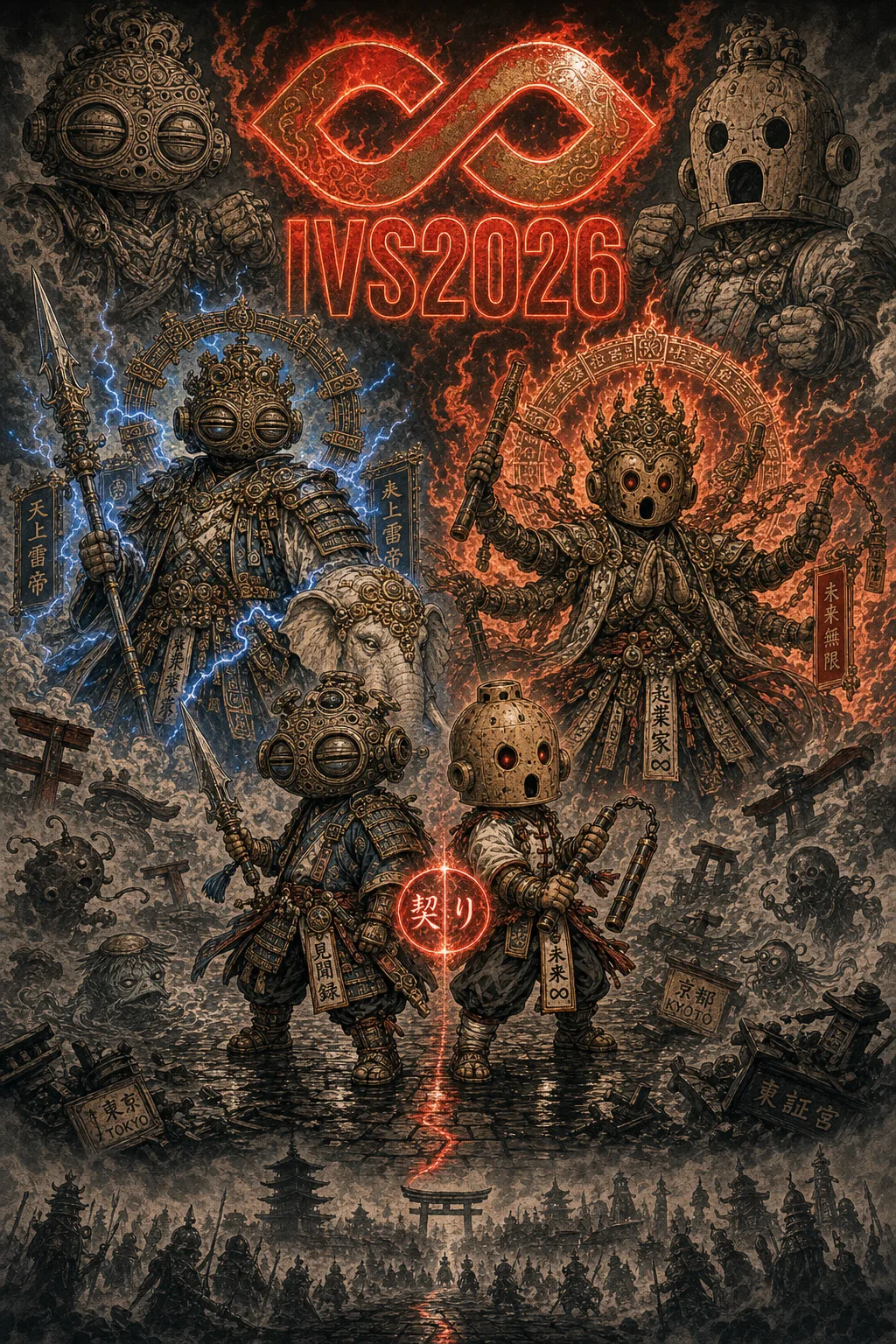
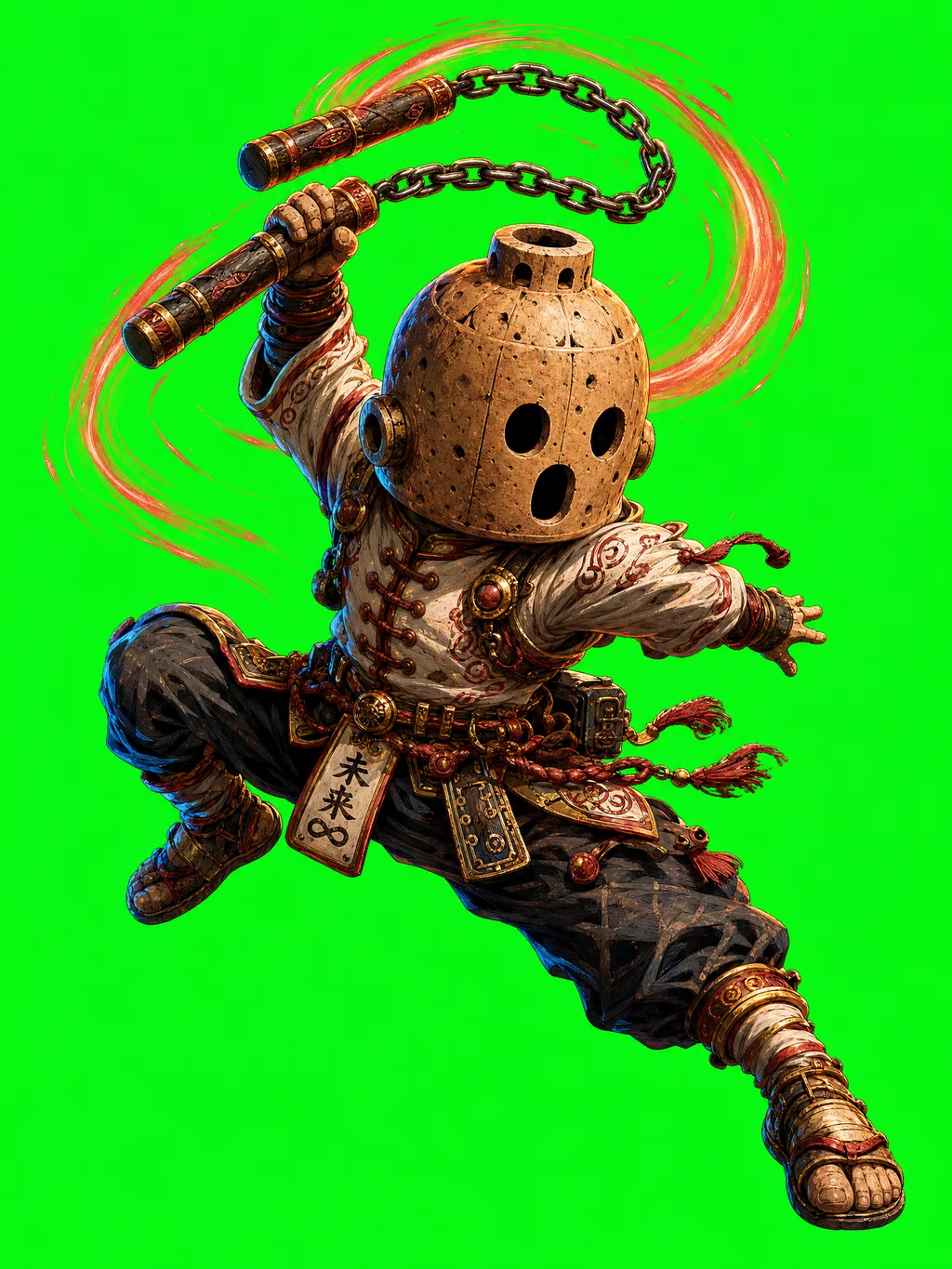
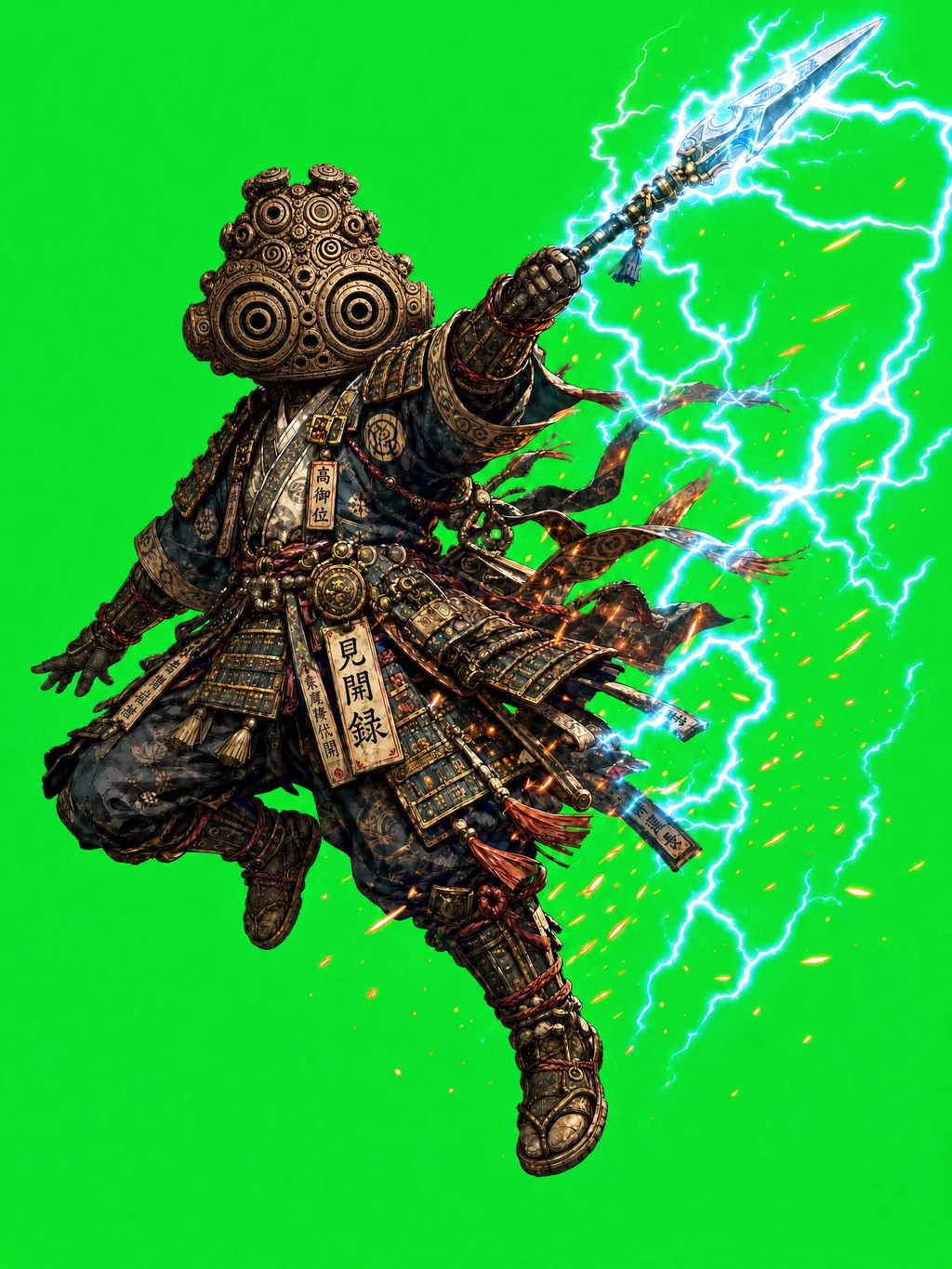
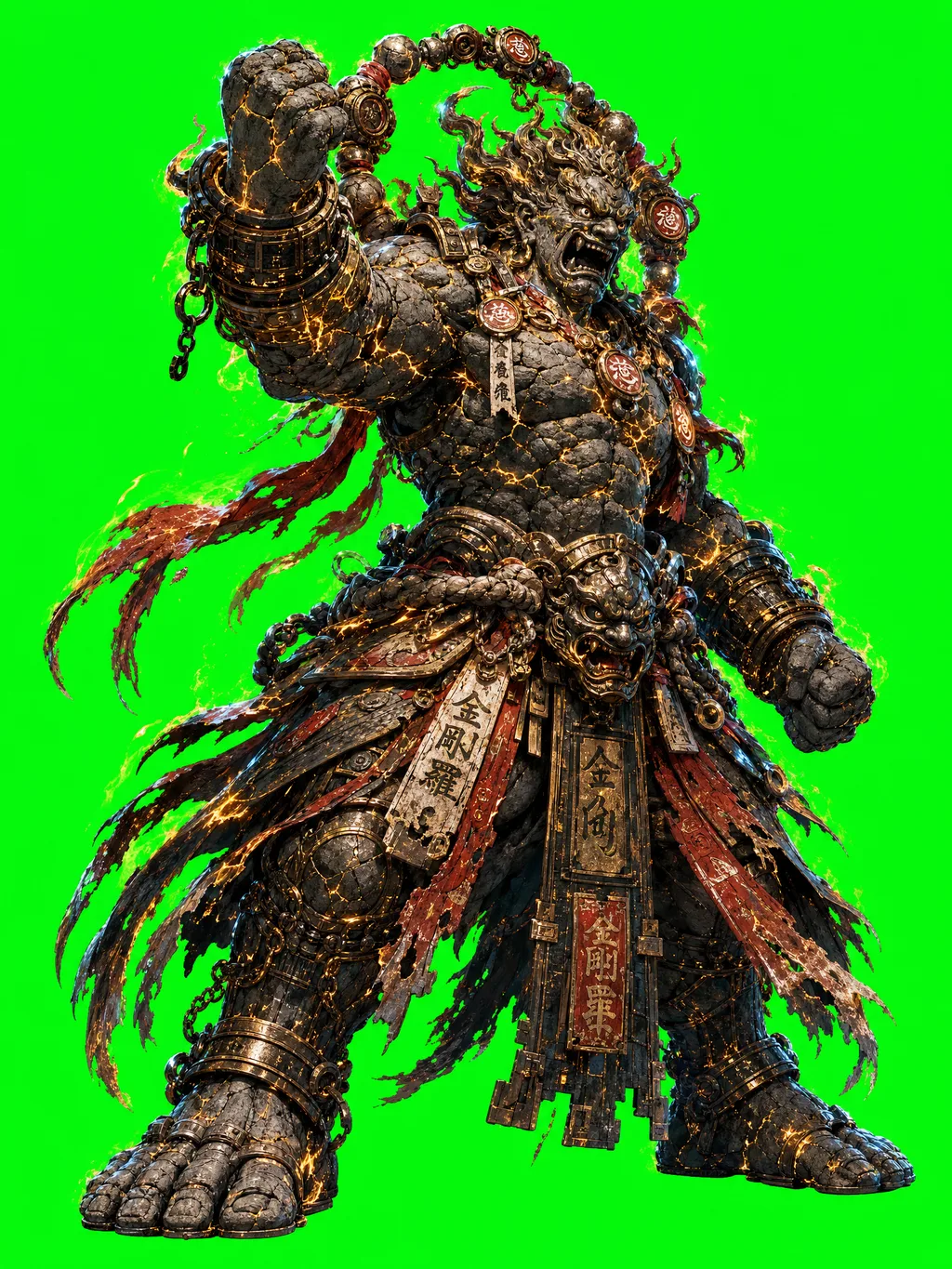
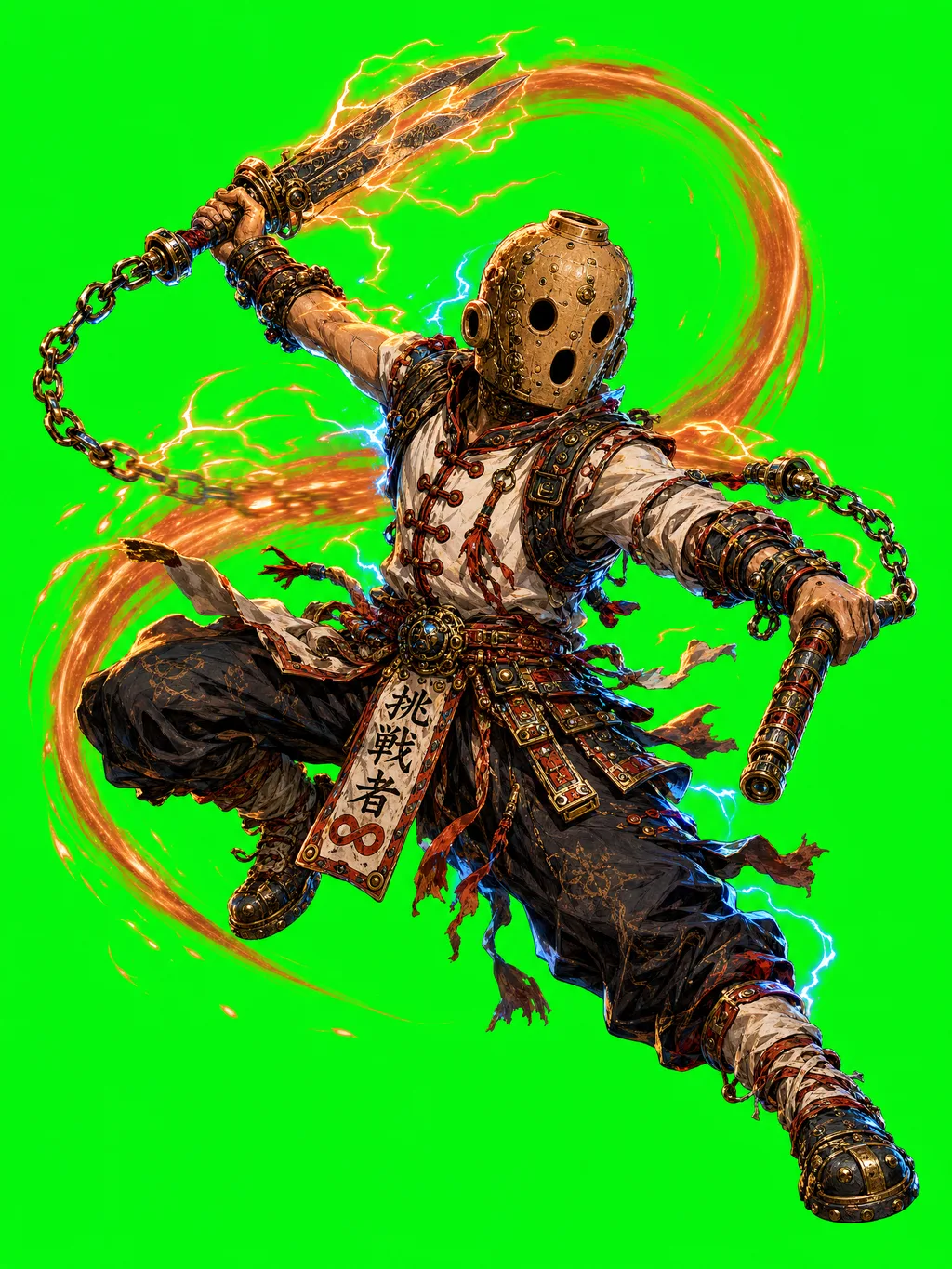
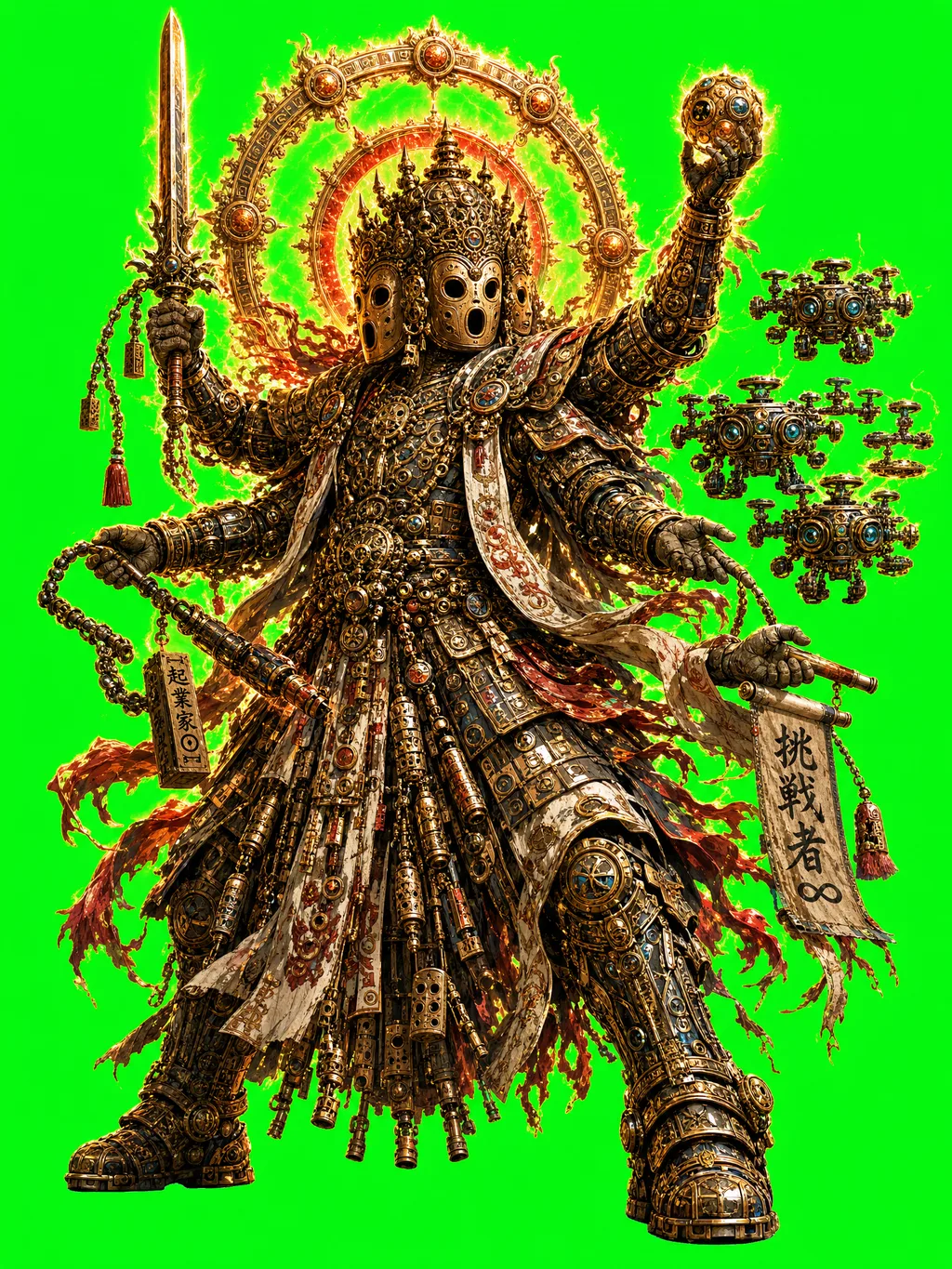
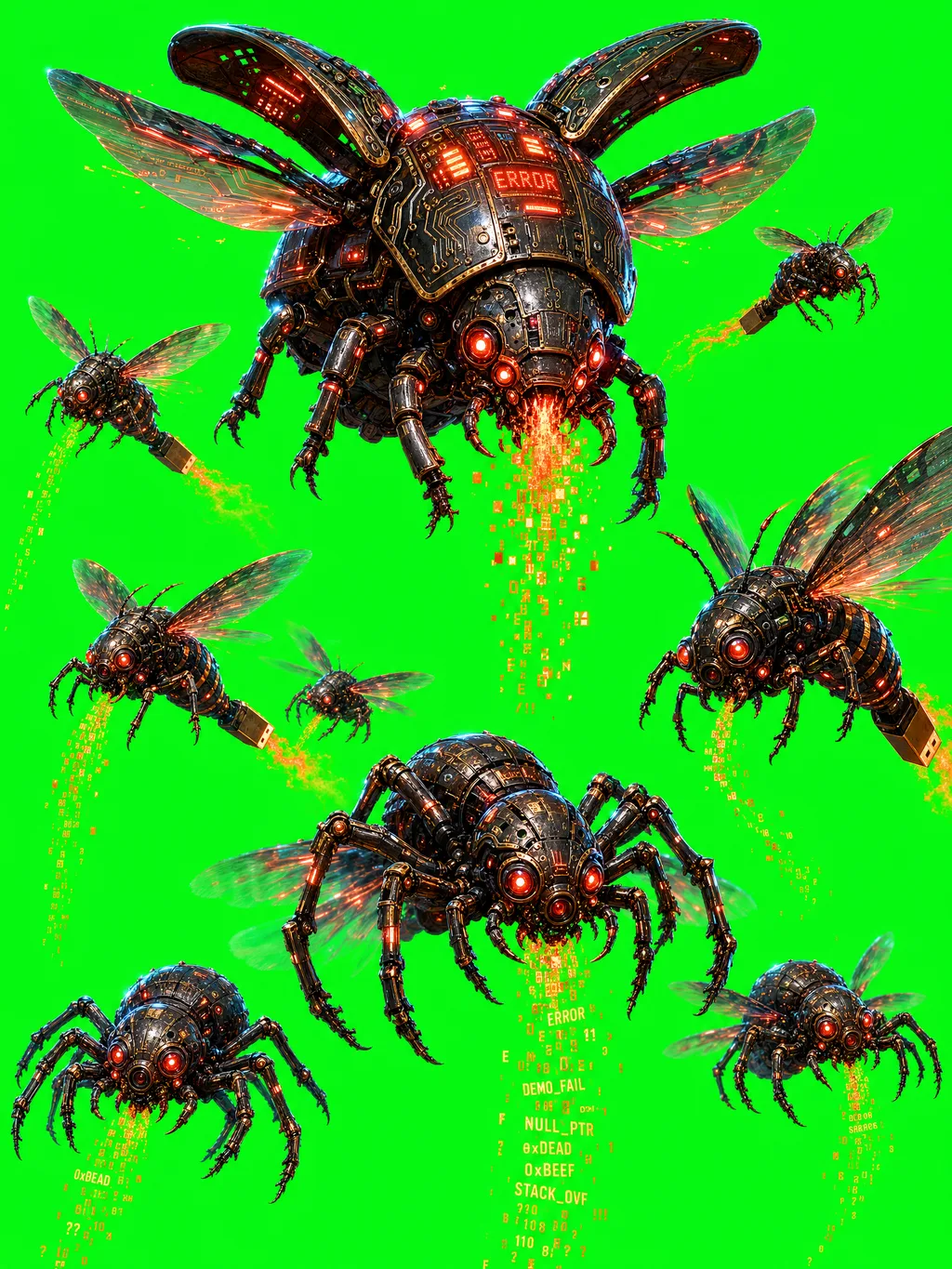
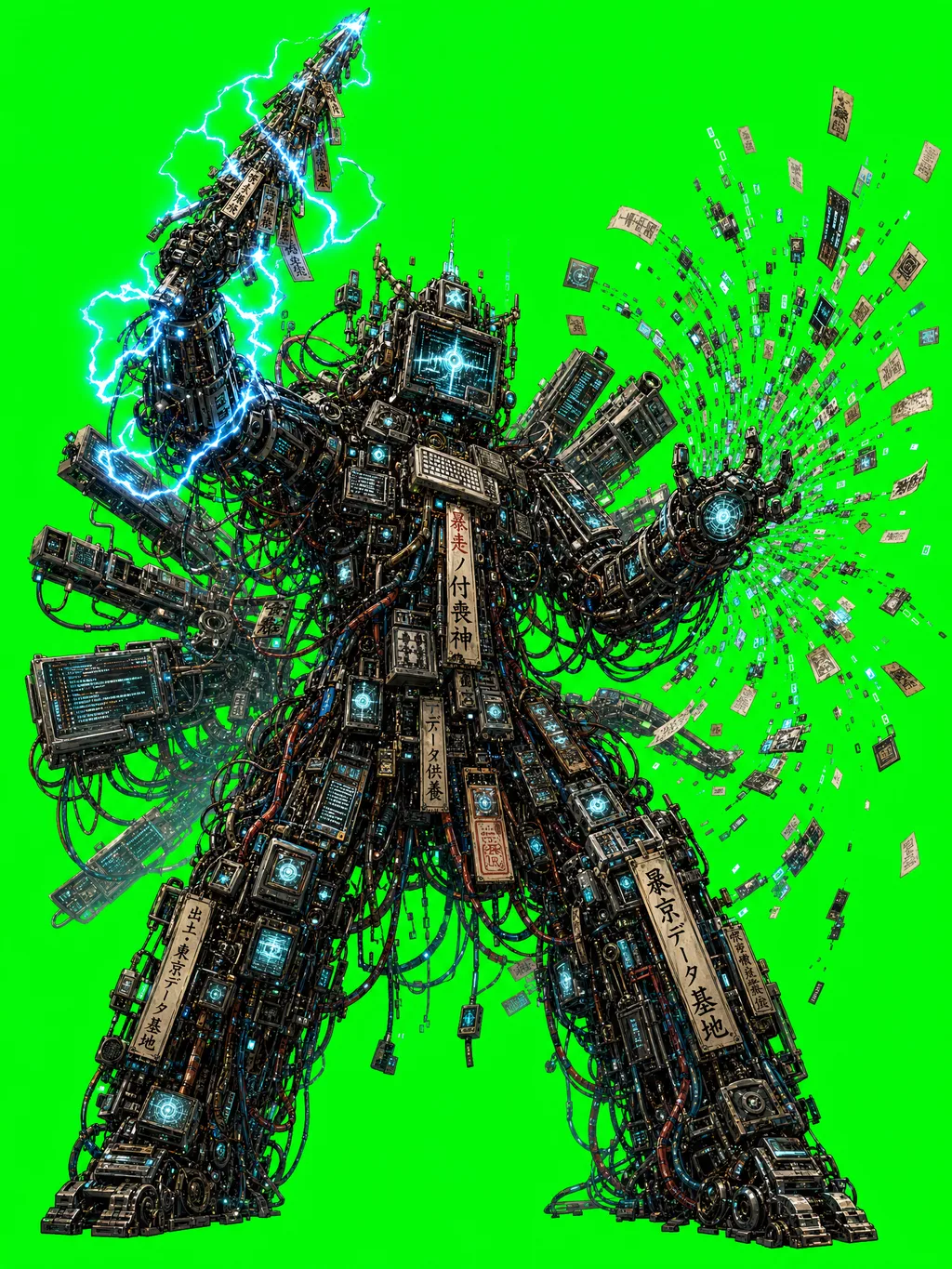
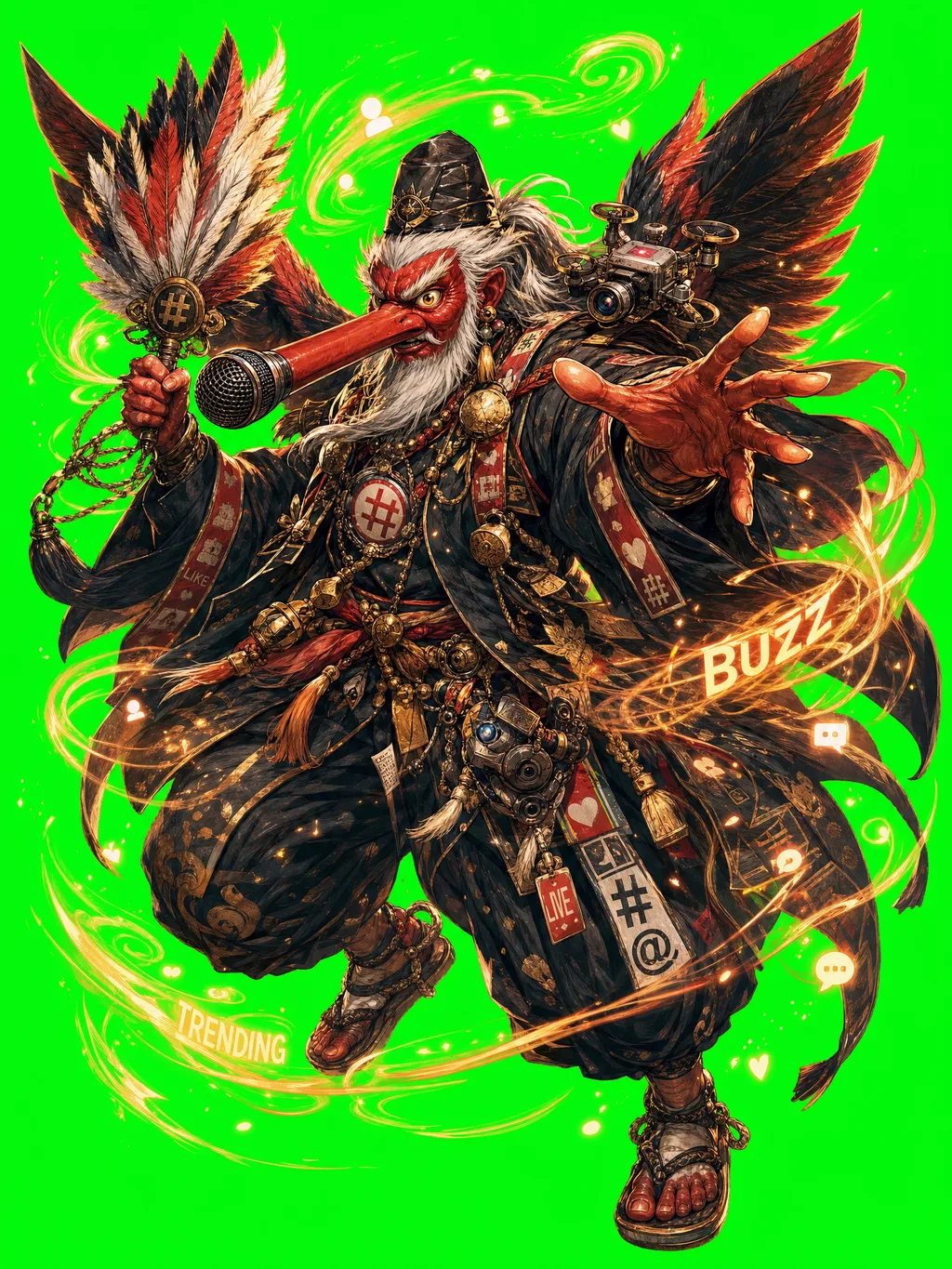
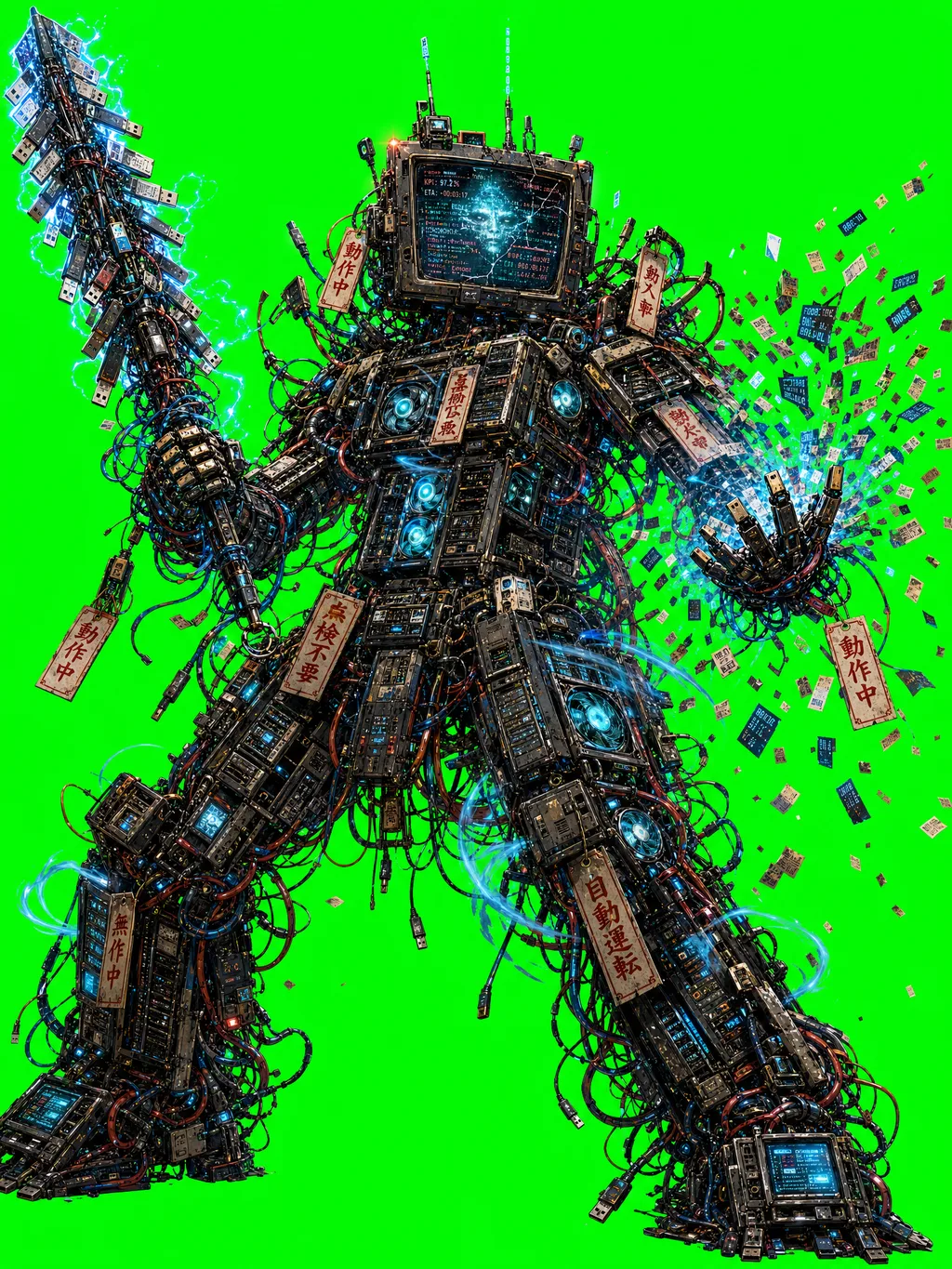
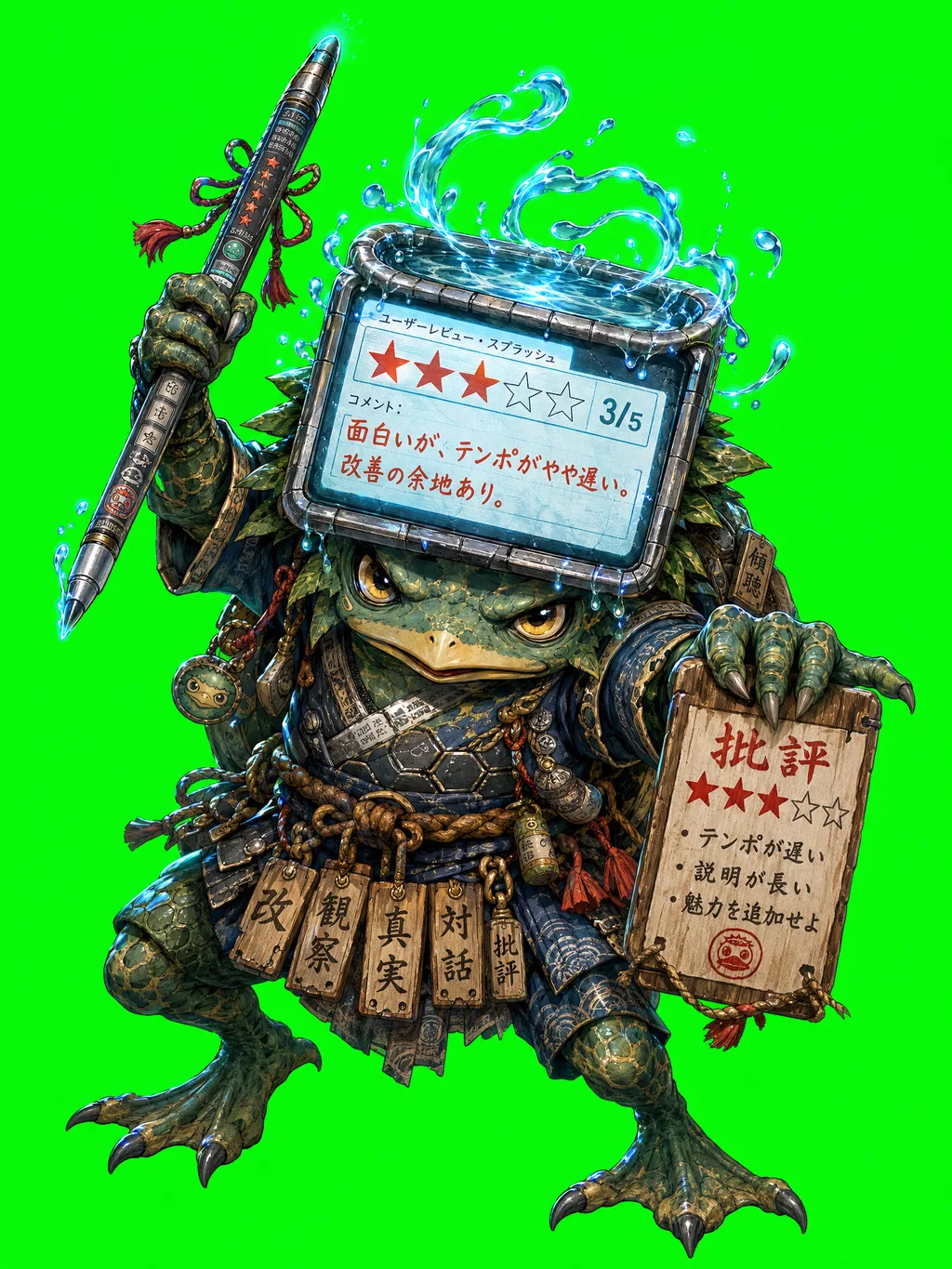
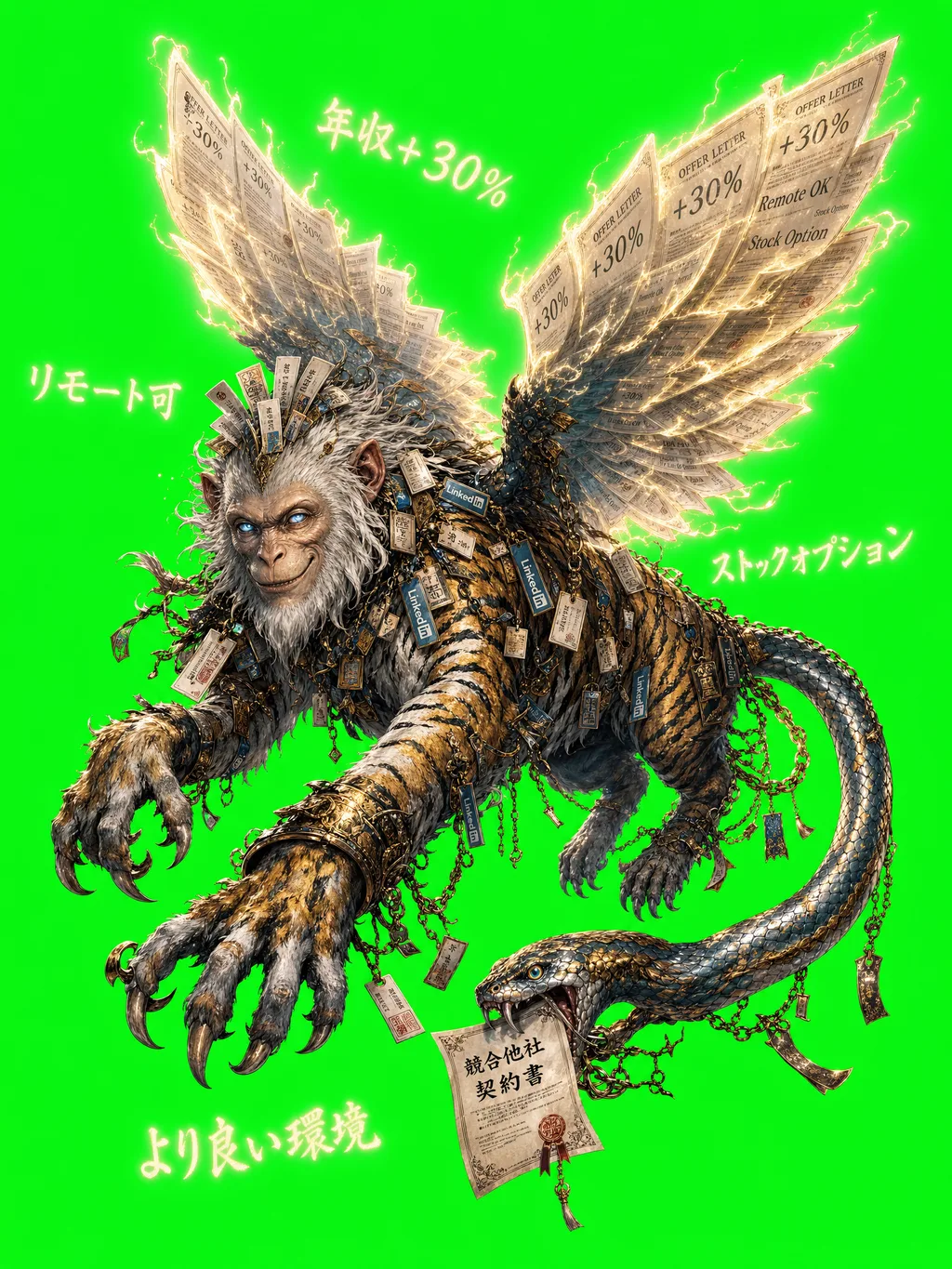
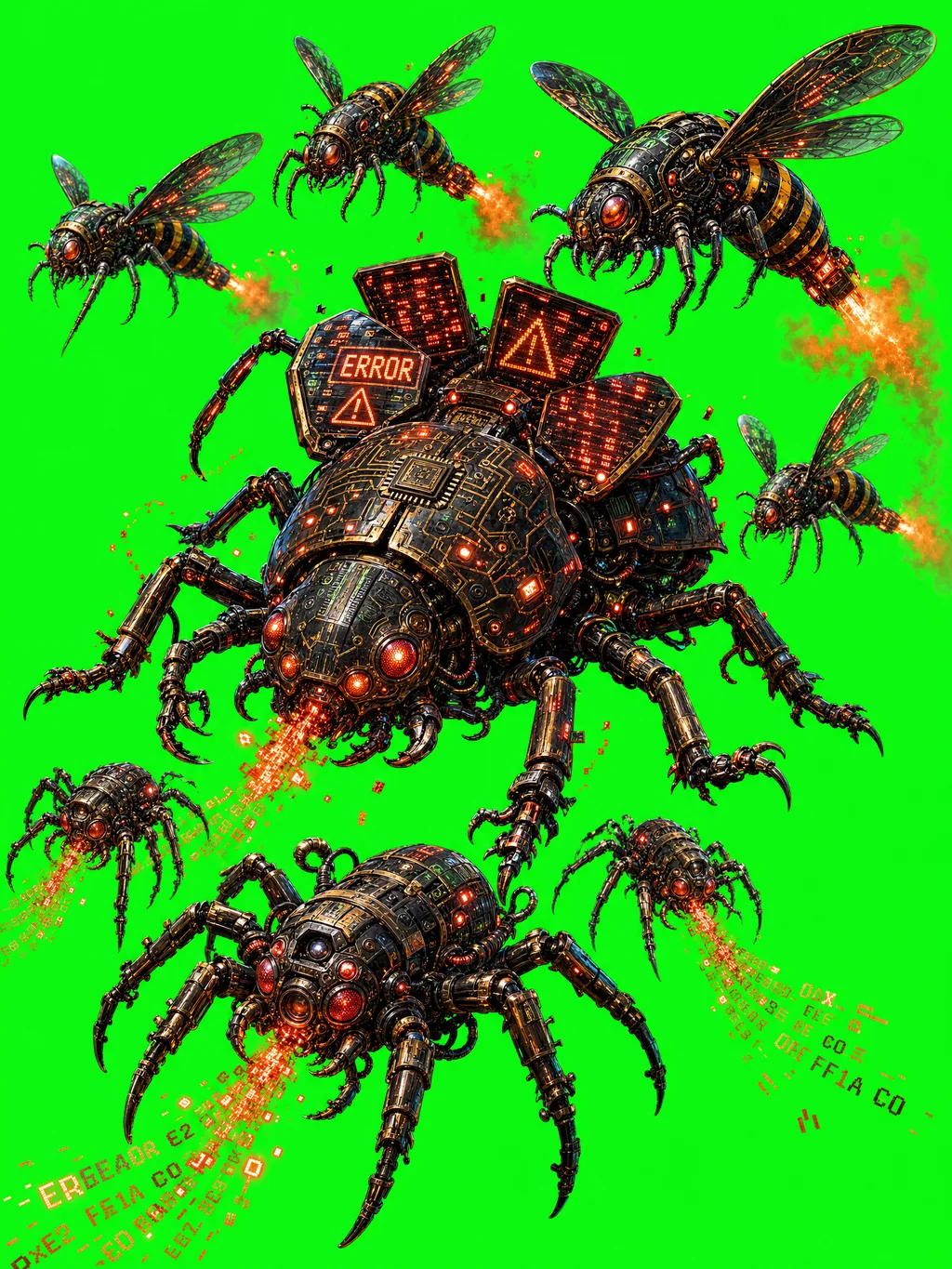
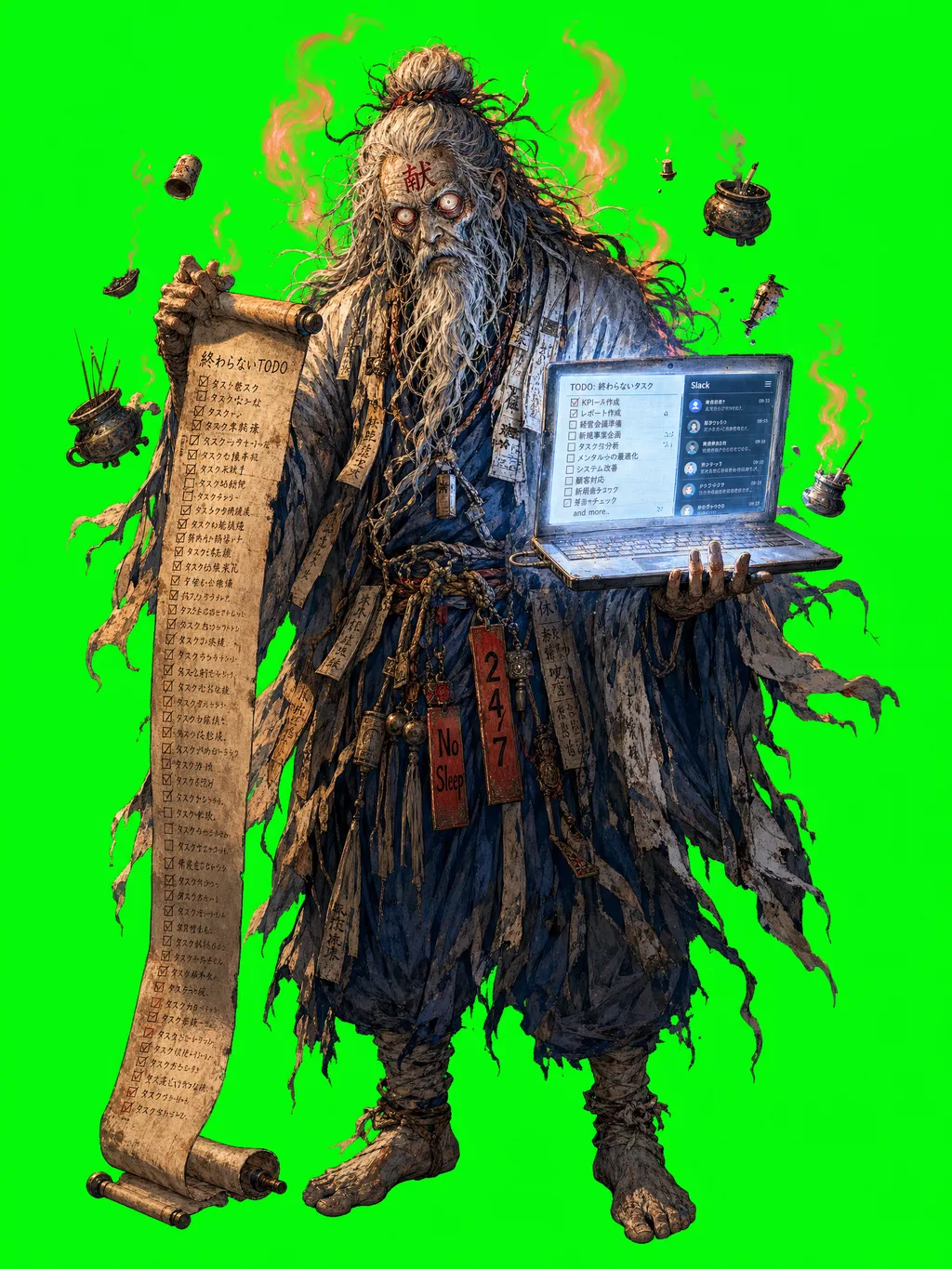
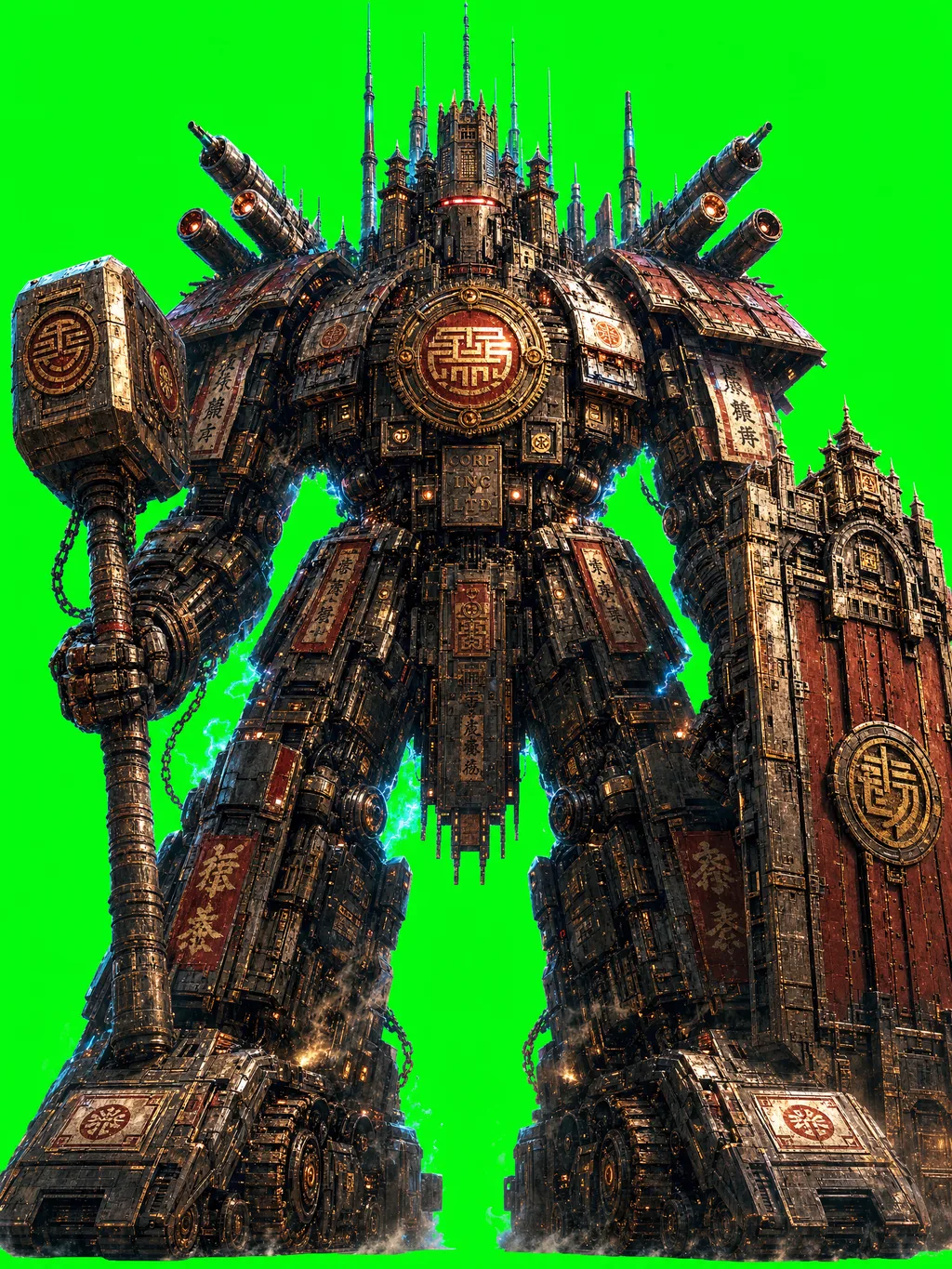
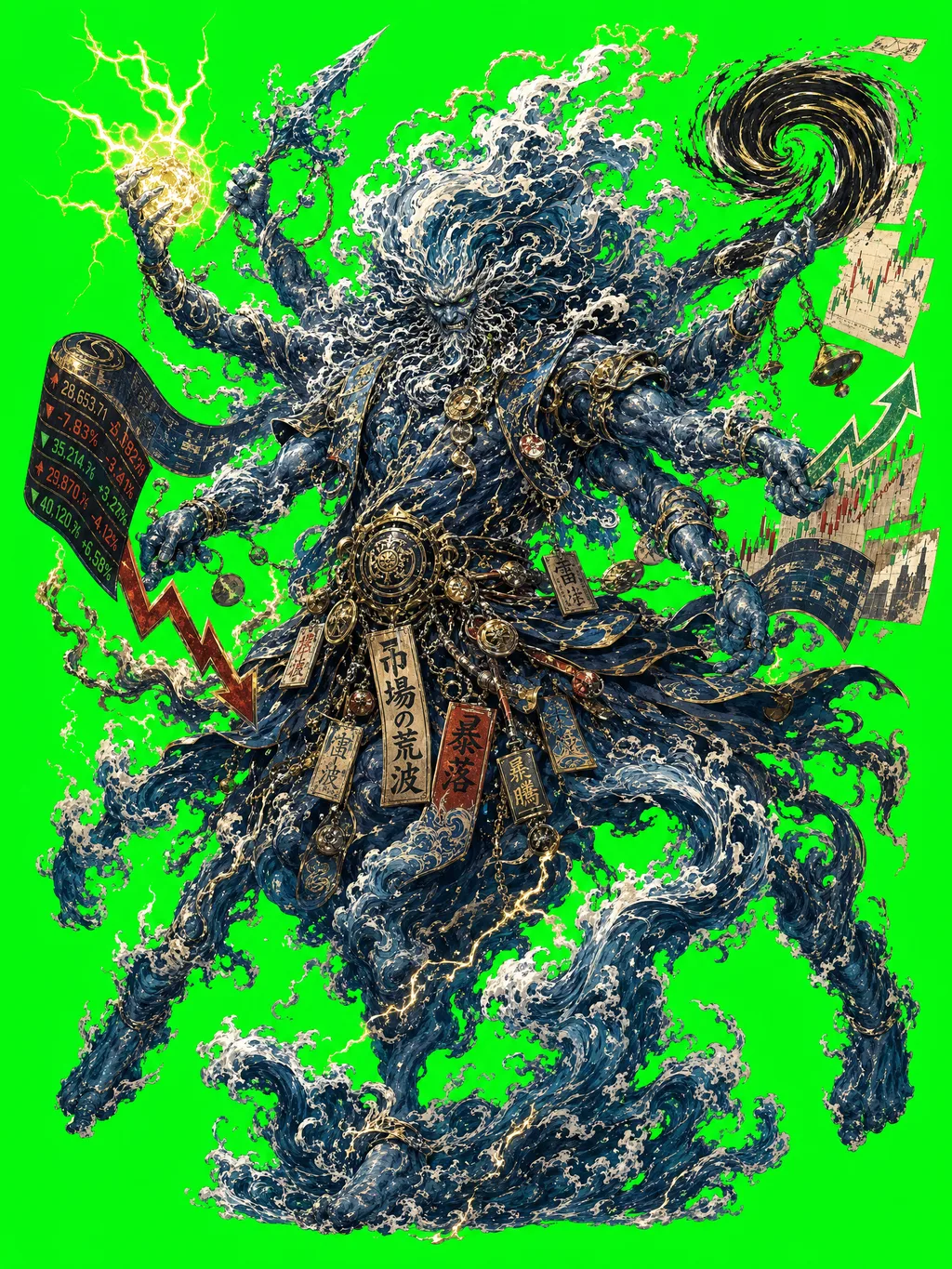
各素材はキービジュアルでの立ち位置・ポーズに合わせた個別生成。黒背景合成用。



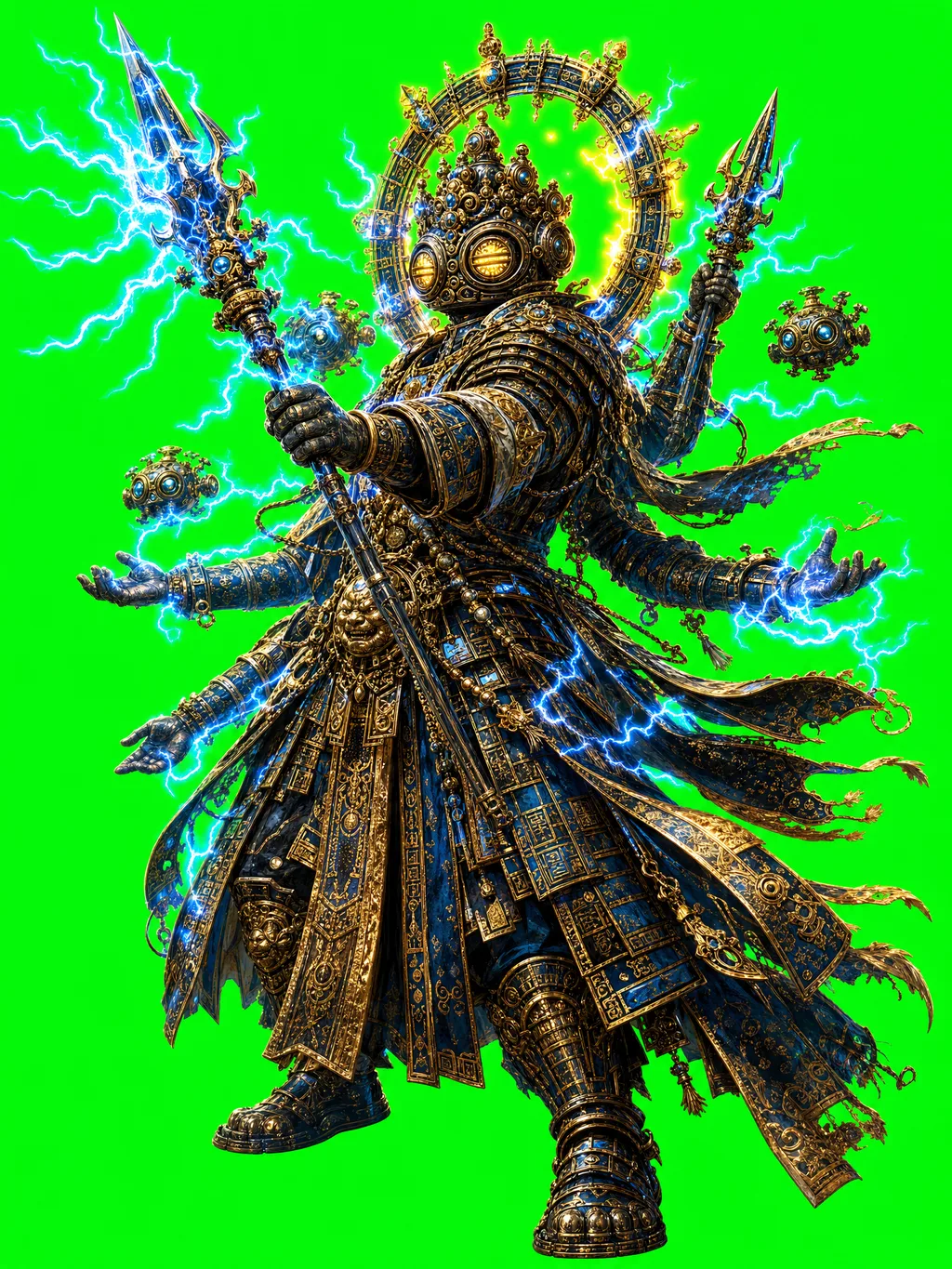
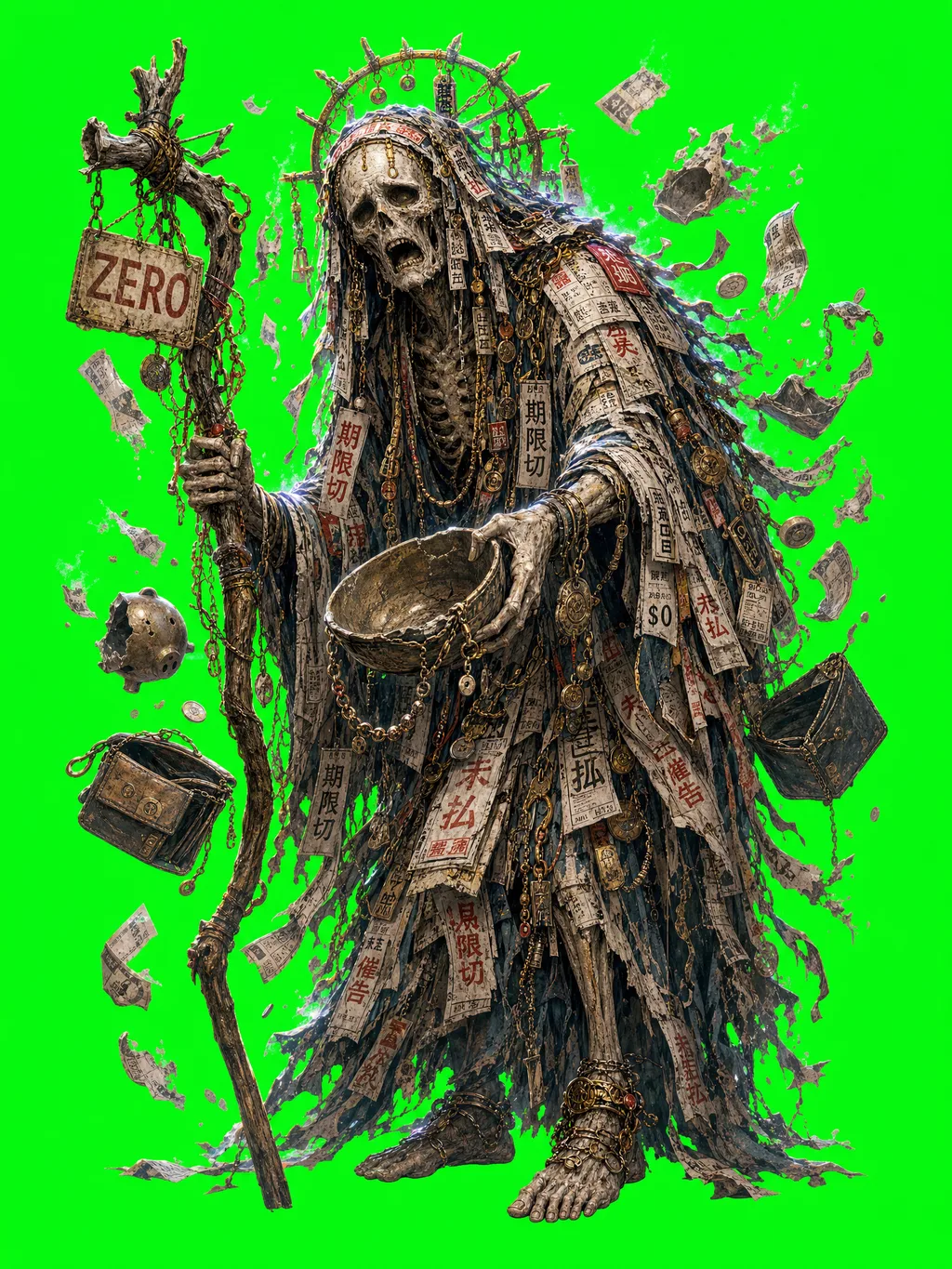
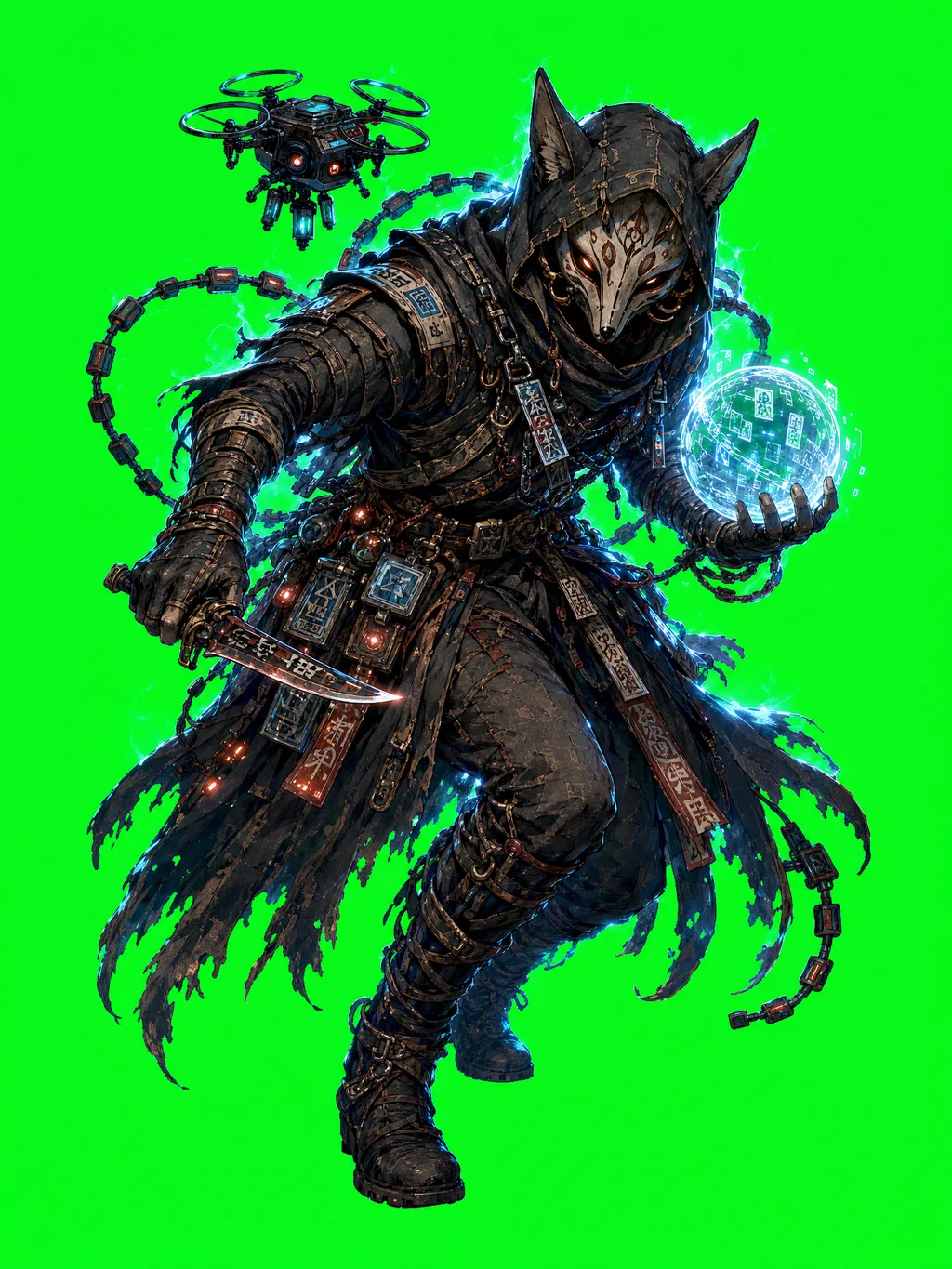
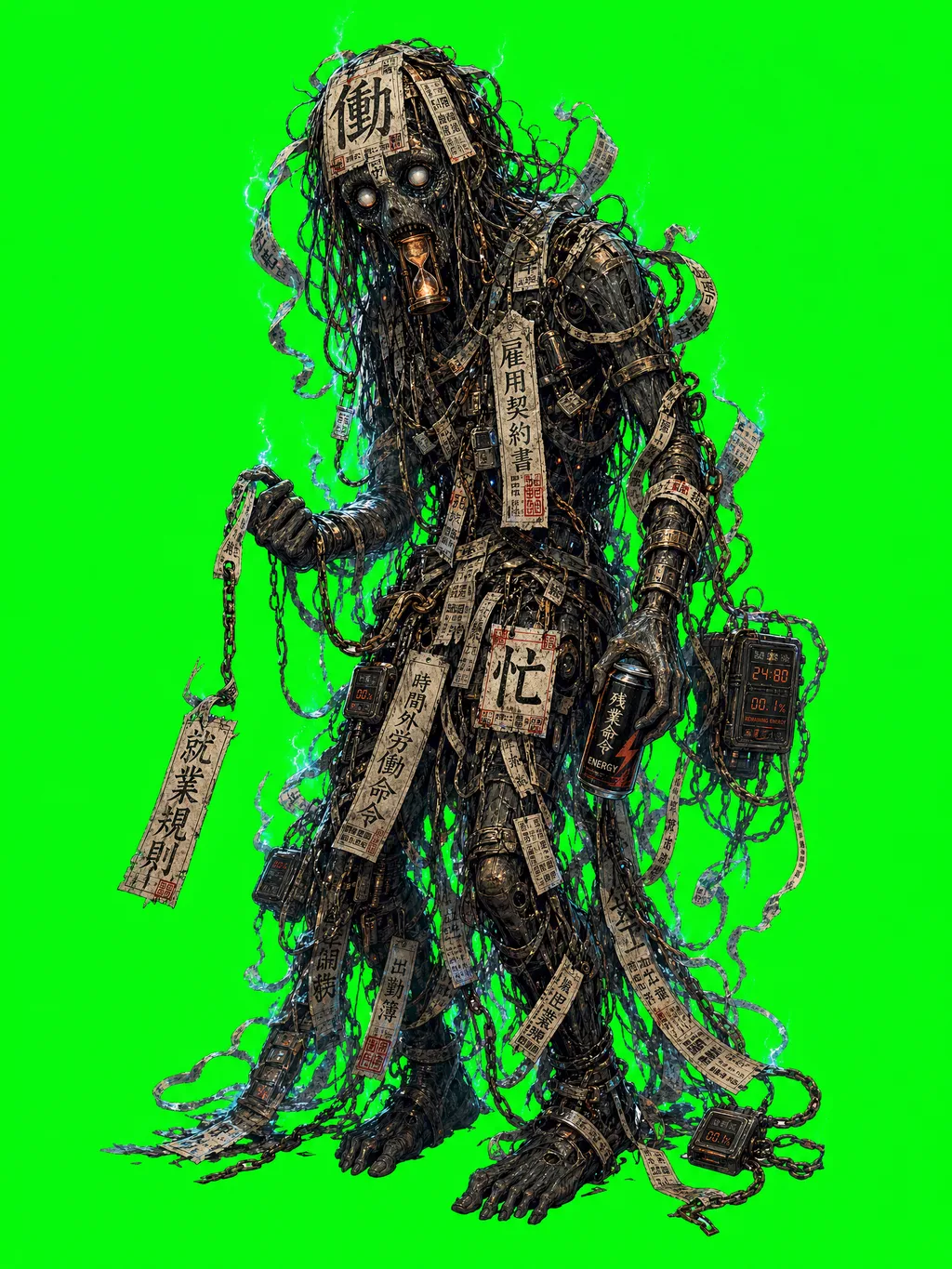




このページは完全 data-driven。site/lib/* のどれかを更新すると、ここの統計・プリセット・参照がすべて自動同期する。